
Canon Pixma printer
 DigitalBox
- Hardware
- August 18, 2025
Using an inkjet printer like the Canon Pixma is compatible with Haiku.
Let's review how to connect and do the setup of that kind of printer.
Setup
First you need to plug the printer via an USB cable to your Haiku machine.
Turn on the printer.
If you run the below command under a Terminal, you should see your printer model:
listusb
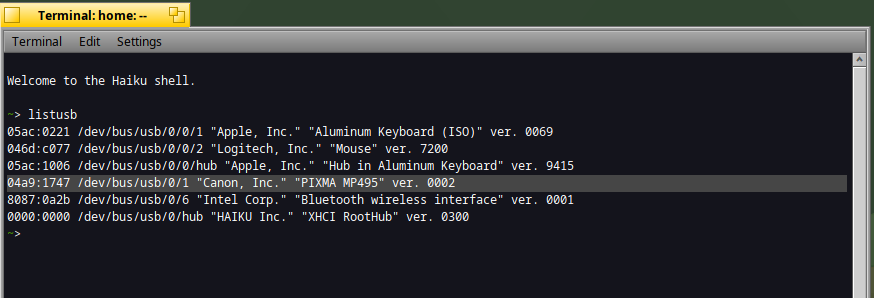
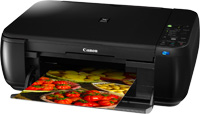
To showcase this article, we will use the Canon Pixma MP395:
Let's launch the Printers preference application:
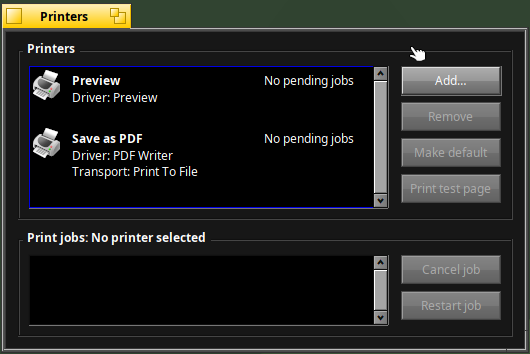
Click on the "Add" button to add a printer.
Enter the name of the print you would like to display on your system, then select "Printer type>Gutenprint" and then "Connected to>USB Port".
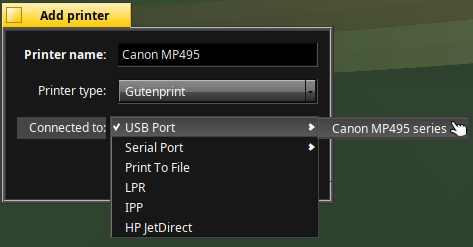
If everything is working fine, the name and model of your printer should be recognized automatically.
In my case it's correct : Canon MP495 series
The next screen will ask you to give the brand name and the model name.
I don't know why it can't be deduced from the previous step, so I have to indicate manually "Canon>Canon PIXMA MP495":
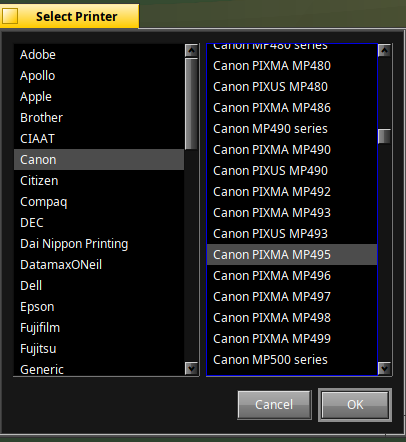
A filter to select the exact model would be more than welcome as the list is very huge:)
As you can see other printers brands are available, so in case you would like to test your model, you can give it a try:)
Validate with "Ok".
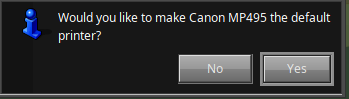
Confirm to have it as the default printer :
Now the new printer should appear in the list of printers:
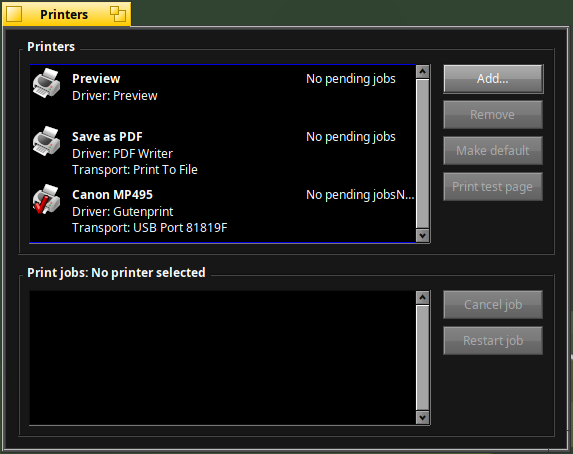
Select it and click on "Print test page":

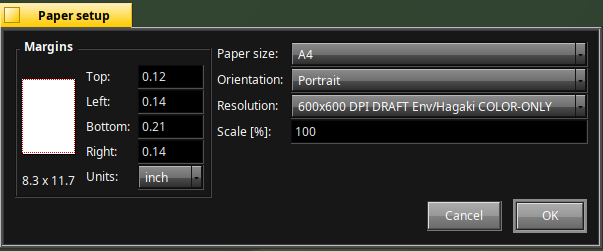
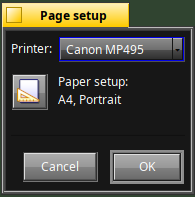
Then click on "Paper setup".
Select "A4" format and validate with "OK" :
Confirm with "OK" to print a test page:
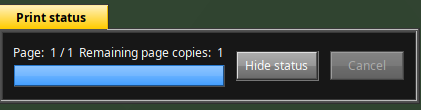
If everything is working fine, you should see the below "Print status" displayed:
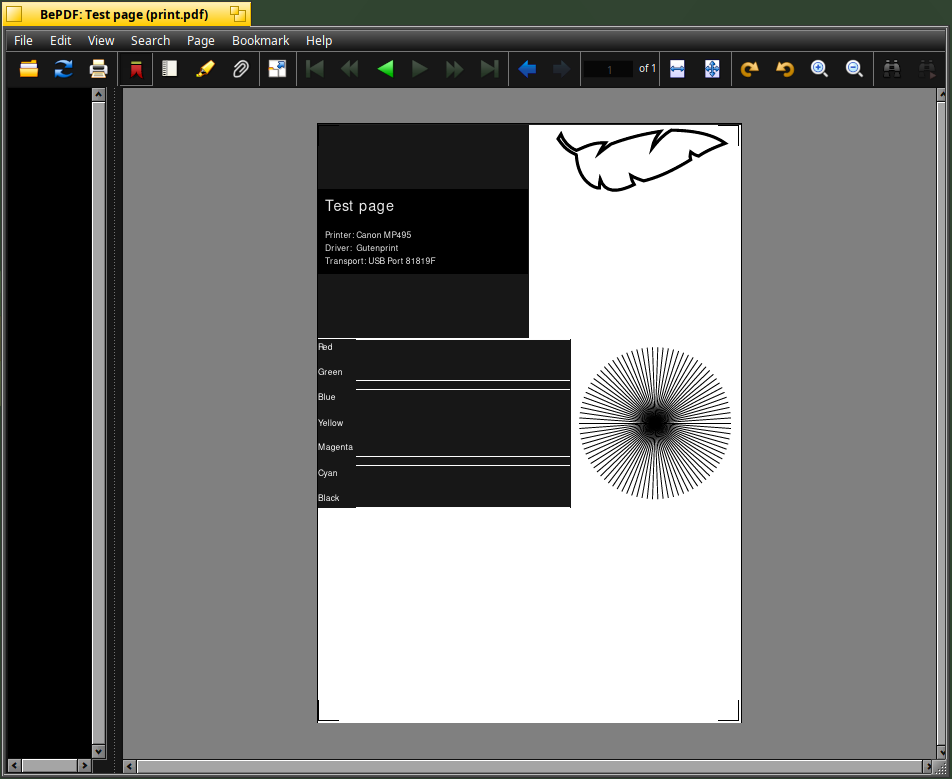
And the below test page should be printed on a paper (in color if your printer can, and not in black & white as below):
With my Pixma MP495, the below test page has been completed:
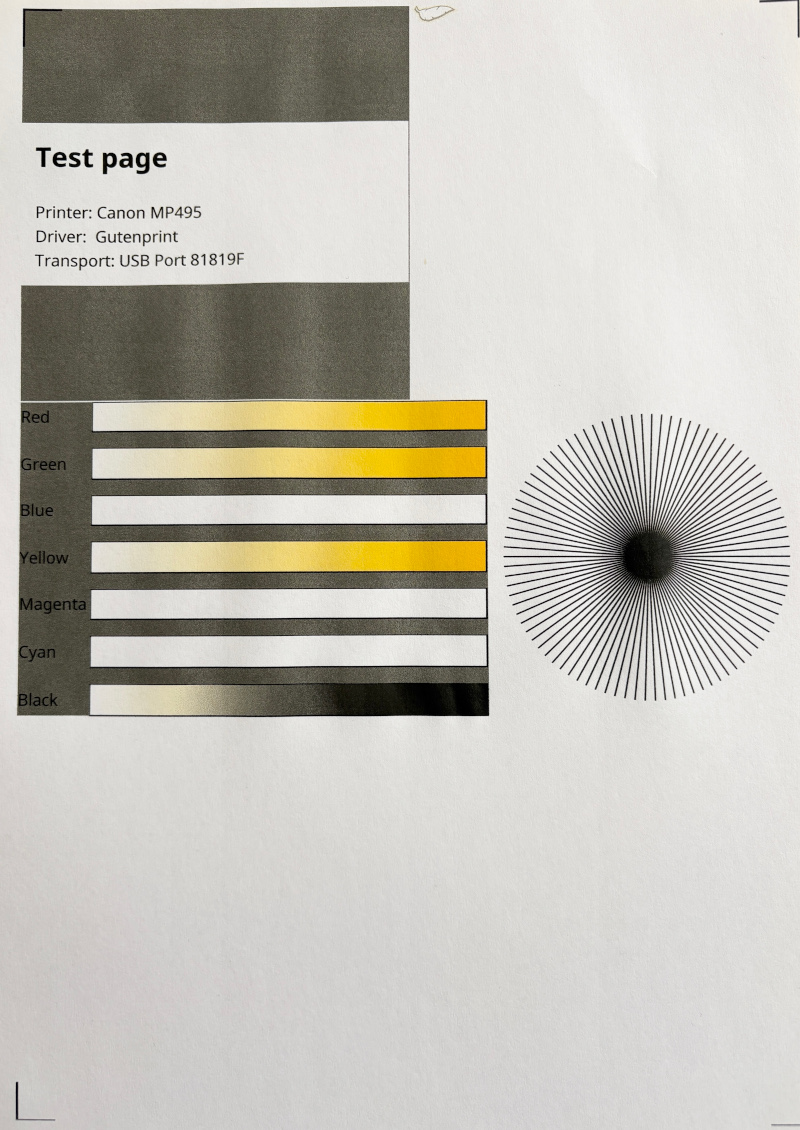
Please note I need to change my color cartridge, I think that's why the color section is a bit weird:)
Printing with native applications like BePDF is something "out of the box" however keep in mind than non-native applications - like LibreOffice - do not support printing feature.
A workaround for non-native applications is to export documents to PDF format, and then use a native application to print it:)