
Claude Code
 DigitalBox
- Dev
- November 2, 2026
Claude is the name of the LLM product from Anthropic.
Most of you already know LLM tools like ChatGPT or Gemini: Claude is just another LLM and can be accessed through the claude.ai website
Now what about Claude Code ?
Compared to Claude, Claude Code is an agent :
- It can access your local files (you need to confirm each time)
- It can execute commands
- It can chain multiple actions
The LLM topic is very sensitive in the Haiku community, so I will not discuss whether it's a good thing or a bad thing. Instead I will detail how to install it, and how it can be useful to study existing codebases.
Please note that two years ago, 3dEyes used AI tools to create Haiku screen savers with no human-written code.
You can check the various examples here: https://github.com/threedeyes/screensavers.ai
More recently Witold Bold has made an experiment to produce an ARM64 version of Haiku for the Raspberry Pi board with Claude agent. More details can be found here : https://github.com/haiku-pi/haiku-rpi
Installation
To install Claude Code, you first need to install NodeJS and NPM.
In a Terminal type :
pkgman install nodejs20
pkgman install npm
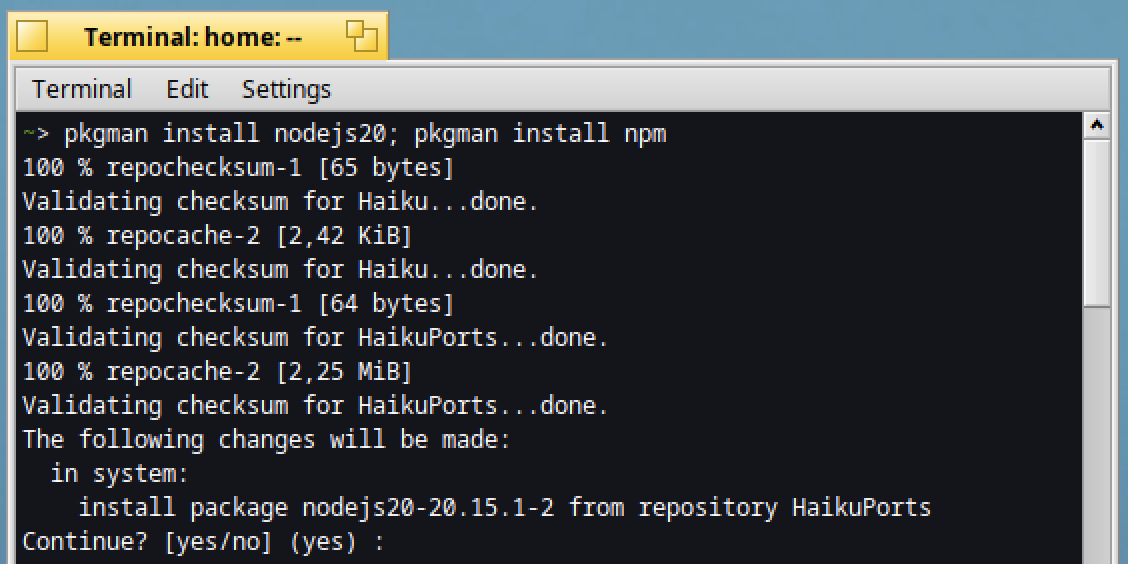
Then configure NPM in order to use a custom directory :
mkdir -p ~/.npm-global
npm config set prefix ~/.npm-global
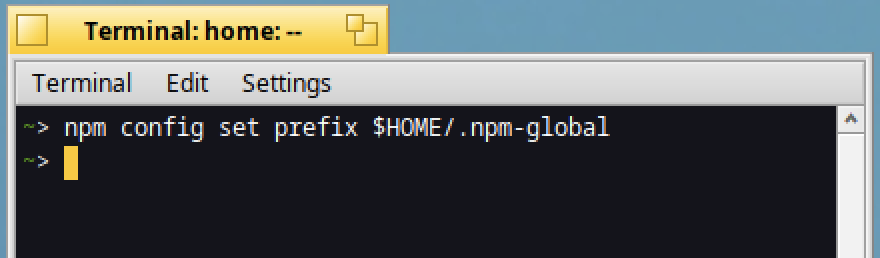
Edit the system profile in order to add the "bin" directory
lpe /boot/system/settings/etc/profile
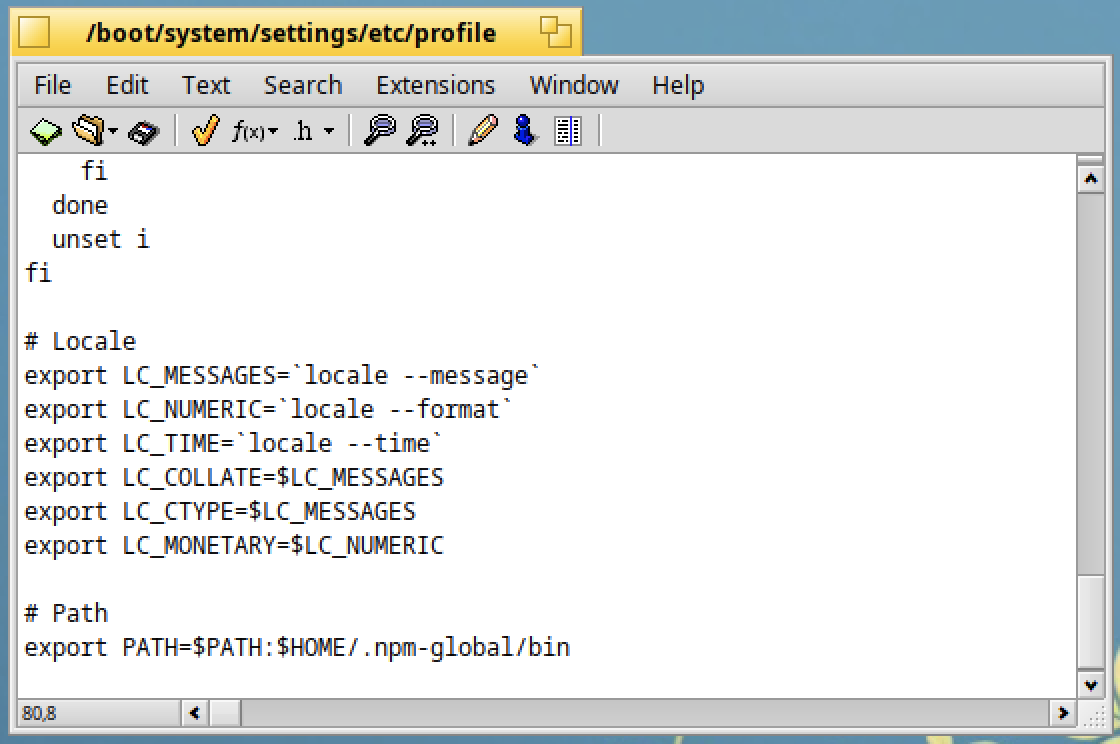
The line to add is :
export PATH=$PATH:$HOME/.npm-global/bin
The next time your system starts, you can verify the PATH is correct:
echo $PATH
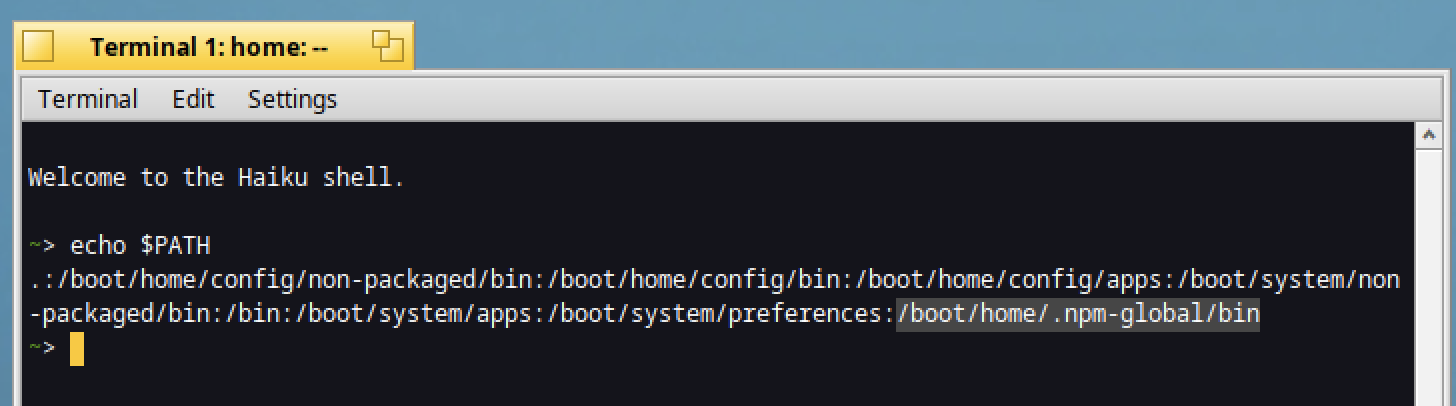
Now we will install Claude Code!
But before, in order to avoid any auto update, type the below command in the Terminal:
export DISABLE_AUTOUPDATER=1
You can also add this command at the end of the system profile file:
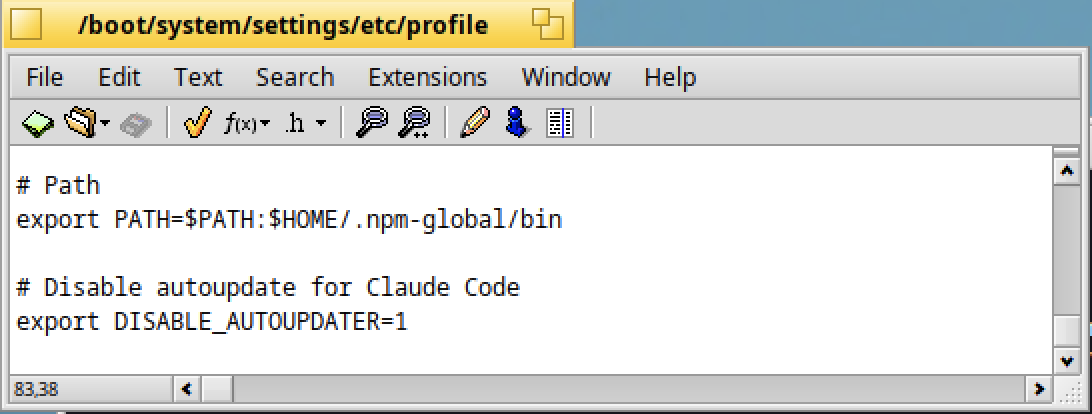
Indeed Claude Code is not officially supported on Haiku, so we will need to install a specific version and it must not be updated.
In the Terminal type:
npm install -g @anthropic-ai/claude-code@2.1.112

Everything is now ready!
First Launch
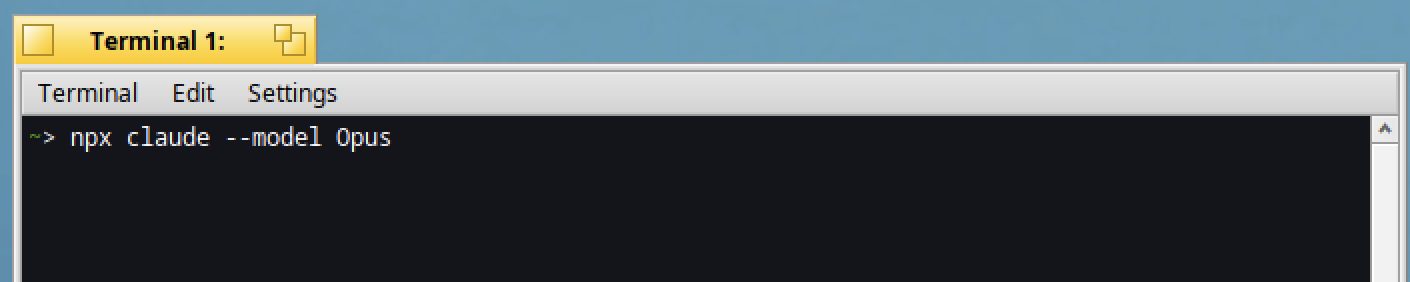
We will launch Claude Code with the "Opus" model.
In a Terminal type:
npx claude code --model Opus
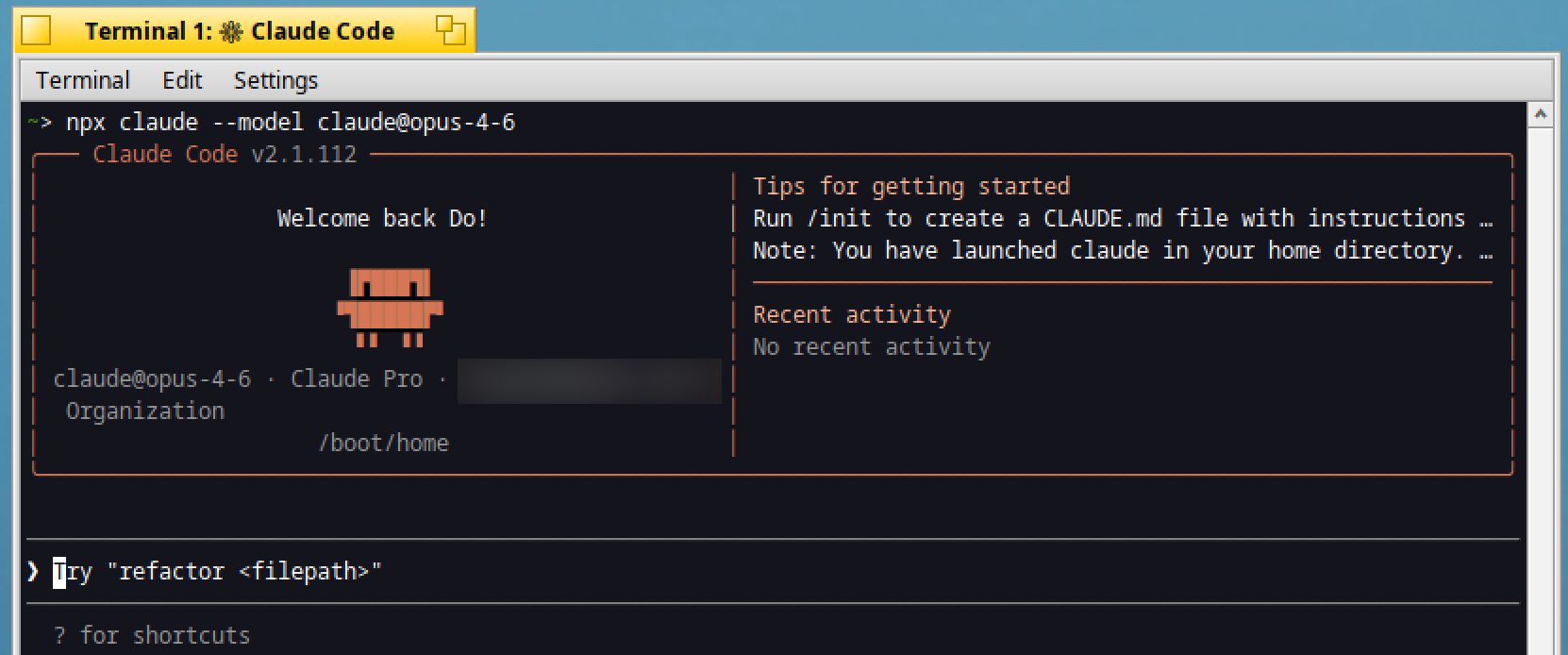
The Claude website is free to use, however Claude Code does require a paid plan, so at some point you will need to login with your Claude account.
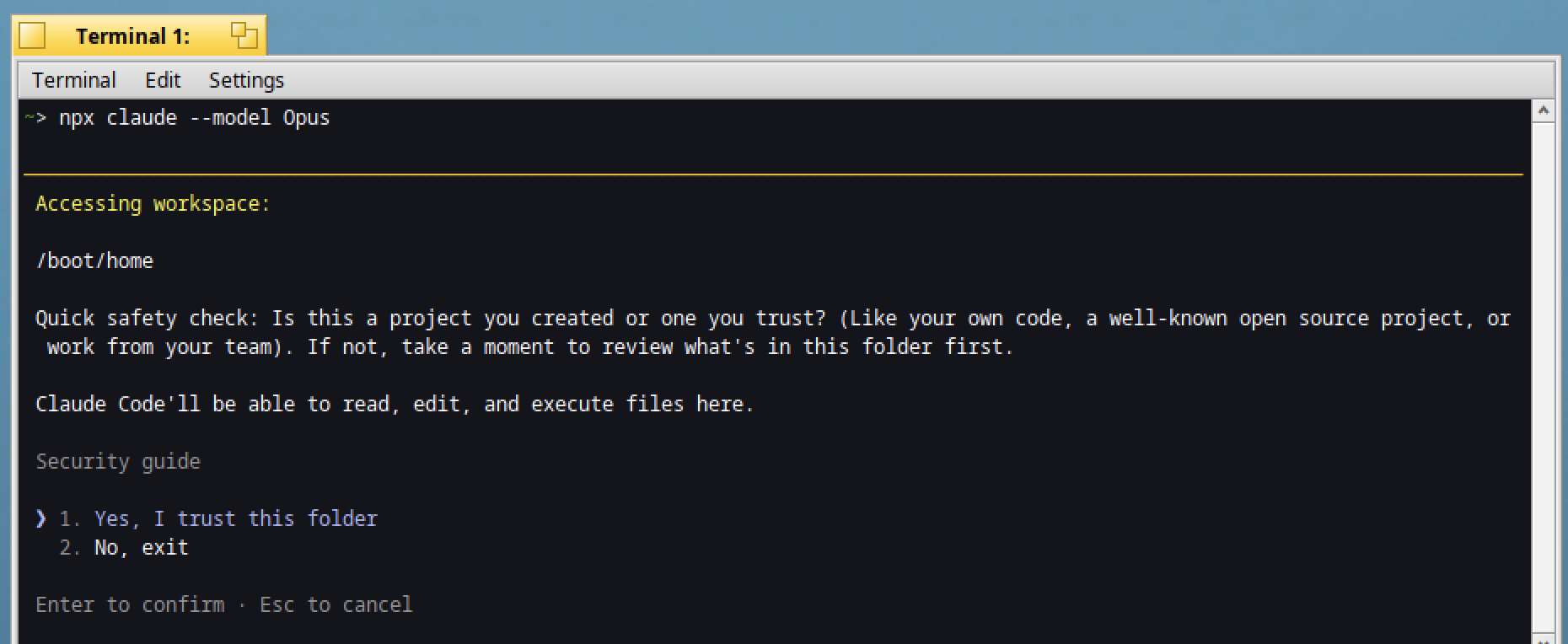
Next, confirm to trust the current folder:
Now, let's work with Claude Code!
Icon-O-Matic showcase
What about asking to analyze the source code of Icon-O-Matic, and ask suggestions about what could be improved ?
In your prompt, indicate where the source code is (/boot/home/Documents/C/haiku/src/apps/icon-o-matic) :
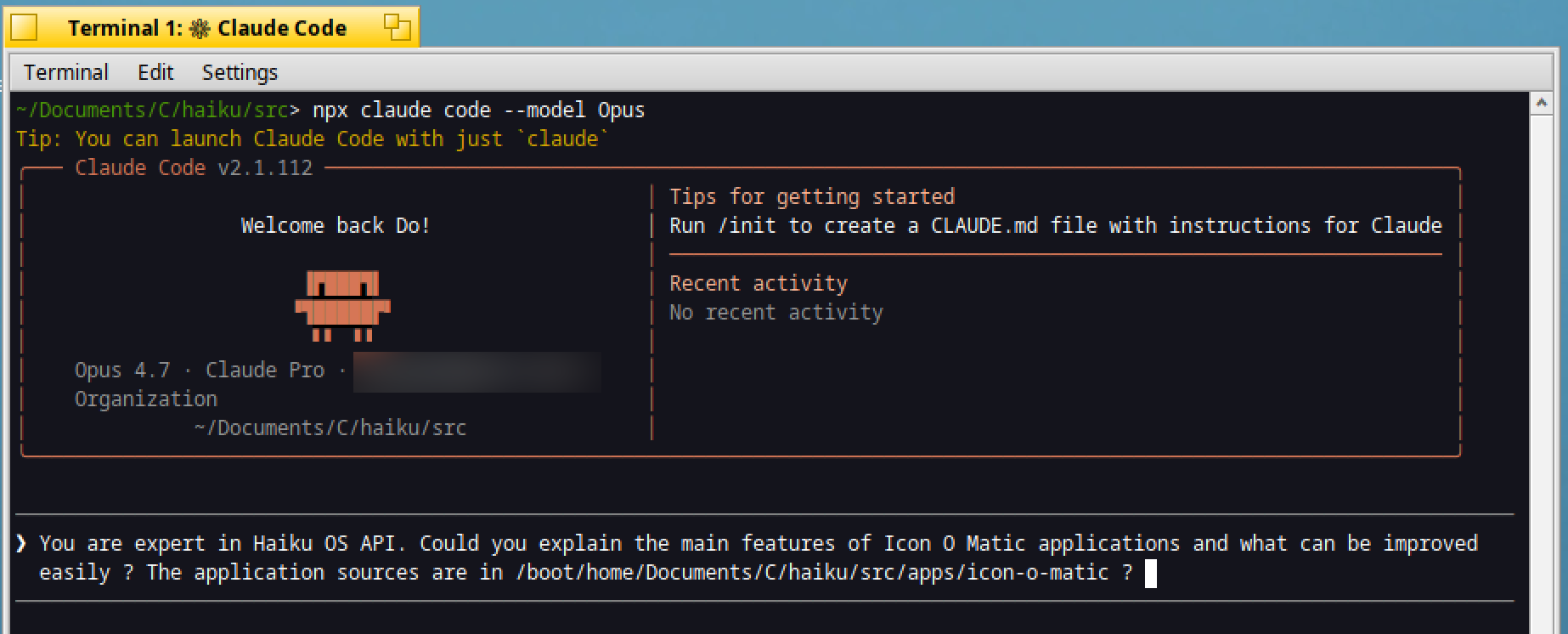
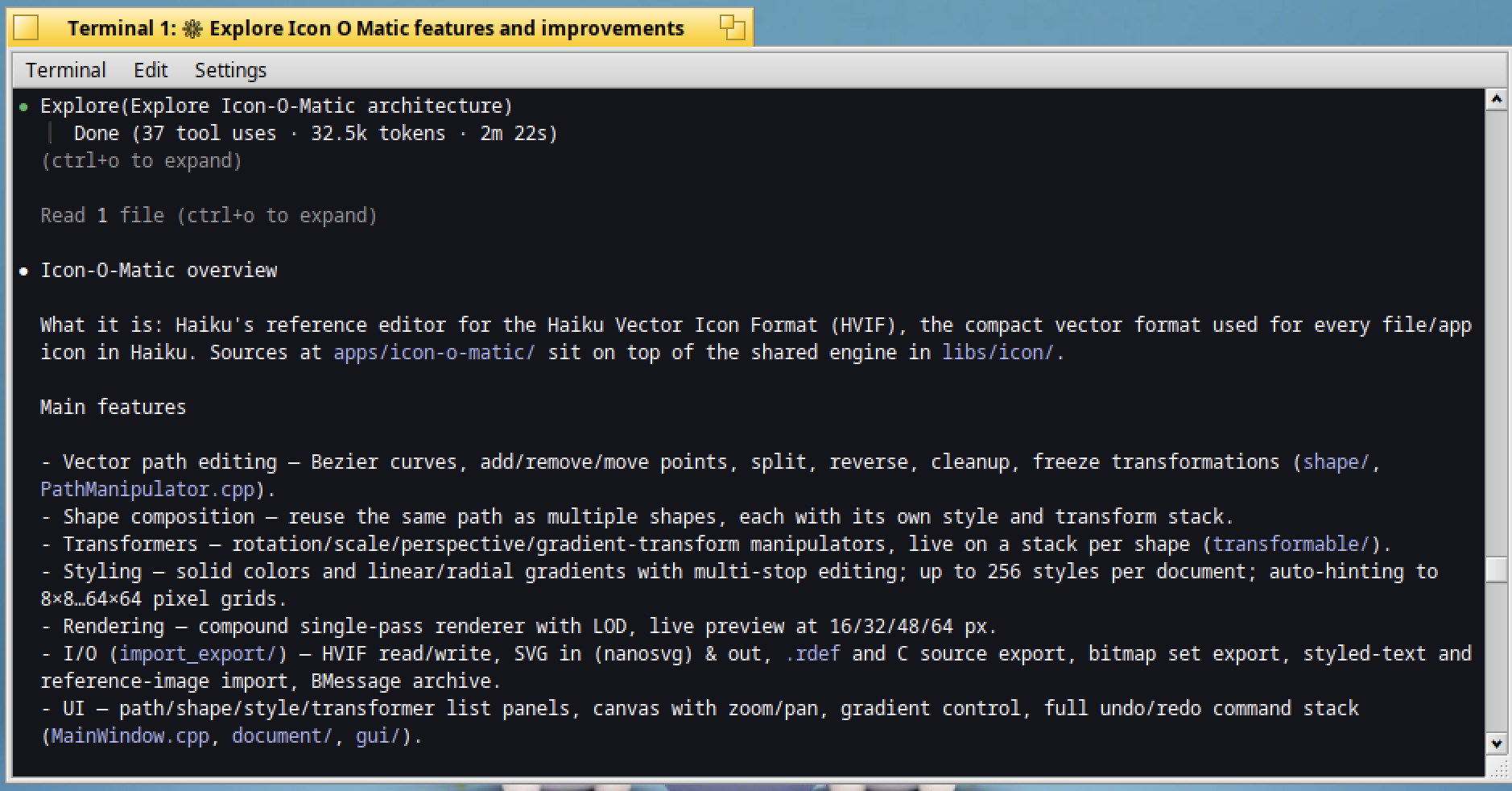
Claude Code will then take a few minutes to analyze the folder and deduce the main features as below:
Just after, as requested, some suggestions of improvements will appear:
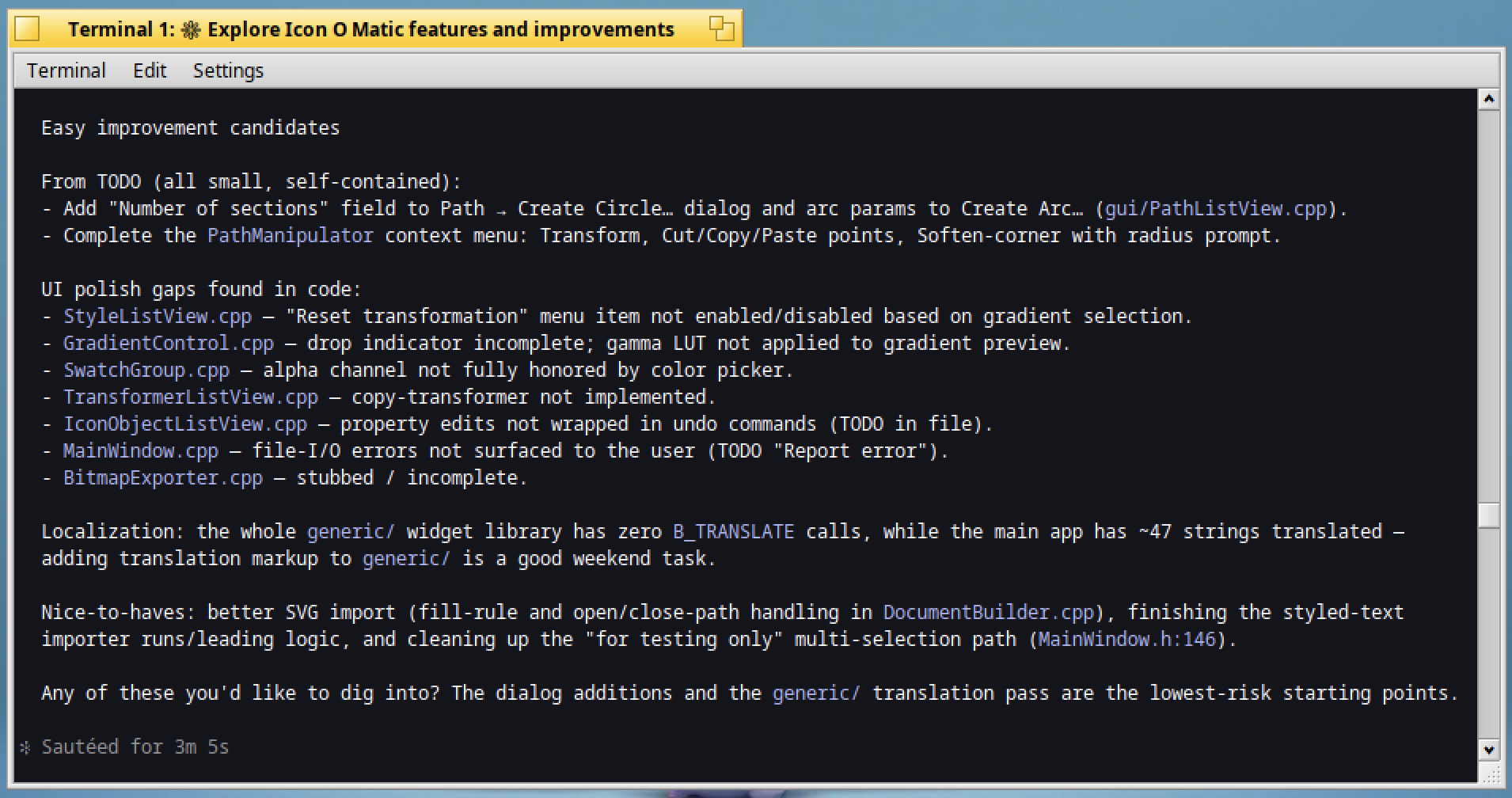
As shown above, Claude Code can be a genuinely useful companion when exploring an unfamiliar codebase, quickly identifying key features and suggesting improvements you might have missed.
Other use cases
Beyond exploring a codebase, Claude Code can help in other situations:
- Hunting for bugs: you can point it at a specific file or folder and ask it to look for potential issues (memory leaks, unchecked return values, missing delete calls, etc.). It won’t catch everything and it can report false positives, so treat its findings as leads to investigate, not as verdicts.
- Building throwaway proofs of concept (POCs): before investing hours in a feature, you can ask Claude Code to quickly sketch a disposable prototype to check whether an idea is feasible (for example, whether a given API behaves the way you expect on Haiku). This code is meant to be thrown away: its goal is to answer “is it doable?”, not to be committed anywhere.
And with an LLM like Claude I found the following use very helpful:
- Making sense of a crash trace: when a program crashes, you often end up with a long stack trace or a crash report full of addresses, symbol names and thread dumps. You can paste it into an LLM (a regular chat works fine for this) and ask it to explain what happened: which function is involved, what the probable cause is, and where to look first. It is especially handy when the trace is long or the code is unfamiliar. As with bug hunting, treat the answer as a lead rather than a verdict: it can misread a trace, so confirm the diagnosis in the code.
In these cases, the value lies in speed: you get an answer or a lead in minutes, and you remain the one who decides what to do with it.
Final word
An LLM can make mistakes. Always review and understand its output rather than accepting it blindly — don't hesitate to adjust it, and keep a critical eye on the result.
Regarding Haiku and LLM: Haiku's core project does not accept AI-generated contributions (code, docs, translations). The main reason isn't just principle — it's licensing: LLM output is treated as "tainted," since there's no way to verify its training data didn't include incompatible-license code. Haiku requires clean, unambiguous licensing (MIT-preferred), which AI-generated code currently can't guarantee.
Used carefully and within these limits, Claude Code can still be a useful addition to your toolbox when learning your way around Haiku's source or other resources in the Haiku ecosystem.