
Firefox native version
 DigitalBox
- Native
- October 5, 2026
Firefox has been available on Haiku since July, but it has always felt a bit like a guest: a port running through a GTK3 + Wayland layer, with its own look, its own dialogs and its own habits.
That is about to change.
Firefox 157.0 has just been published, and with it comes a real native Haiku user interface. The result is a browser that finally looks and behaves like it belongs on the desktop.
Let's take a look at what this native port brings.
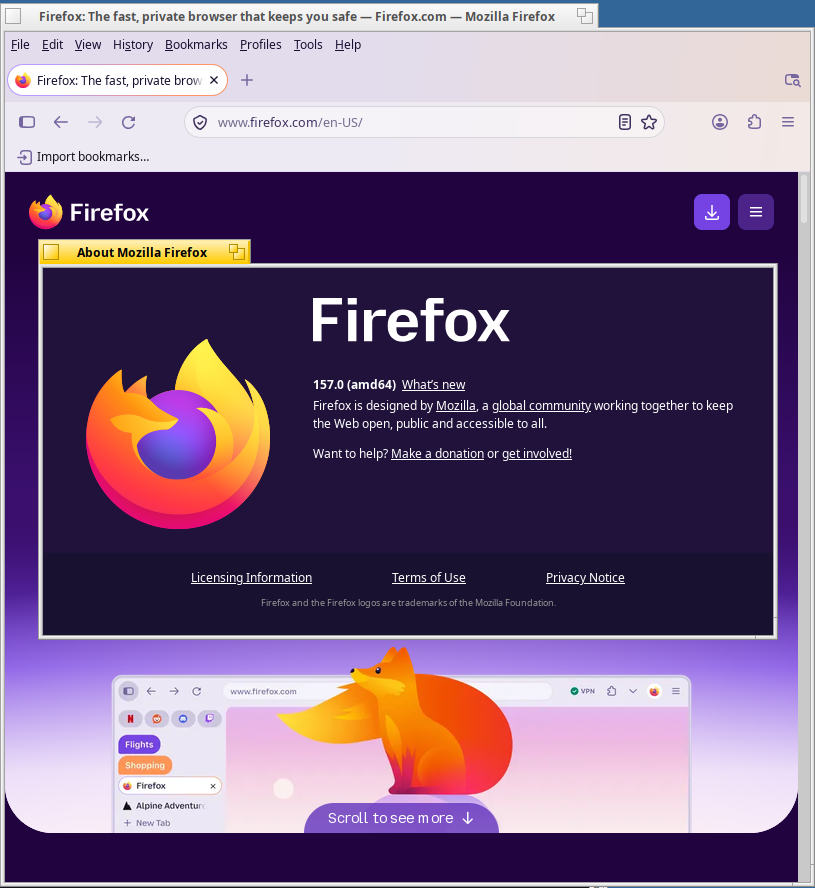
What is the native port?
The new port adds a native backend built on Haiku's own APIs.
This native version available on HaikuDepot has been done by 3dEyes. 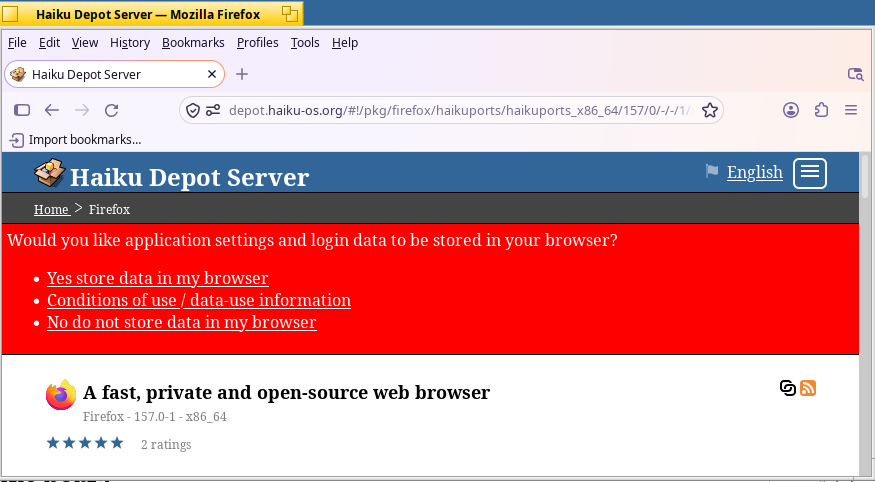
Firefox now uses native windows with double-buffered software rendering via Skia.
But it goes further than just drawing pixels:
- UI colors and fonts follow your Appearance preferences
- Dark and light themes switch dynamically, with no restart needed
- Native HVIF icons are available through the `moz-icon:` protocol
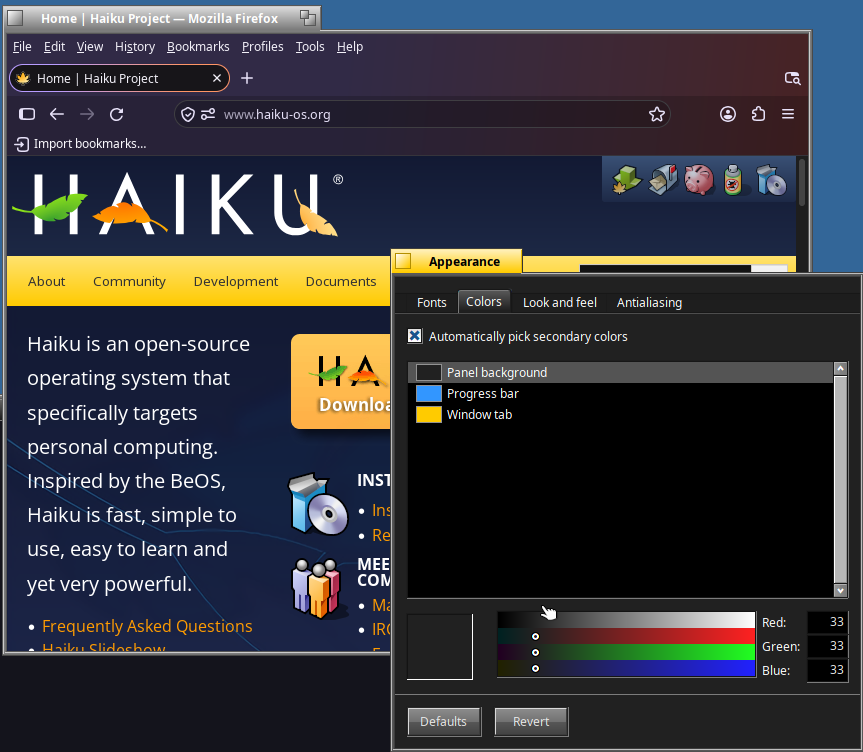
Change your system colors, and Firefox follows. That is exactly how a native application is supposed to behave.
Talking to the system
This is where the port really starts to feel like a Haiku application. Firefox now uses the system's own services:
- Native file dialogs through `BFilePanel`
- System clipboard integration
- System notifications through `BNotification`
- Custom and system cursors
- IME support for text input
IME support means that users of Chinese, Japanese, Korean and other languages requiring input methods can type naturally in Firefox, using Haiku's own input method system.
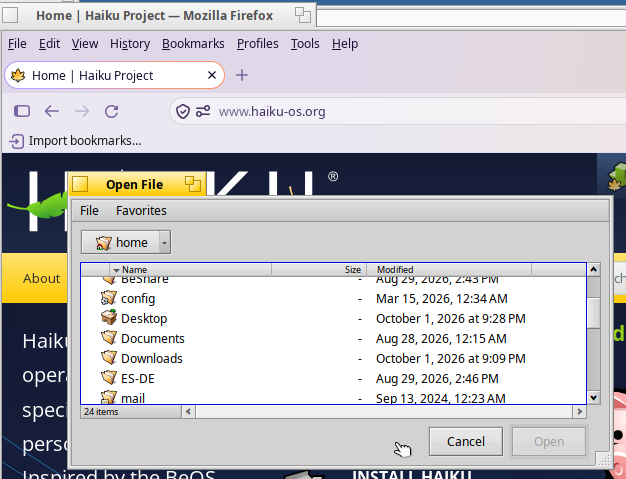
BFilePanel support
You can even set Firefox as your default browser directly from its settings, and set the system wallpaper from a web image.
Drag and drop works for files, text, images and bookmarks, which makes Firefox a much better citizen alongside Tracker and the rest of your applications.
Games and graphics
The port also opens the door to richer web content:
- WebGL context provider through `BGLView`
- Mouse pointer-lock mode
- Gamepad support through `BJoystick`
Pointer-lock and gamepad support are the kind of features that make browser games actually playable.
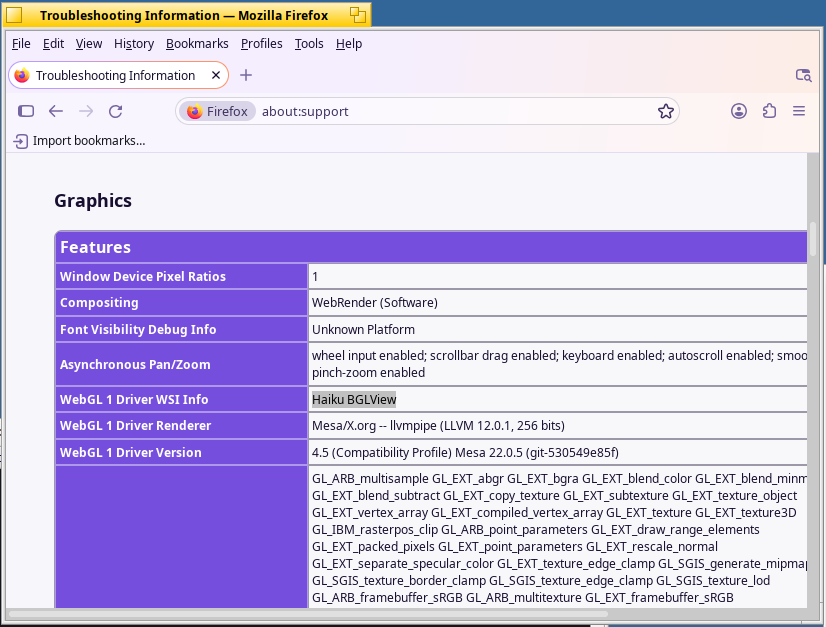
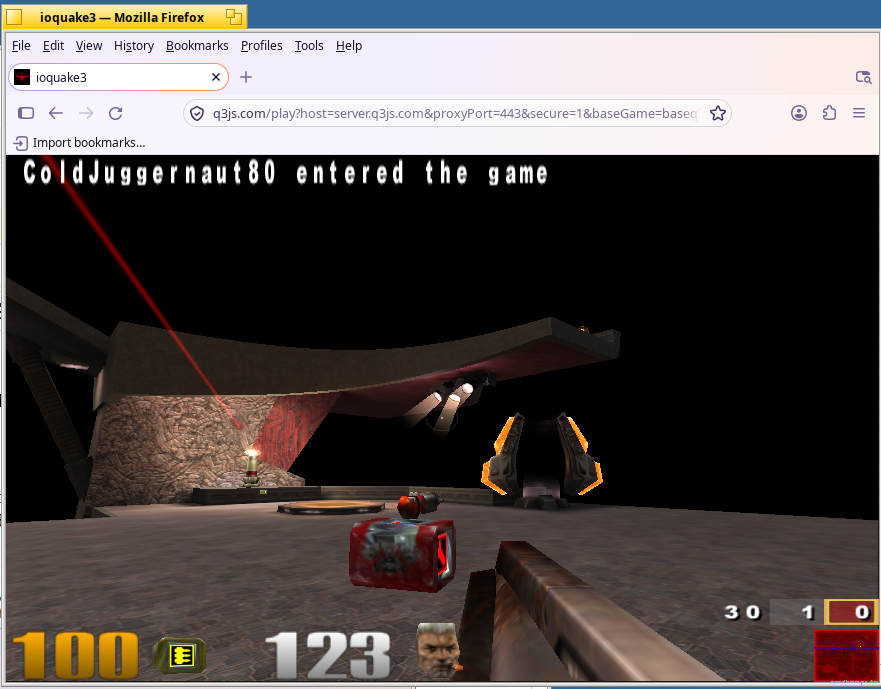
Quake3 JS game
A word of caution for NVIDIA / Nebula users
If you have installed the experimental Nebula driver from X512, please avoid WebGL for now. It can freeze the system or even cause a KDL.
To stay safe, open `about:config` on first run and set "webgl.disabled = true"
What's still missing
This is a milestone, not the finish line.
A few things are still on the list:
- File filters in BFilePanel: for now, the file panel shows all files without filtering by MIME type
- Full compositor support via `BGLView`
What's next?
According to 3DEyes, the next step is to port these changes to other forks, such as Iceweasel and LibreWolf, so that more flavors of Firefox can benefit from the native UI.
Conclusion
The native Firefox port is a huge step forward for web browsing on Haiku.
Instead of a foreign application wearing a Haiku coat, we now get a browser that follows your theme, uses your file panel, sends proper notifications and plays nicely with the rest of the system.
If you want to try it, give it a spin, report what works and what does not, and help the project move forward.
Have you already tried the native Firefox?
Feel free to share your experience in the comments below!