
Irrlicht 3D engine
 DigitalBox
- Dev
- June 15, 2026
If you would like to experiment with 3D programming, what about trying Irrlicht 3D engine ?
This SDK let you use high level 3D functionalities, so the code required to create 3D programs should be limited :)
Installation
Go to the official sourceforge website : https://irrlicht.sourceforge.io
Download the 1.8.5 source code archive in order to retrieve the examples :
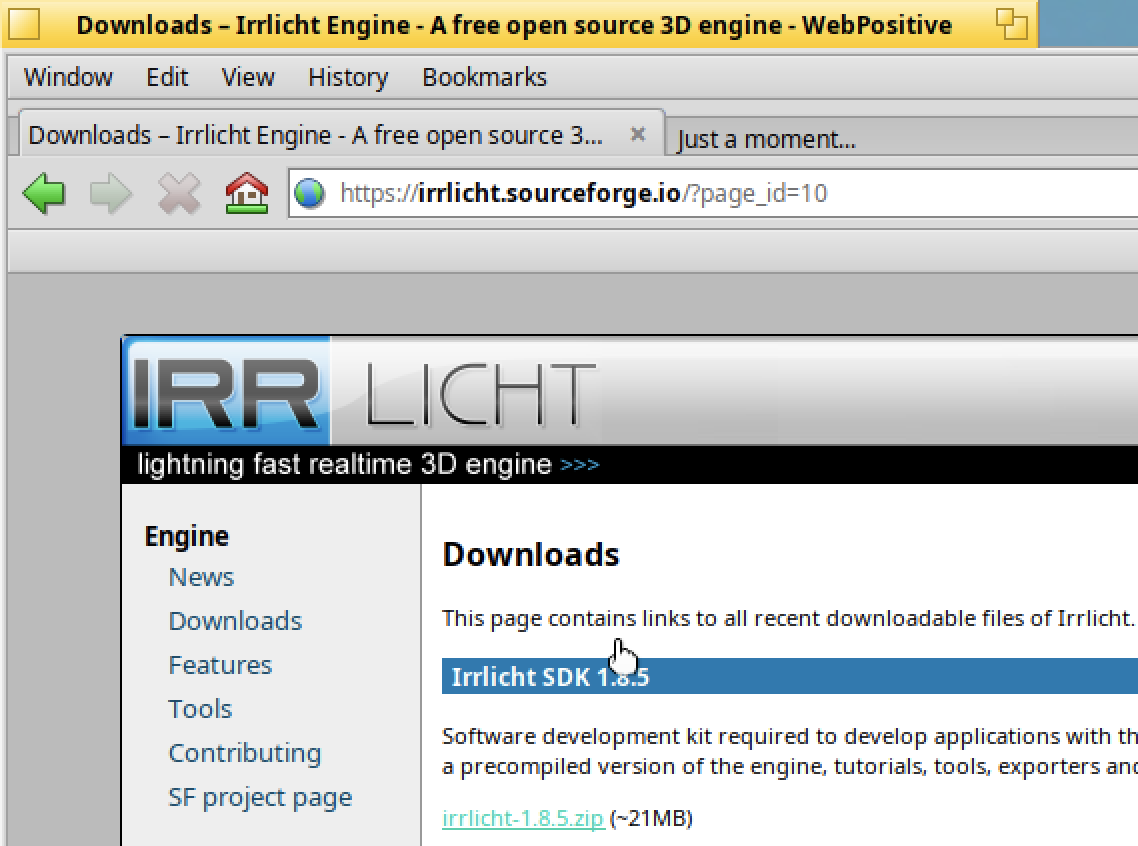
If you have a problem downloading the zip file, you can use wget in the Terminal:

Unzip this archive: you should now have access to the various demo files in the "examples" directory inside irrlicht.
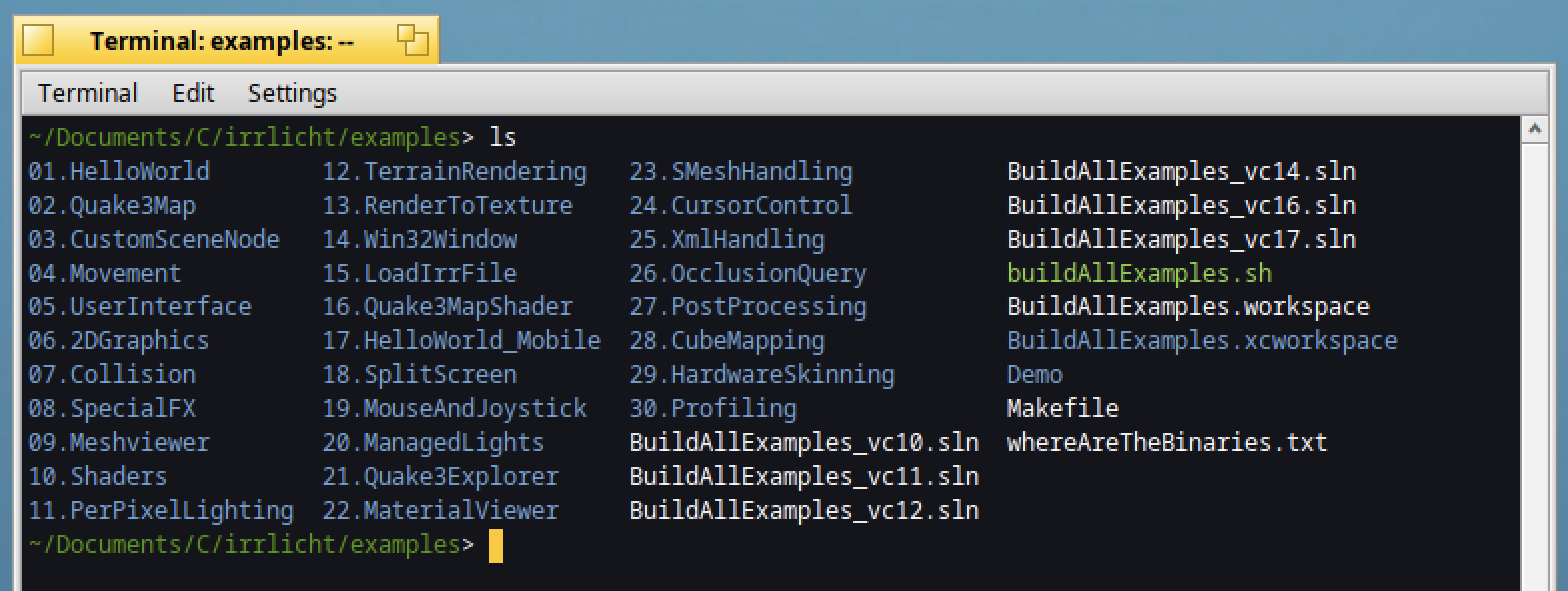
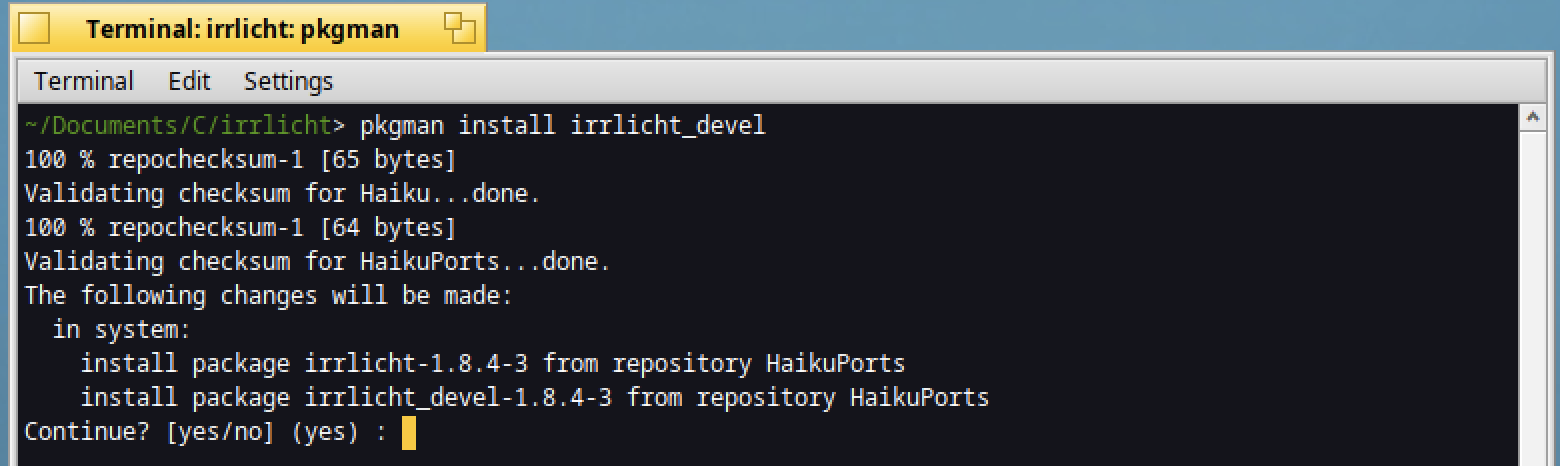
The next step is to install the irrlicht developer package from Haiku Ports:
pkgman install irrlicht_devel
Fix the Makefile
Go into the first example directory named "01.HelloWorld" and edit the Makefile:
lpe Makefile
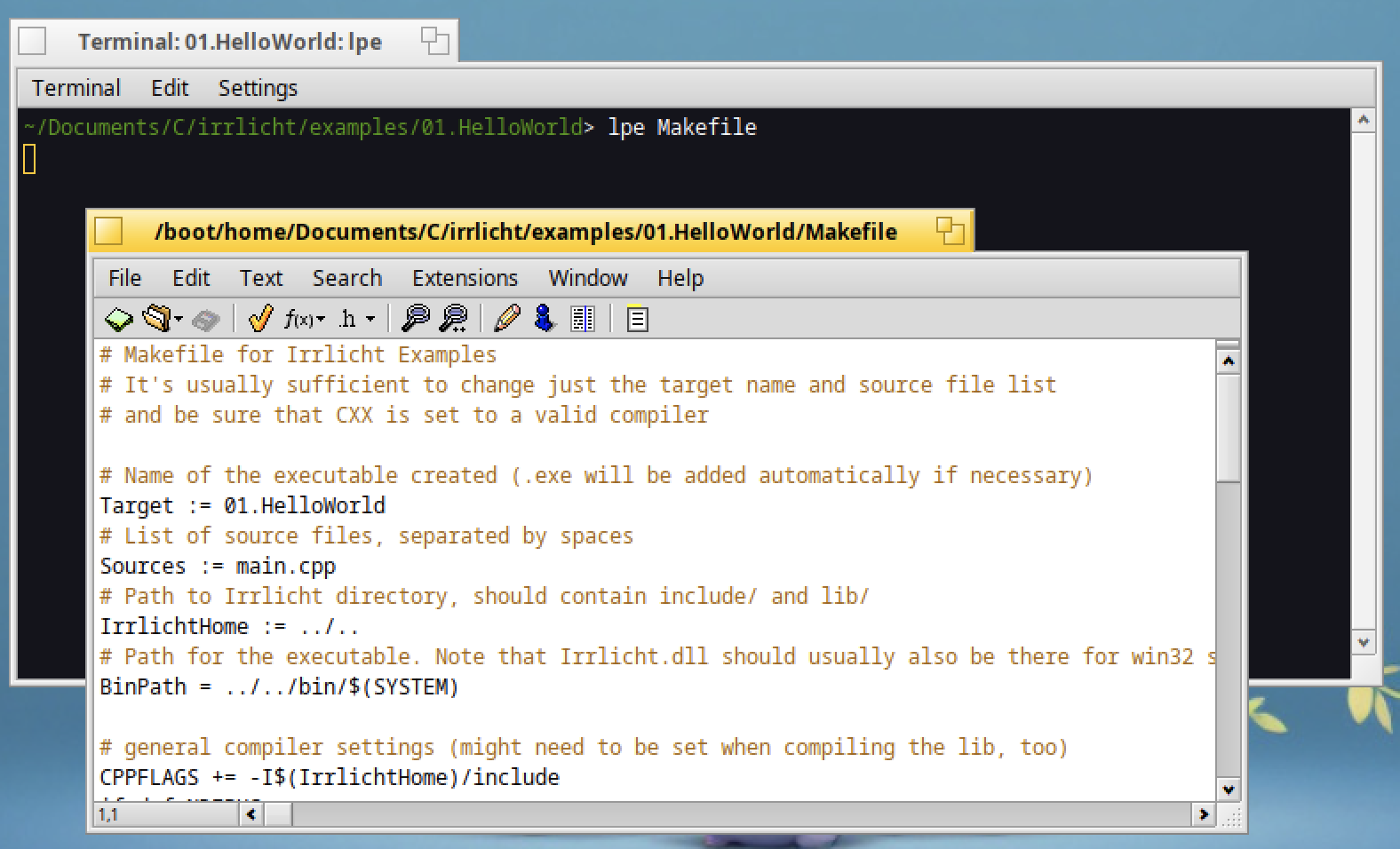
A few adjustments are needed in order the Makefile to be compatible with Haiku.
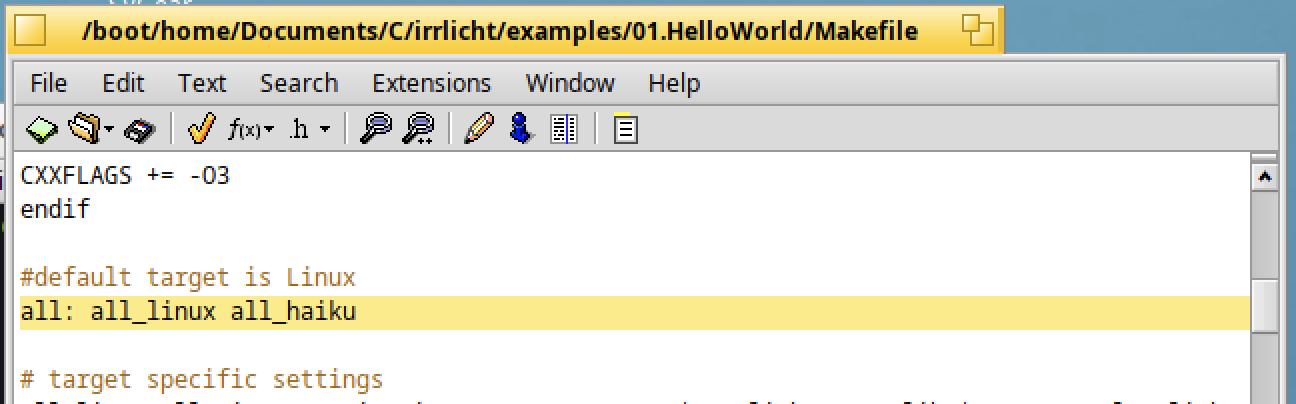
Add the haiku target with the below line:
all: all_linux all_haiku
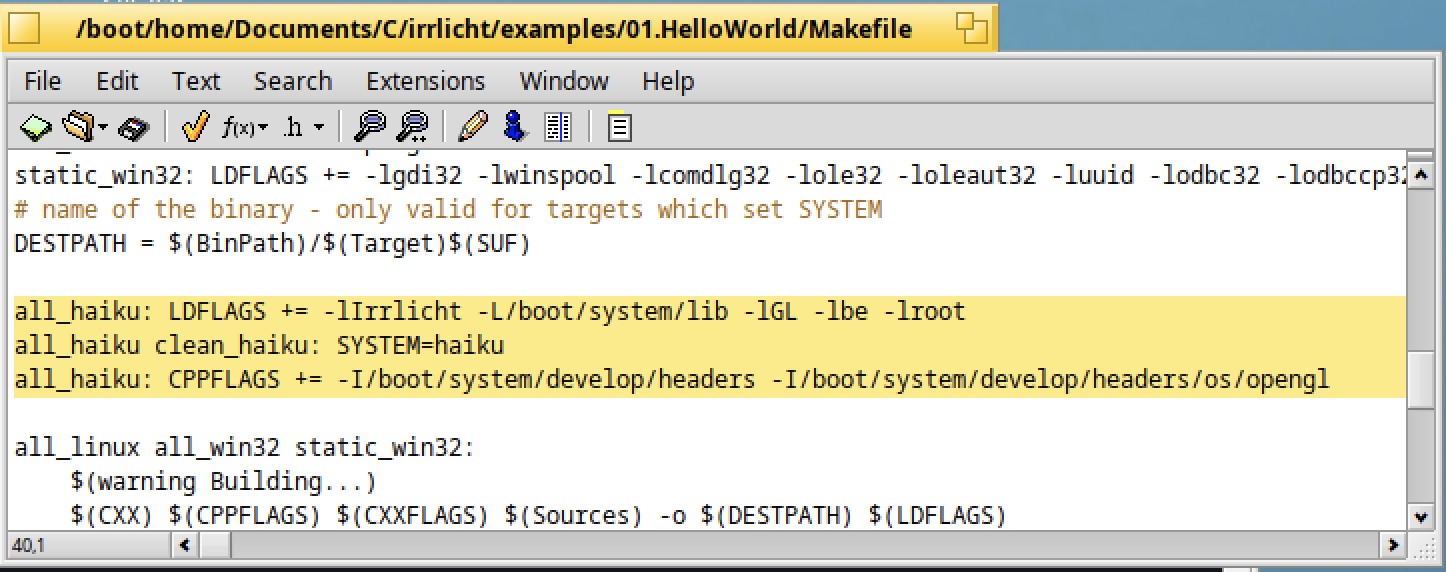
Indicate how the "all_haiku" target is build:
all_haiku: LDFLAGS += -lIrrlicht -L/boot/system/lib -lGL -lbe -lroot
all_haiku clean_haiku: SYSTEM=haiku
all_haiku: CPPFLAGS += -I/boot/system/develop/headers -I/boot/system/develop/os/opengl
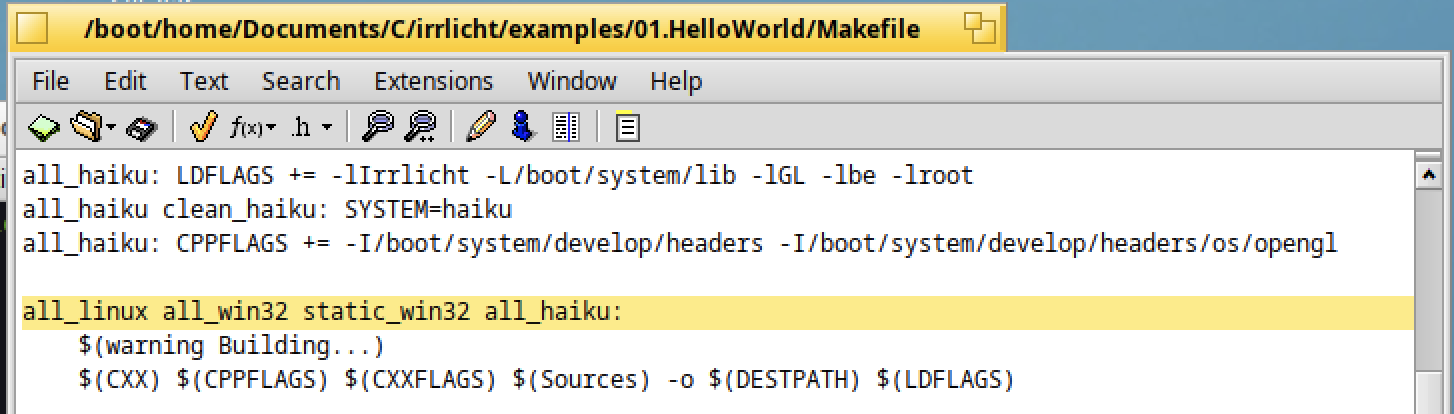
Adjust the below line by adding haiku:
all_linux all_win32 static_win32 all_haiku:
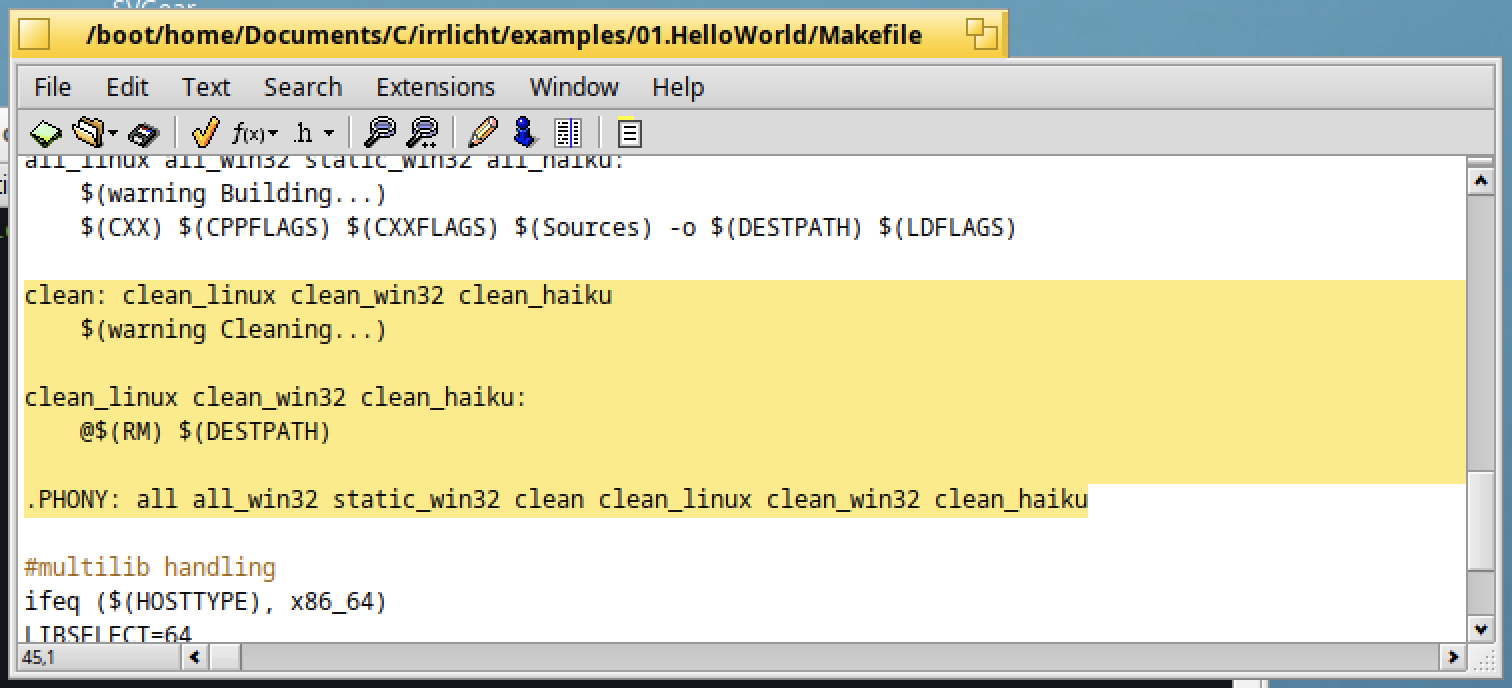
Now finish by adjusting the clean and .PHONY part:
Build
Before compiling the example, you will need to create the "bin/haiku" folder :
mkdir ../../bin/haiku
Then build!
make all_haiku
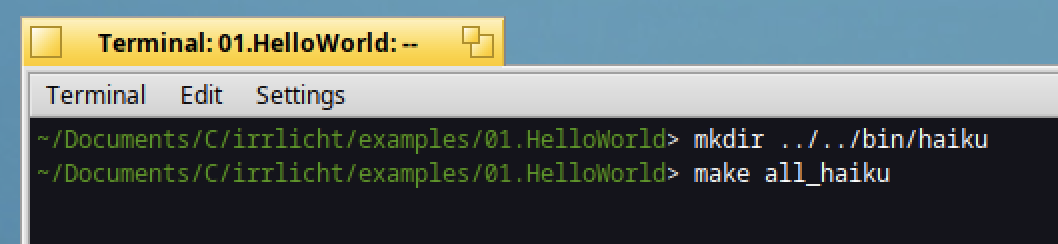
You can then launch the demo:
../../bin/haiku/01.HelloWorld

You should see the below animated model:
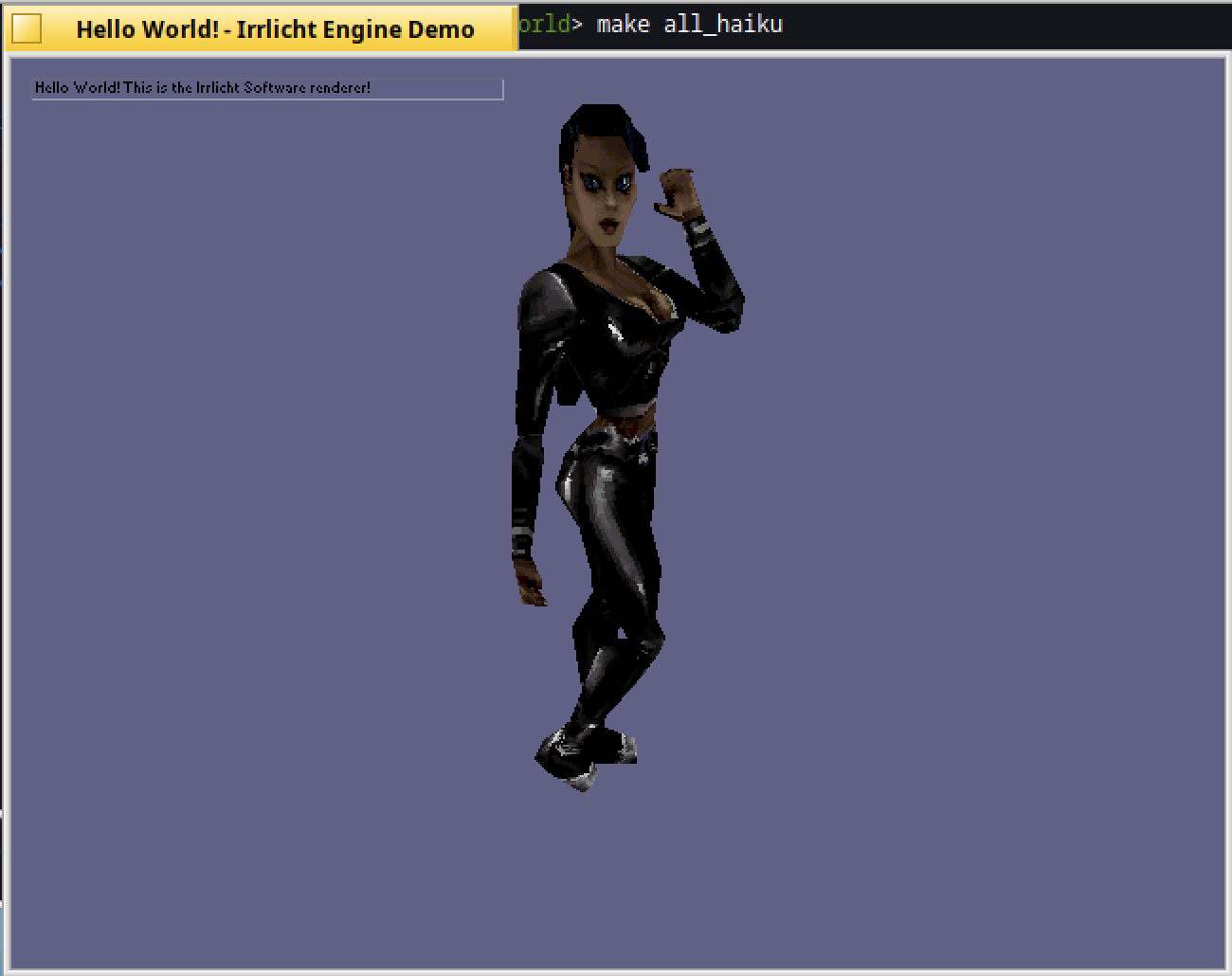
Nice isn't it ?
If you look at how the code is complex, open the "main.cpp" file in Pe editor:
lpe main.cpp
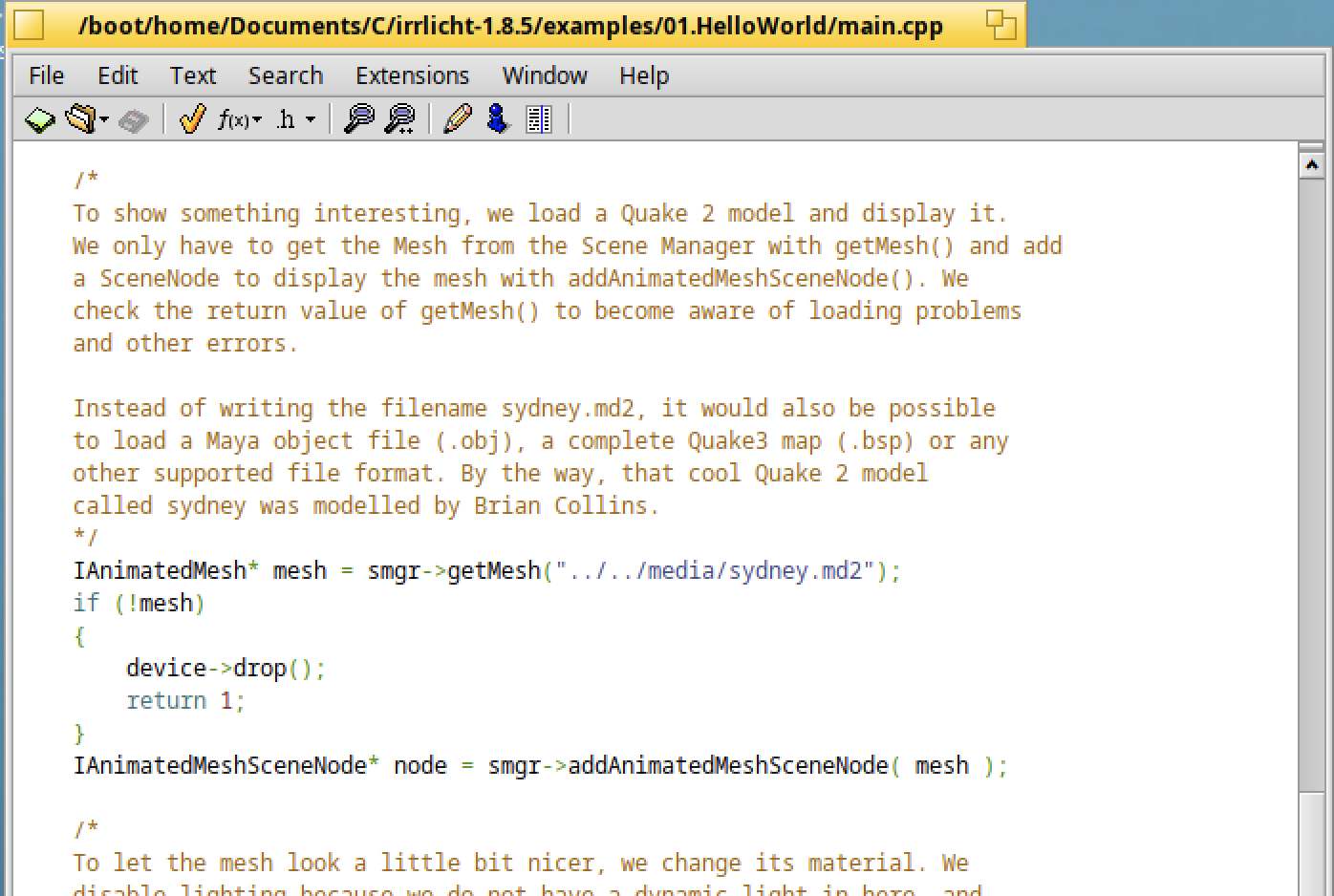
As you can see the engine requires only very limited code to display and animate such a model:)
Others examples
You can browse the additional examples in the directory, like "02.Quake3Map".
If you don't want to patch the Makefile each time, and if the source code is only the main.cpp, you can type directly the below compilation command:
g++ -I../../include -I/boot/system/develop/headers -I/boot/system/develop/headers/os/opengl -g -wall main.cpp -O Quake3Map -lIrrlicht -L/boot/system/lib -lGL -lbe -lroot

Then launch the program:
./Quake3Map
And select "(a) OpenGL 1.5":
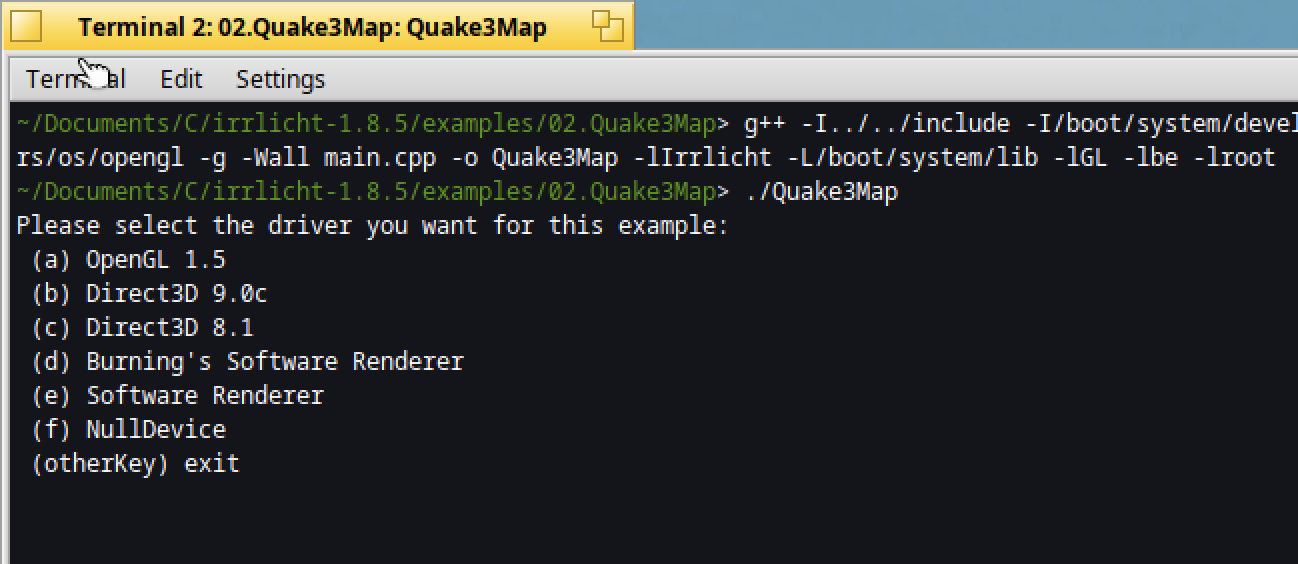
A nice 3D map will be displayed:
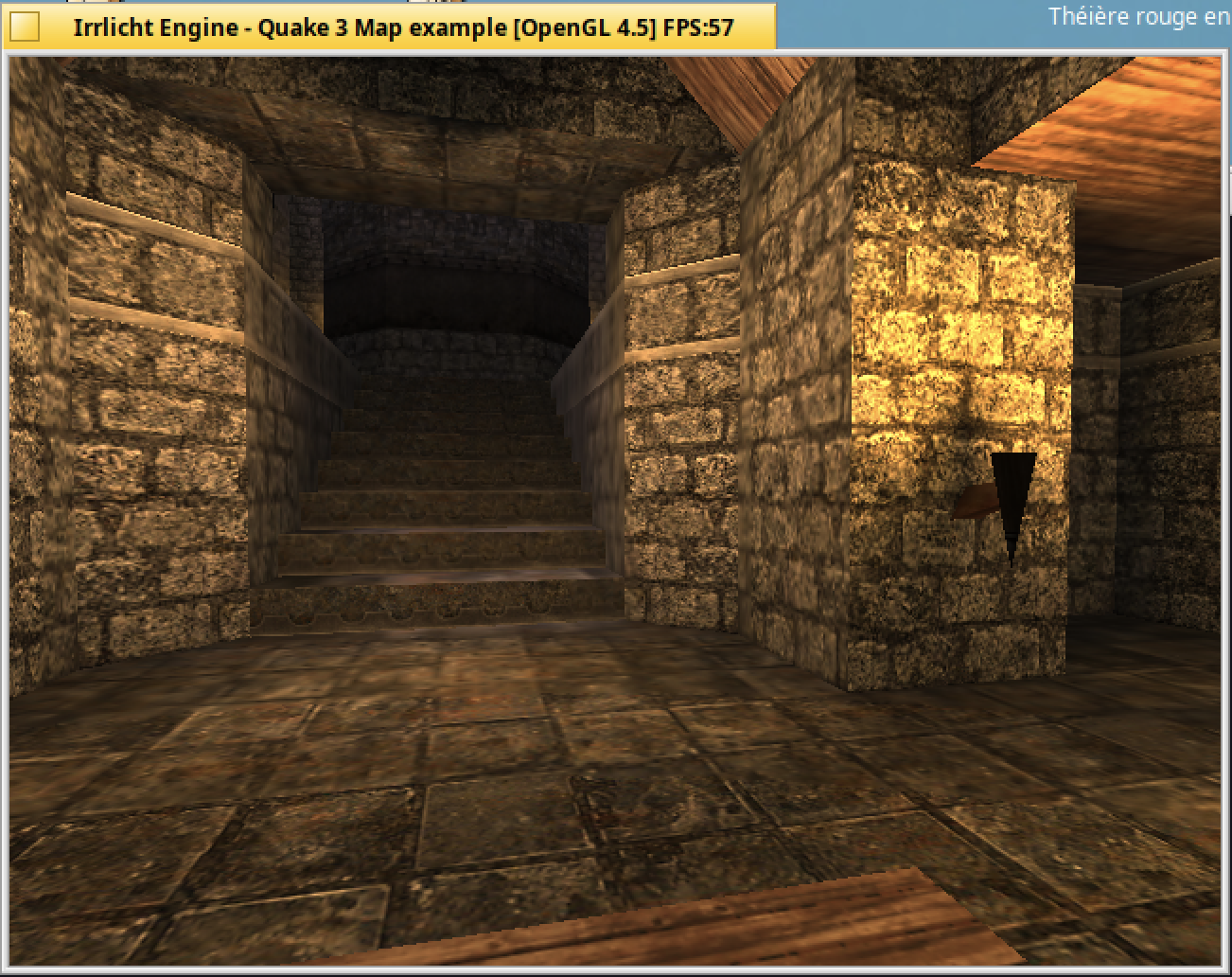
You can navigate inside the map with the mouse and the cursors.
Other examples include shaders and lights like below:
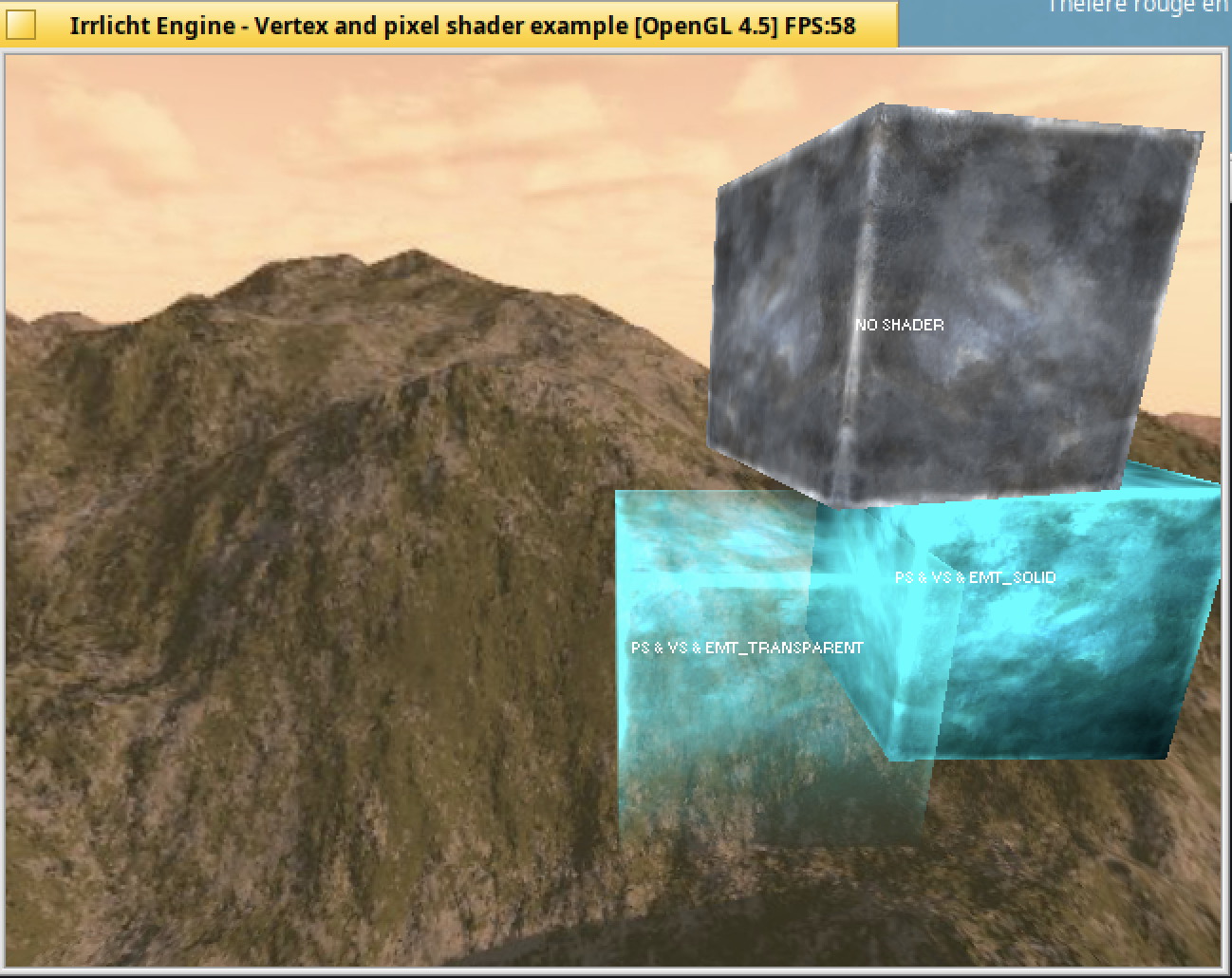
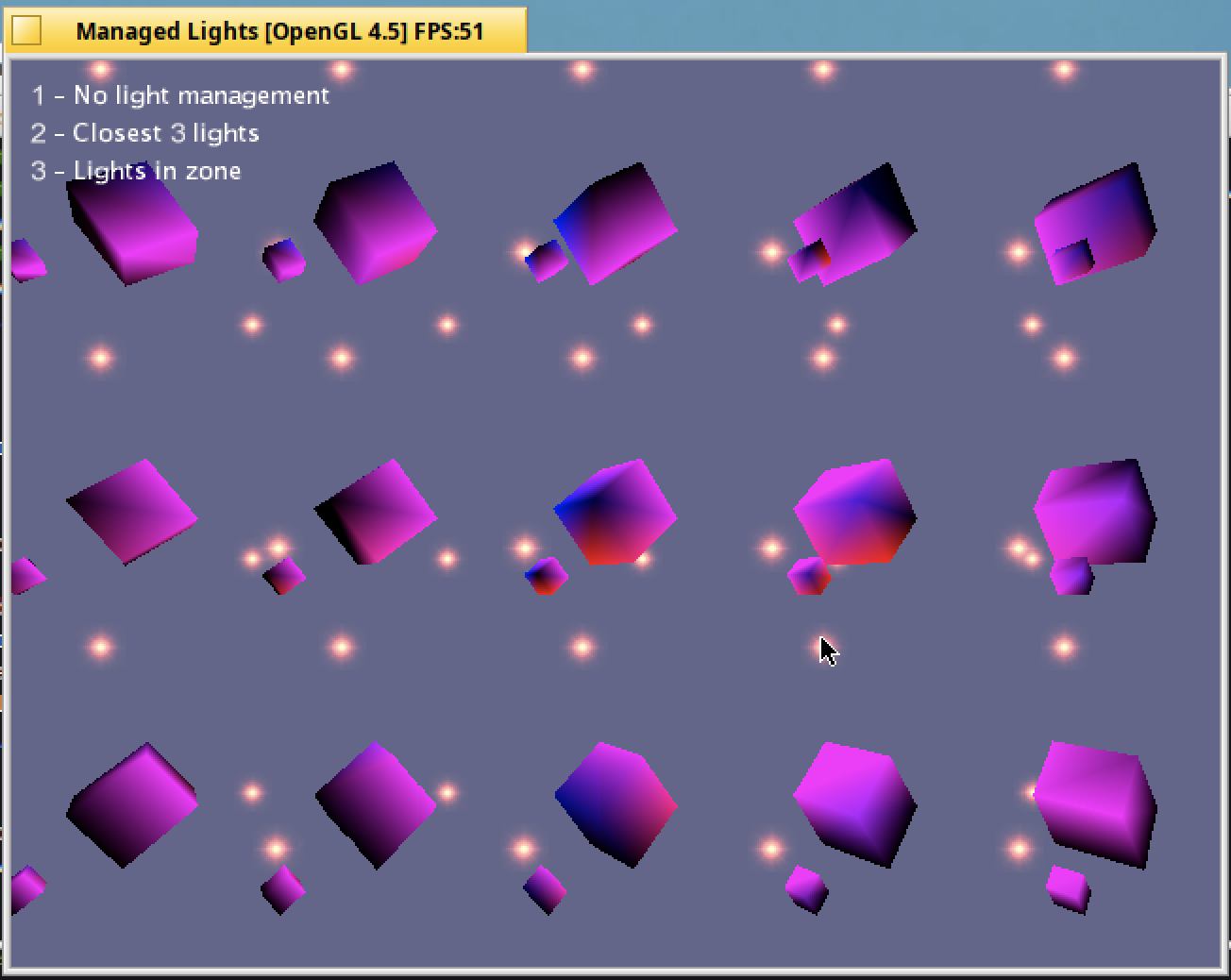
You can browse and compile the others examples if you are curious.
Key Features
Irrlicht 3D is interesting if you would like to experiment with a 3D engine without writing too much code, and it's available on Haiku!
The current features are:
Rendering
- Direct3D 9, OpenGL 1.2–4.x
- Shader support: Pixel/Vertex Shaders 1.1–3.0, HLSL, GLSL
Special Effects
- Dynamic shadows, particle systems, animated water, bump/parallax mapping
- Skyboxes, fog, light maps, billboards
Scene Management
- Hierarchical scene graph with frustum culling
- Seamless indoor/outdoor mixing, collision detection
Animation
- Morph target animation (MD2, MD3)
- Skeletal animation (B3D, .X, MS3D) with object attachment to joints
File Formats
- Meshes: OBJ, 3DS, COLLADA, BSP, MD2, MD3, .X, B3D, STL, PLY…
- Textures: JPG, PNG, TGA, BMP, PSD
- Direct reading from ZIP/PAK/PK3 archives
GUI & Platform
- Built-in 2D GUI system
- Windows, Linux, OSX — Haiku community port available via Haiku Ports
Conclusion
Are you using a 3D engine on Haiku?
If so you can share your findings in the comments below.