
Launch applications on startup
 DigitalBox
- Tips
- September 7, 2026
Under Haiku, there's a nice feature which let you define preferred applications to be launched on system startup.
How to do so ?
If you don't know, it's quite simple.
Just read this article until the end.
Builtin feature
Imagine you would like the Terminal or WebPositive to be launched on system startup.
Two simple steps to achieve that:
Open the folder "/boot/home/config/settings/boot/launch":
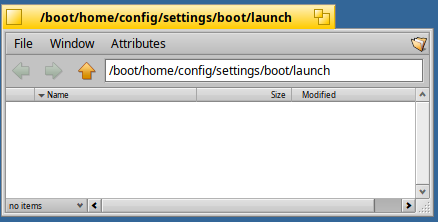
Then create a link for Terminal and WebPositive in that folder via the Tracker:
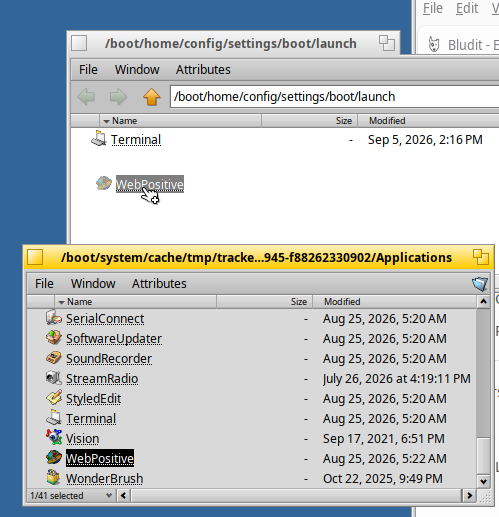
And that's it!
Restart your system, and you will be delighted to see these applications are now automatically launched :)
If you would like to know more, you can read the official Filesystem layout page.
Third party application
If - like me - you always forget what is the autolaunch folder or what is the settings filename for x or y feature in Haiku, I advise you to download the "Startup" application.
This application was created by Cafeina - a member of the Haiku community.
The latest hpkg release is available on Codeberg here: https://codeberg.org/cafeina/StartUp/releases
Once downloaded, double click to install it.
On first launch, the Autolaunch tab is visible, and as we have created two shortcuts, there are visible:
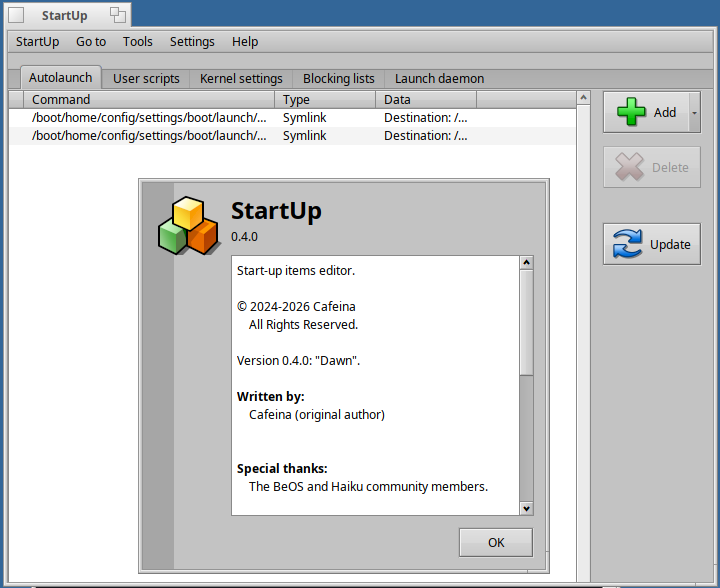
You can add/delete shortcuts with the corresponding buttons inside this application.
The user scripts tab is interesting because it gives you access to the various existing scripts in Haiku:
- UserBootscript
- UserShutdownScript
- UserShutdownFinishScript
- UserSetupEnvironment
- profile
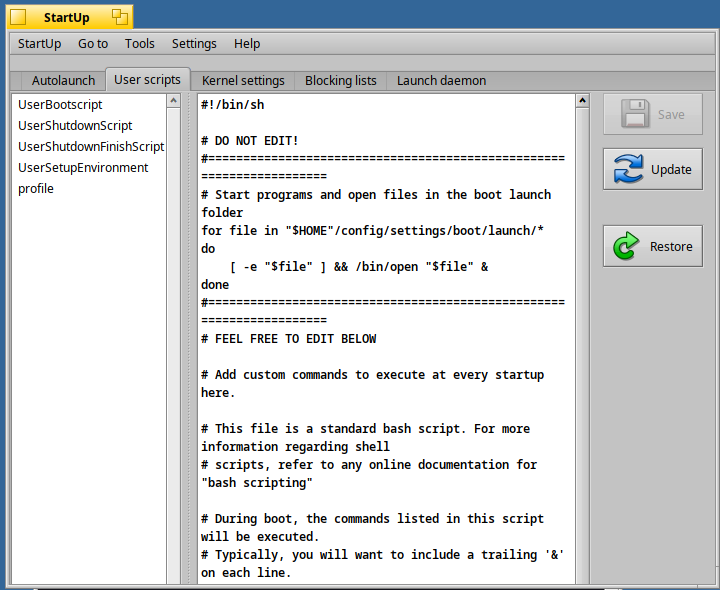
I've already used the profile and UserBootScript, for the others you can give it a try to check.
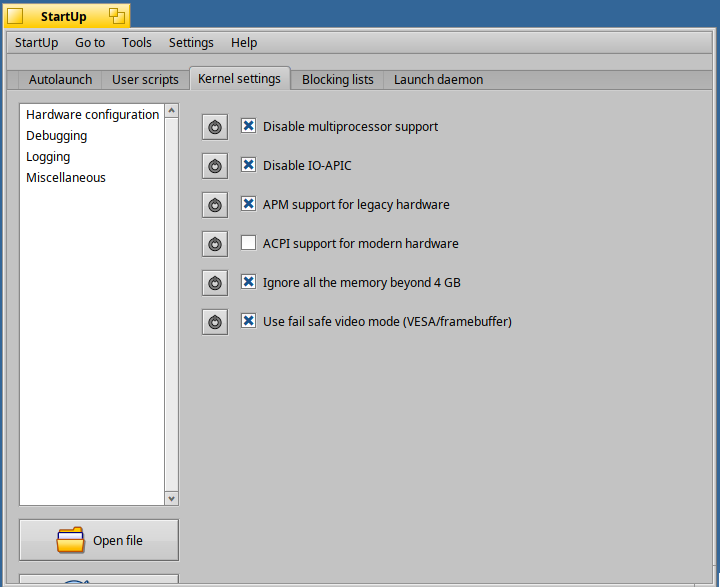
There's also a kernel settings tab, only for advanced usage:
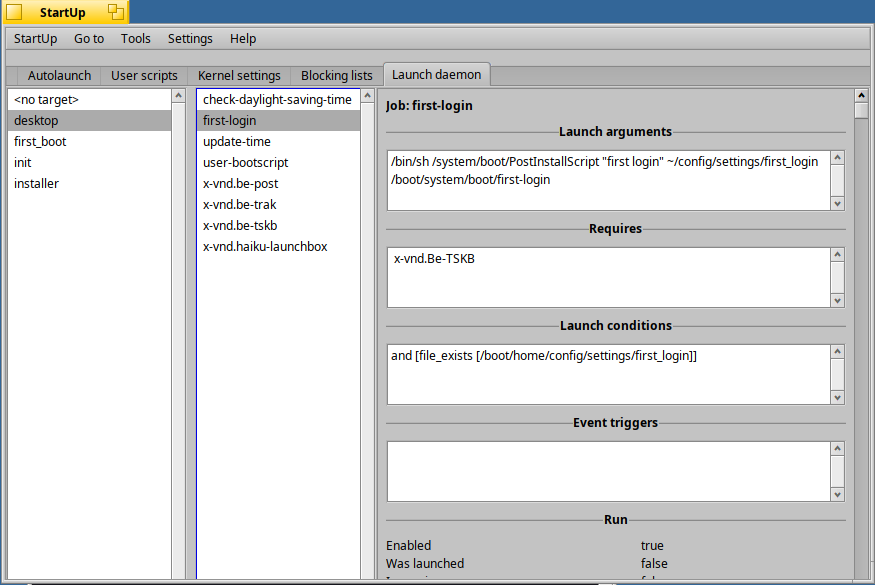
The last tab is the launch daemon.
I've already written an article Using the launch daemon, so if you would like to know more, just follow that link.
I hope you have found this article useful in case you need to launch applications on startup:)