
Play Sonic Robo Blast
 DigitalBox
- Gaming
- June 16, 2025
Have you ever heard about Sonic?
I guess the answer is yes:)
Do you know about the Sonic Robo Blast 2 game?
Before writing that article, I didn't know that some fans start creating this Sonic game by using a modified version of the Doom Legacy in 1998.
The game is inspired by the original Sonic games from the Sega Genesis, and attempts to recreate the design in 3D.
It has nothing to do with Sega and but Sega tolerates the usage of the Sonic game as long as there's no money made with this game.
Let's review how to install and play this game.
Installation
The installation is very simple.
Open HaikuDepot, search for "sonic" in the "All packages" tab:
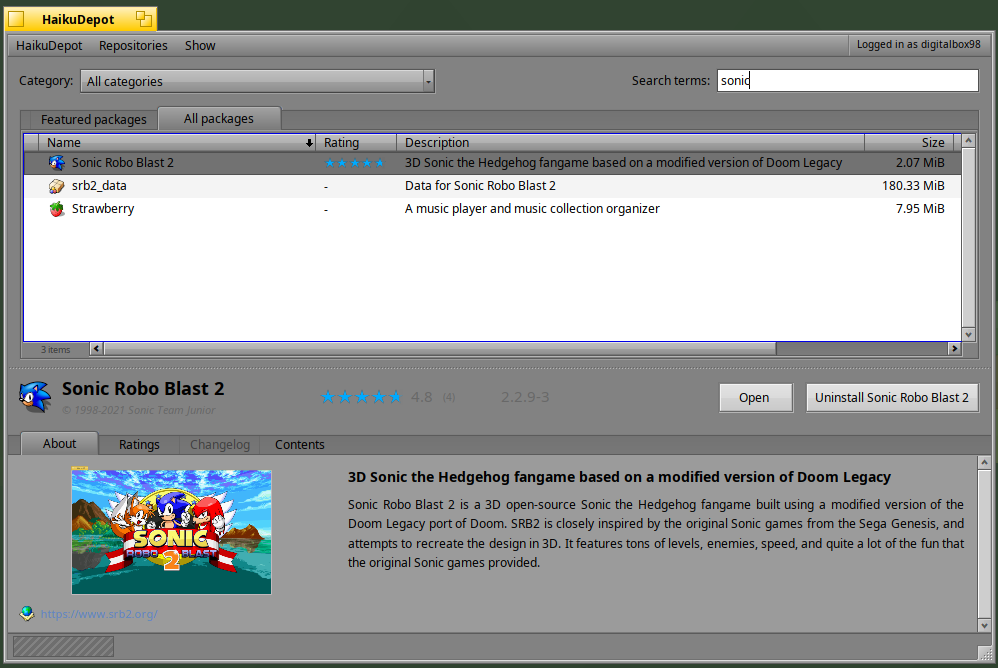
Then proceed with the installation.
Play the game
Launch the game via the "Applications>Sonic Robo Blast 2" deskbar menu.
The below screen will introduce the game's story:
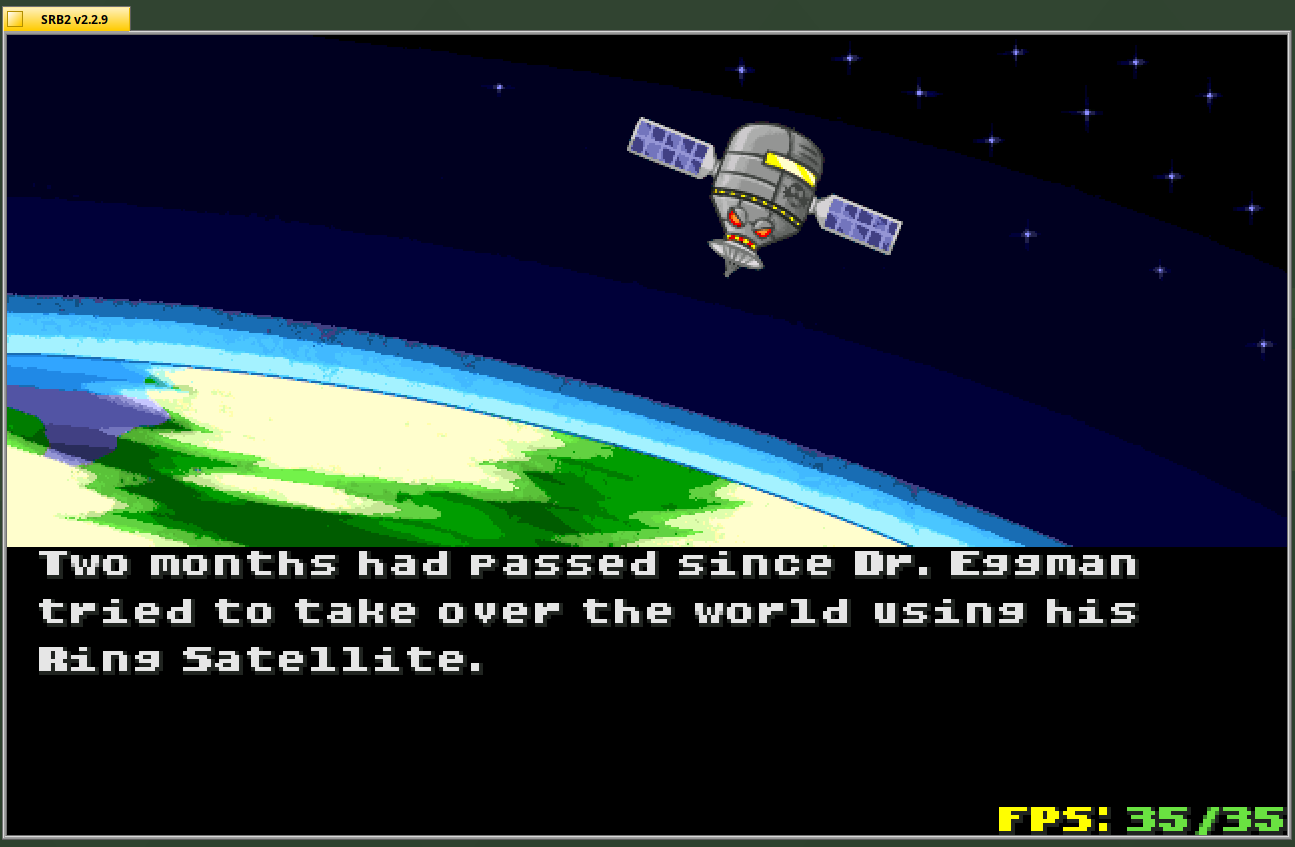
If you don't want to read it completely, you can hit the return key.
The main screen will let you select:
- 1 player : for solo game
- multiplayer : for network games
- options : to handle game's options
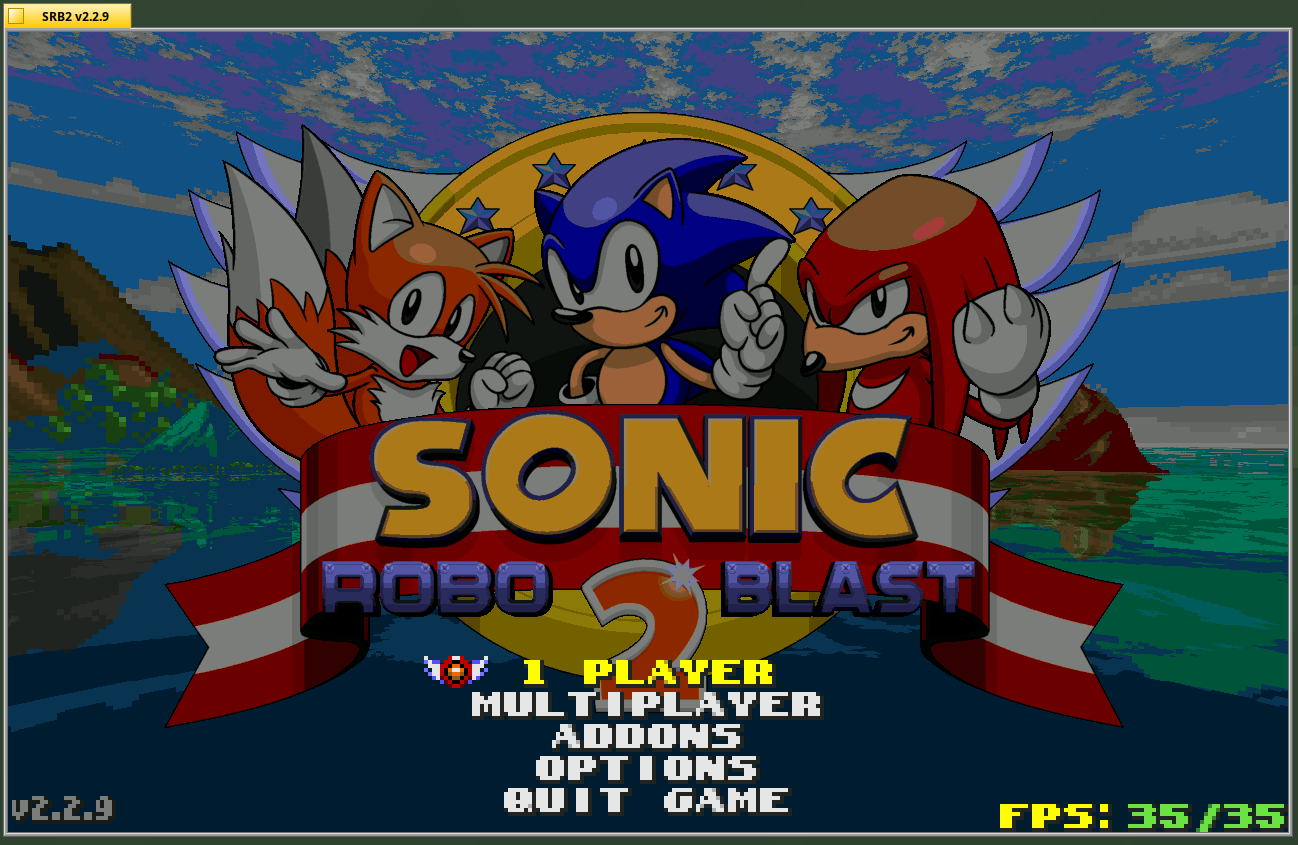
Let review the game options.
Select the "video options":
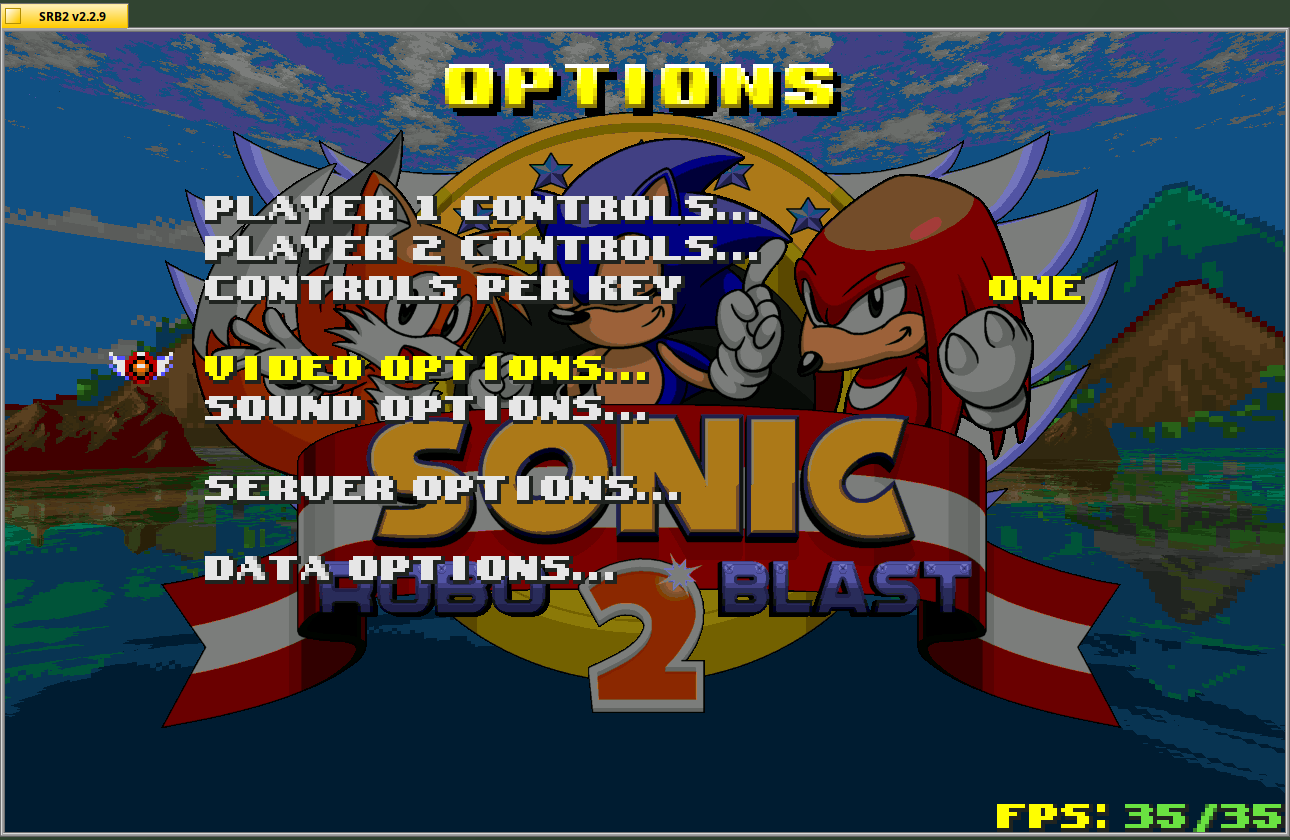
You can then disable the full screen mode, and set the "show fps" option to "full":
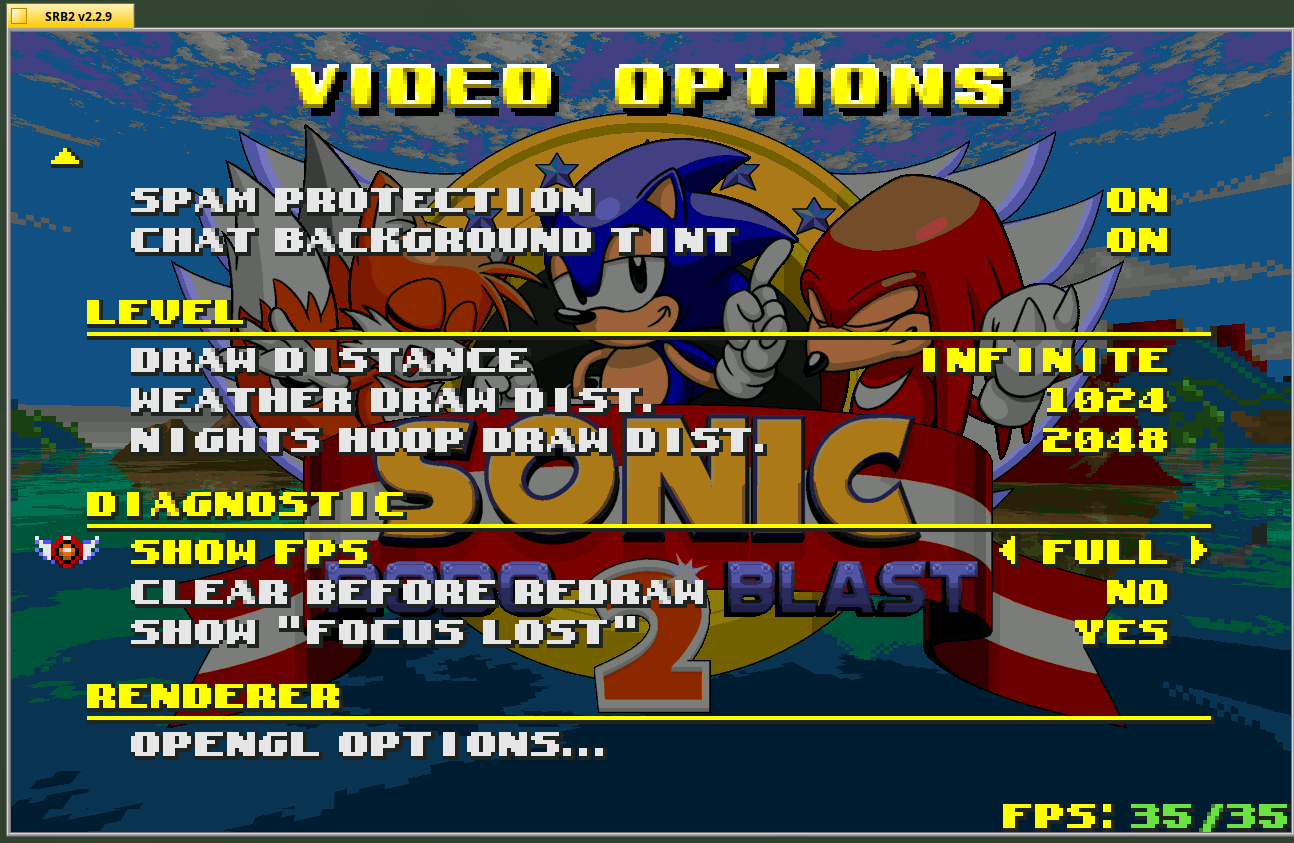
On my machine, the FPS value is 35 which brings a nice game play.
You can also select others video resolutions (mine was setup to 1280x800):
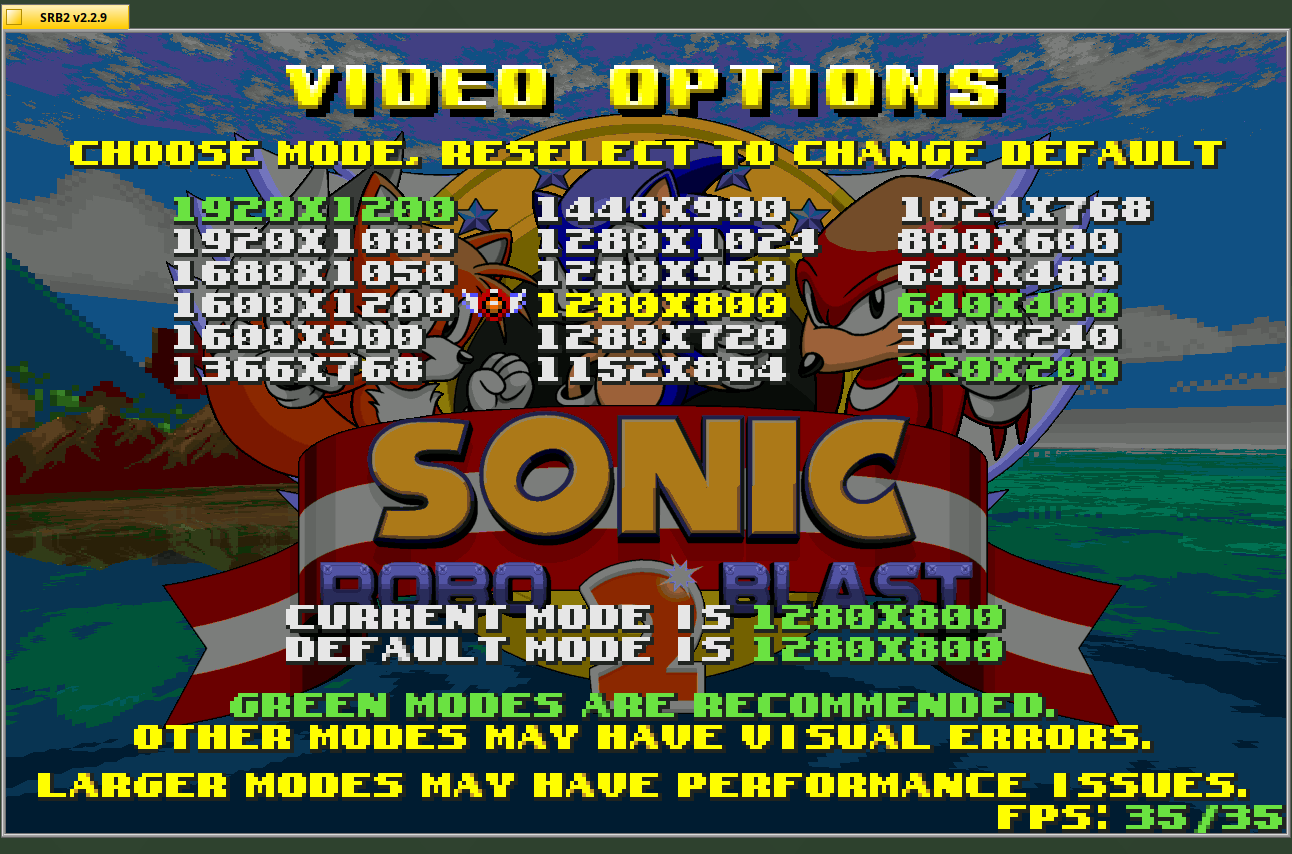
Let's go back to the main screen.
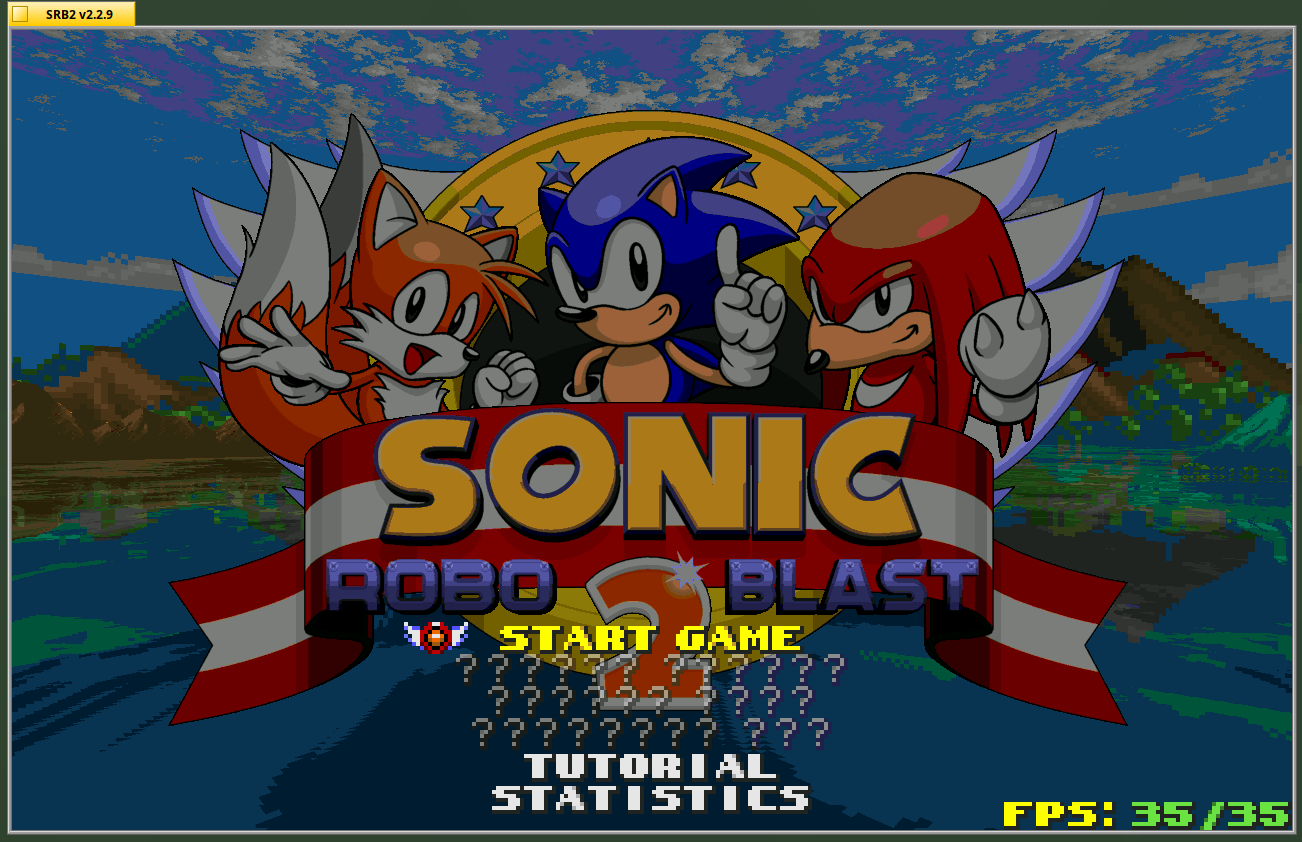
If you want to learn the basics of the game, select "Tutorial":
The tutorial zone will explain the possible moves and actions in the game:
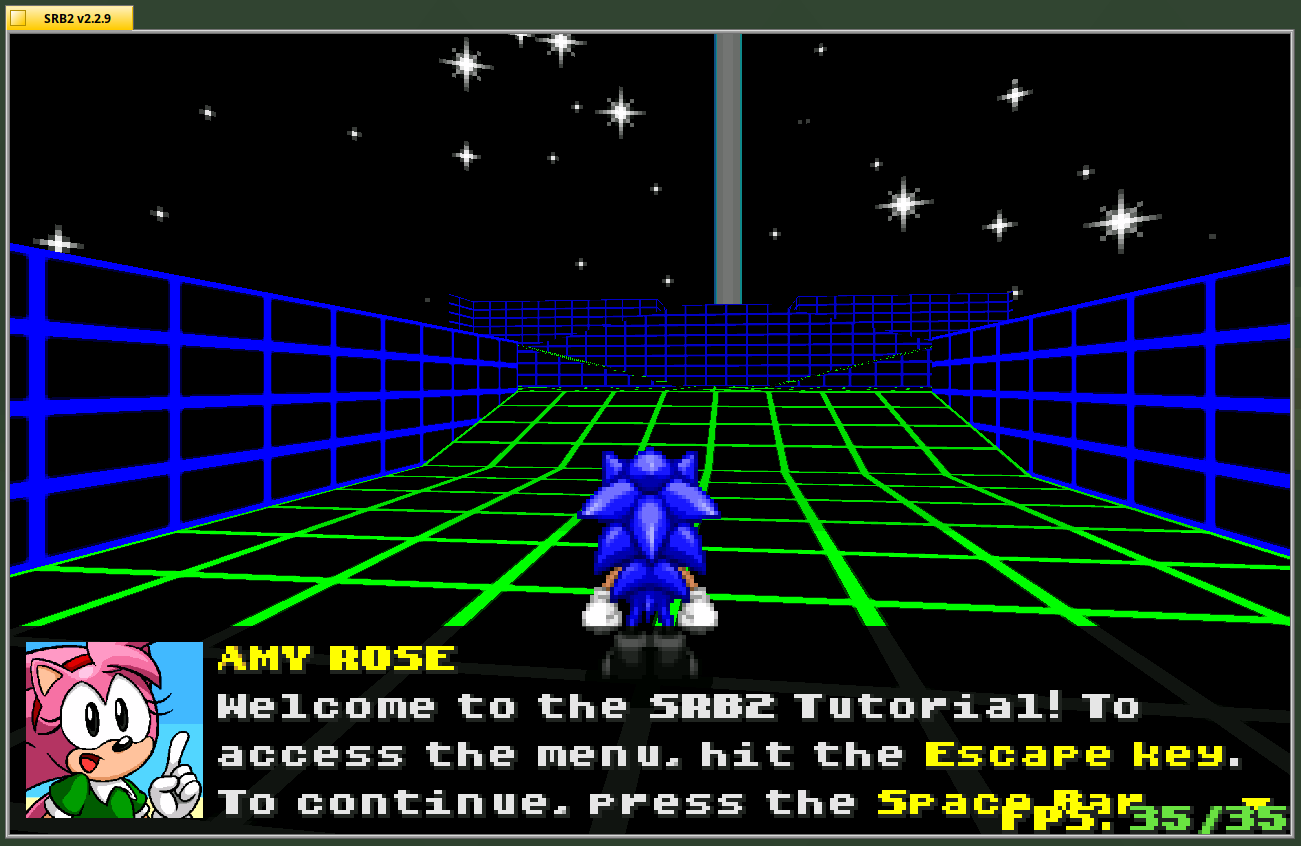
Once you're happy with that, go to the main screen again and select "Start game".
In the next screen, select an empty slot, if it's a new game:
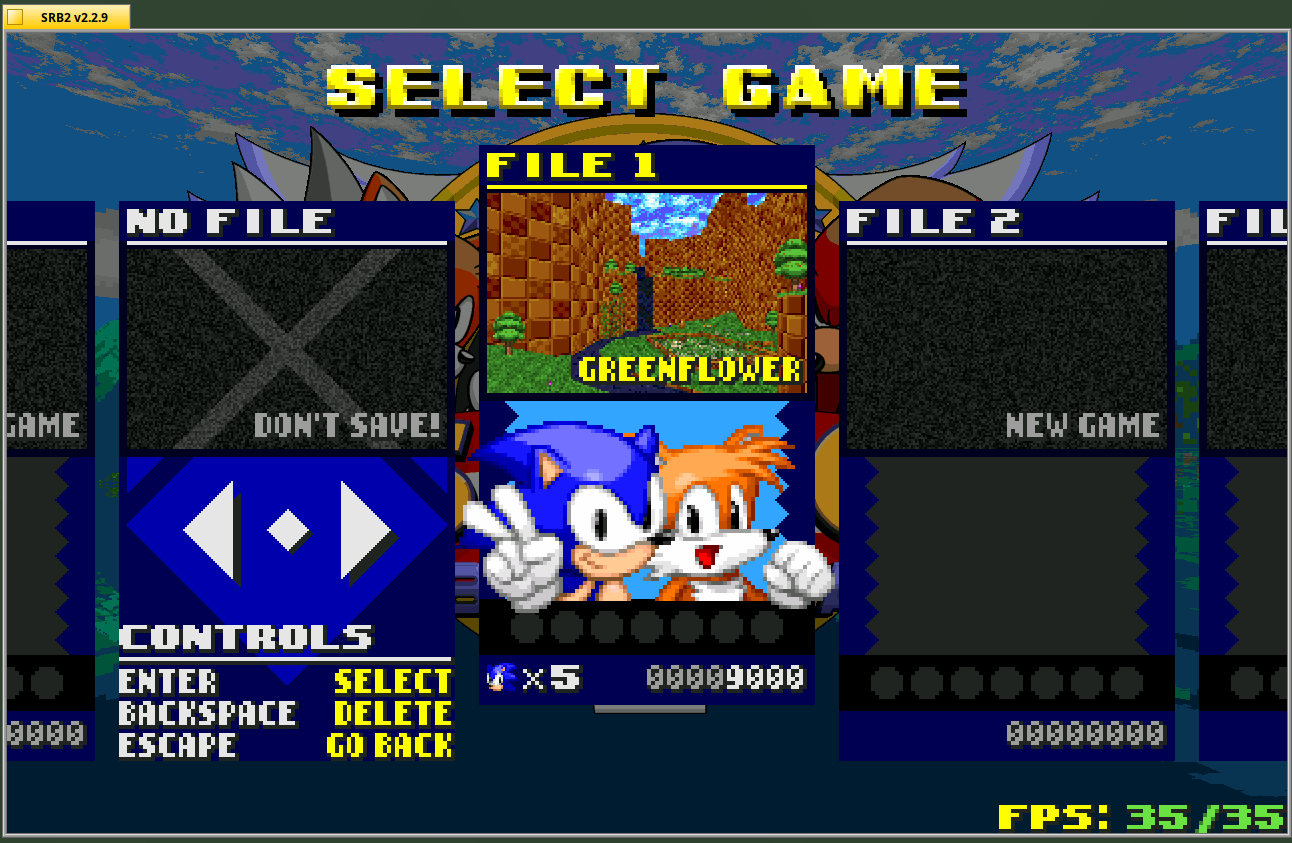
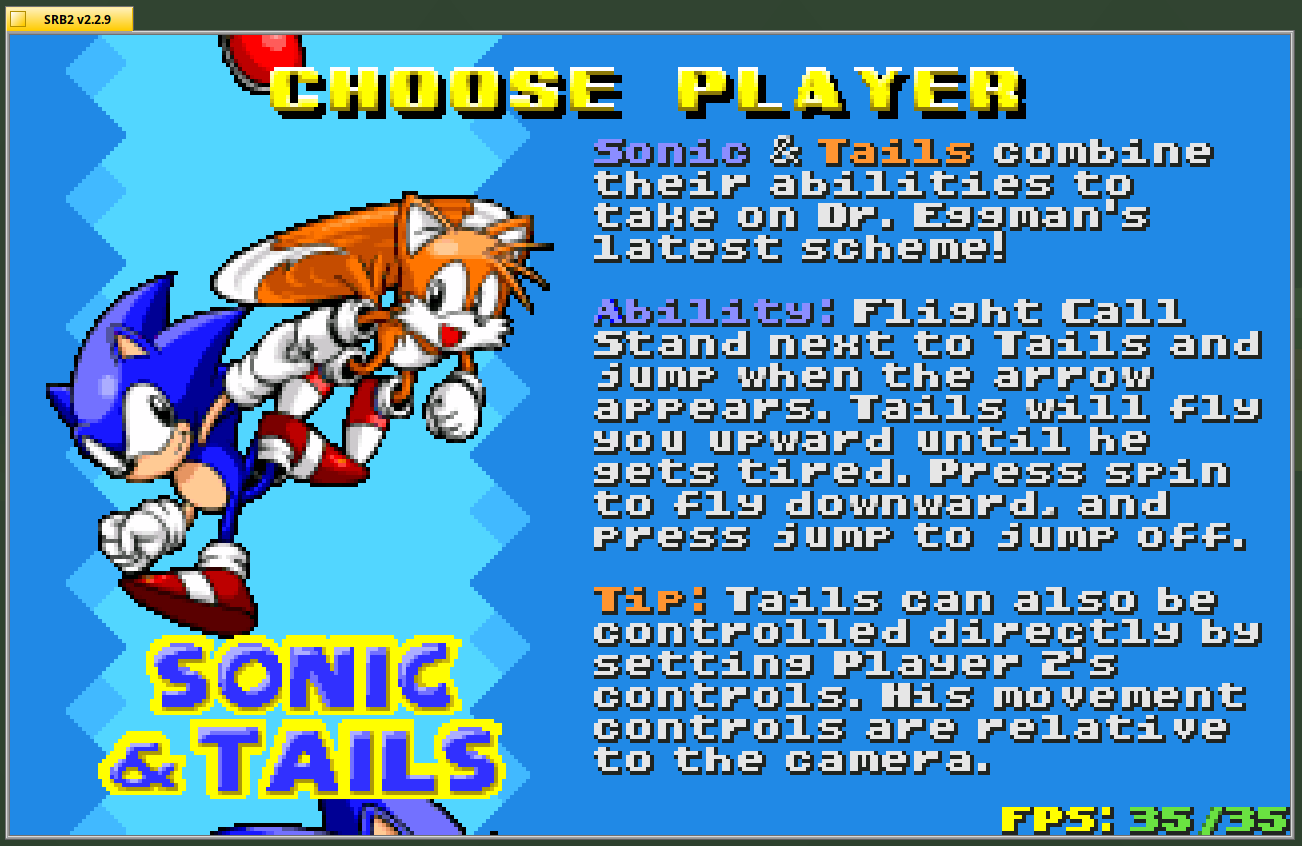
What is nice with Sonic Robo Blast 2 is that you can select Sonic as the character to play, but also:
- Sonic & Tails : you will have a flight call mode with Tails character:)
- Knuckles : he can destroy walls by touching them:)
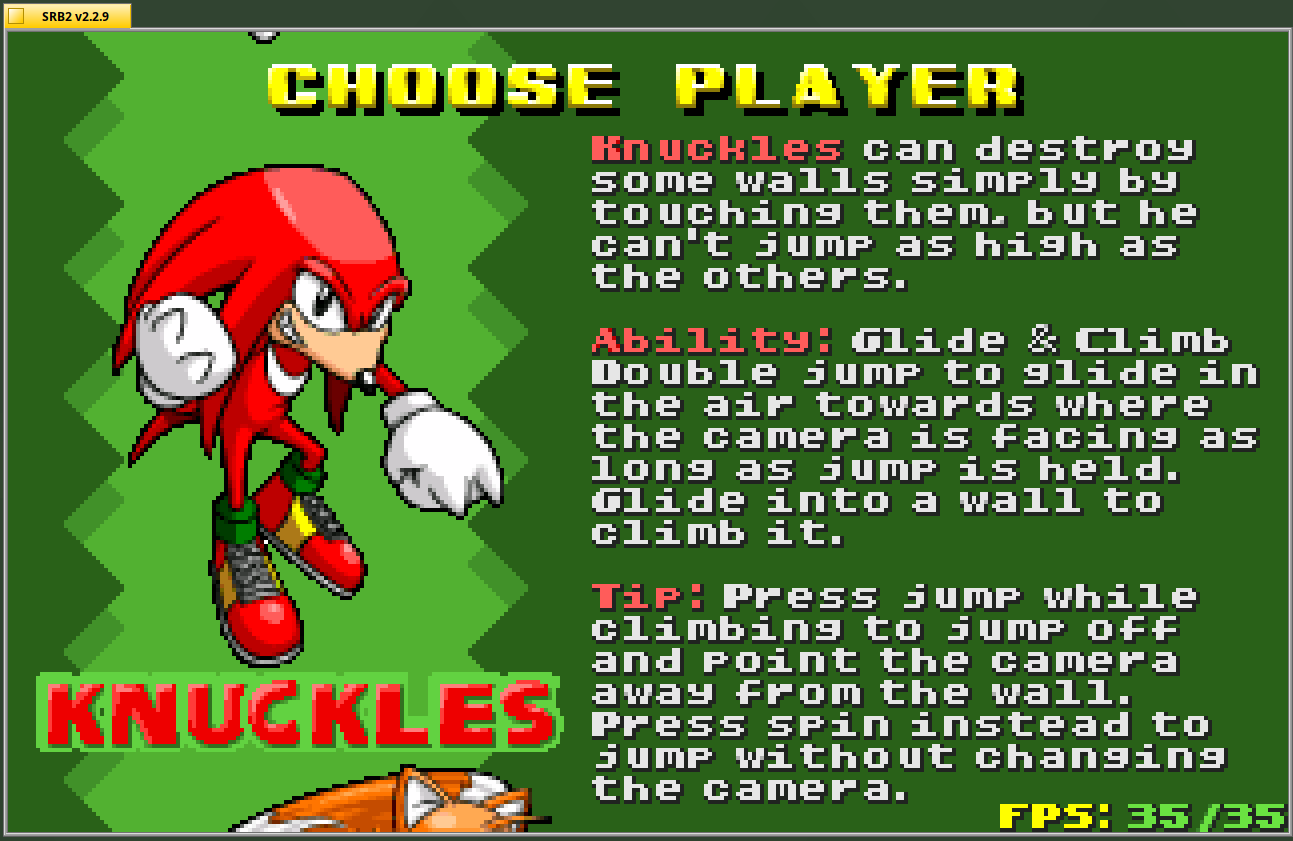
I didn't test too much the Knuckles character, and instead I have used Sonic & Tails.
The graphics and the music of the game are nicely done, and you will move in a 3D world like below:
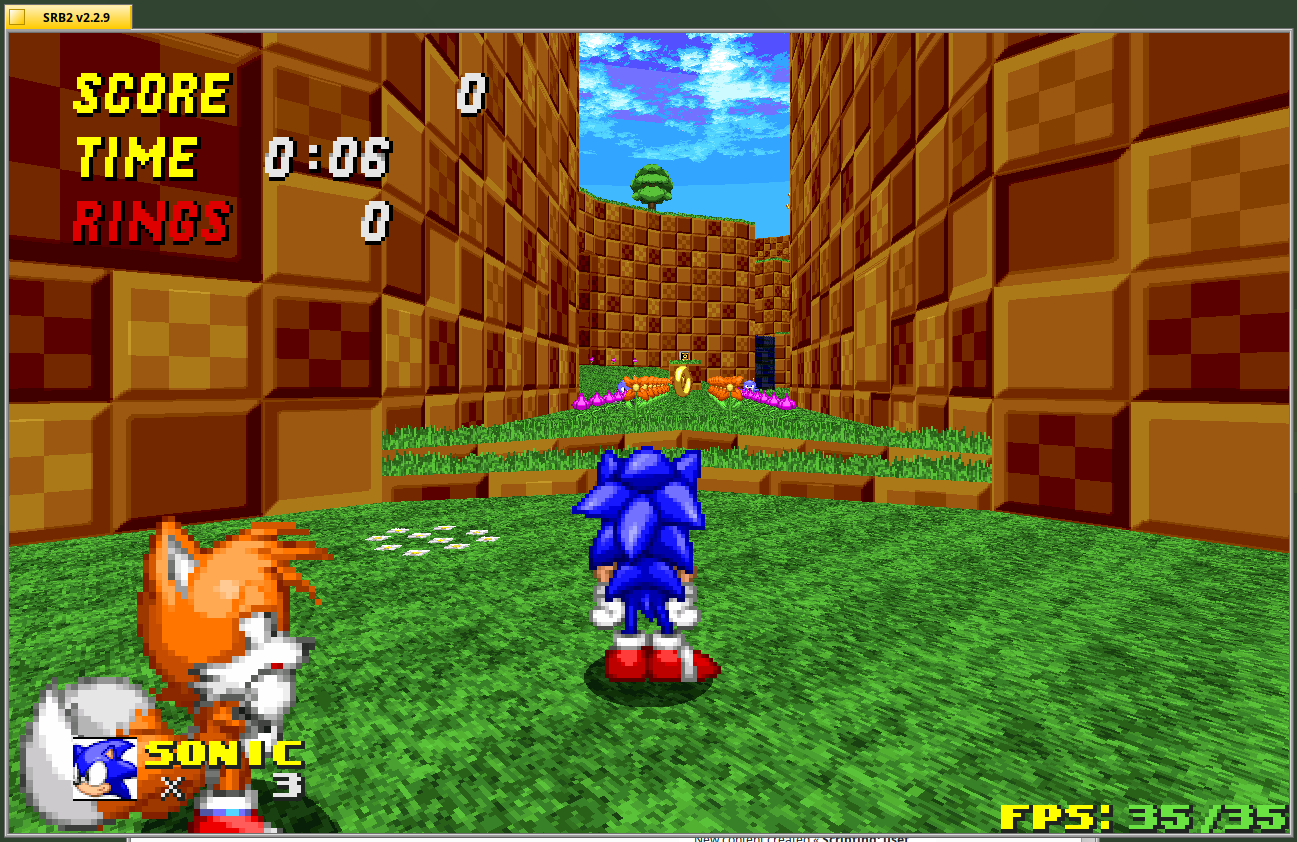
Time to time you will see some checkpoints meaning you're on the right way:
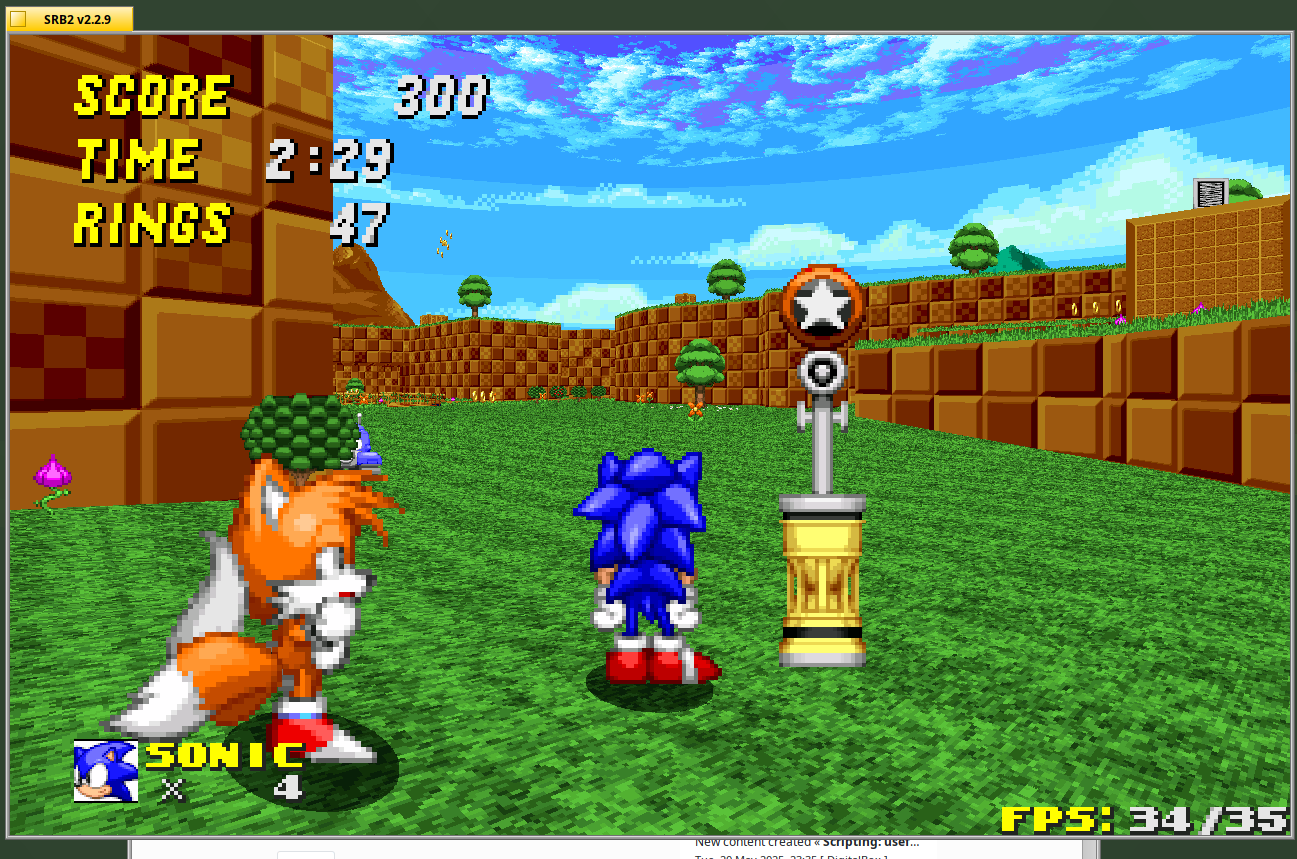
In case you died, you should appear on the last checkpoint.
As indicated before, Tails let you use a flight mode for Sonic like below:
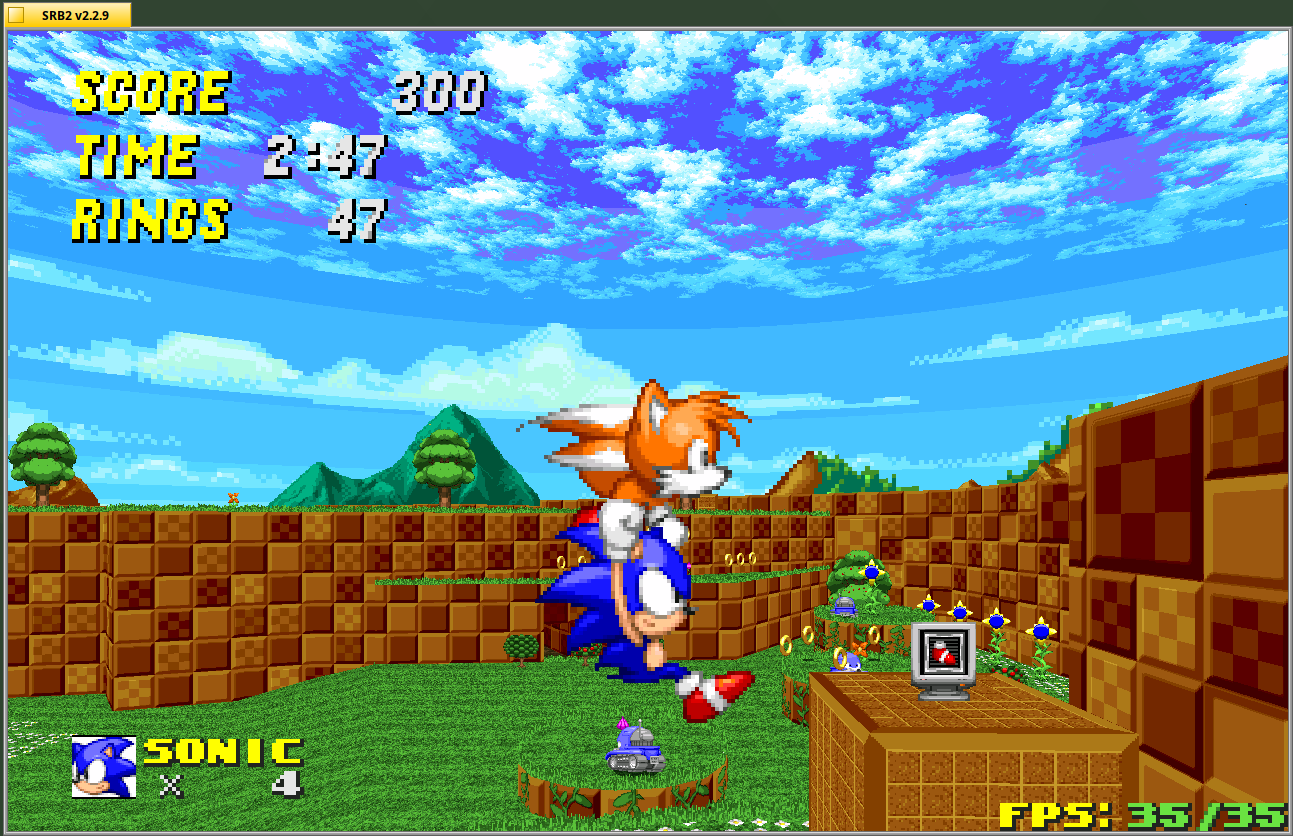
It can be useful:)
When you have explored and reached the end of the zone, you should see a special symbol visible:
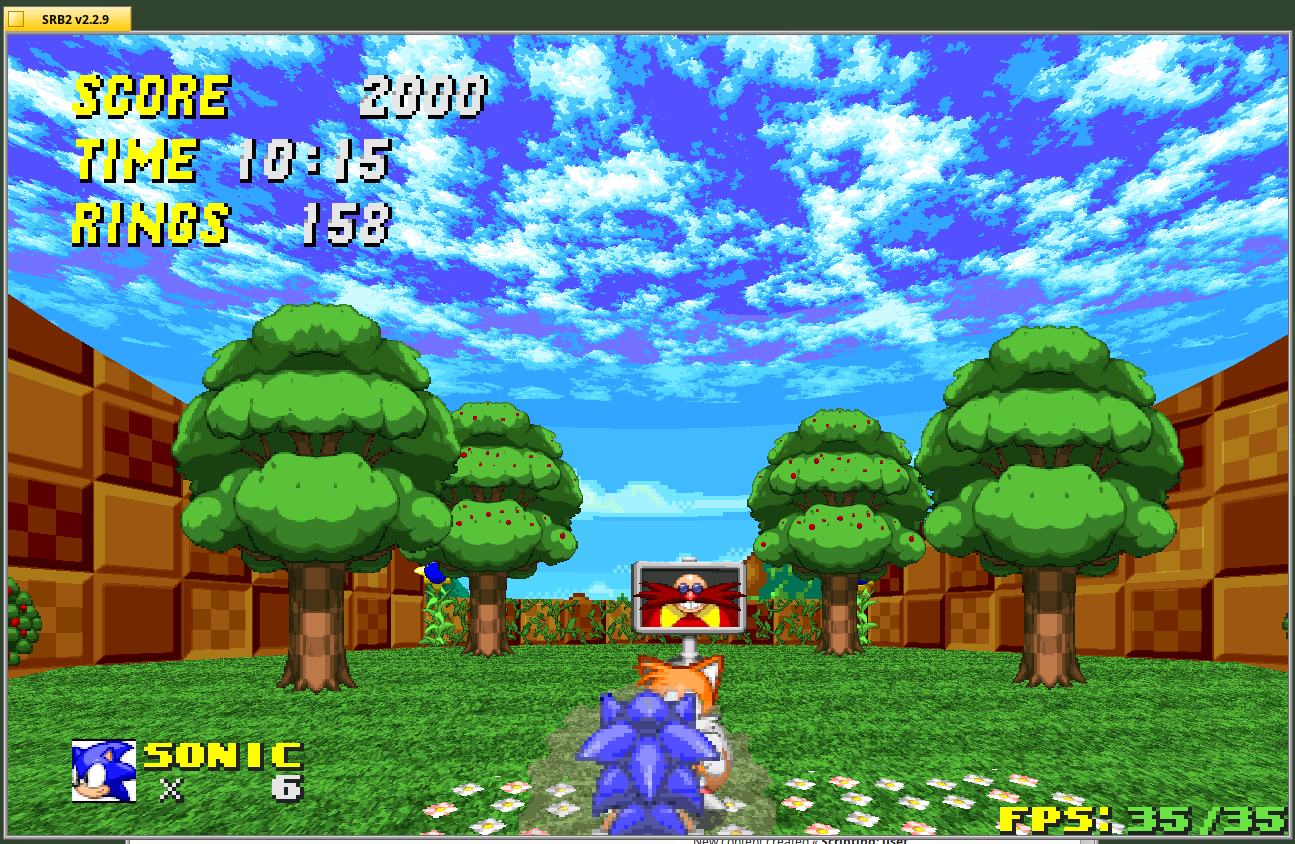
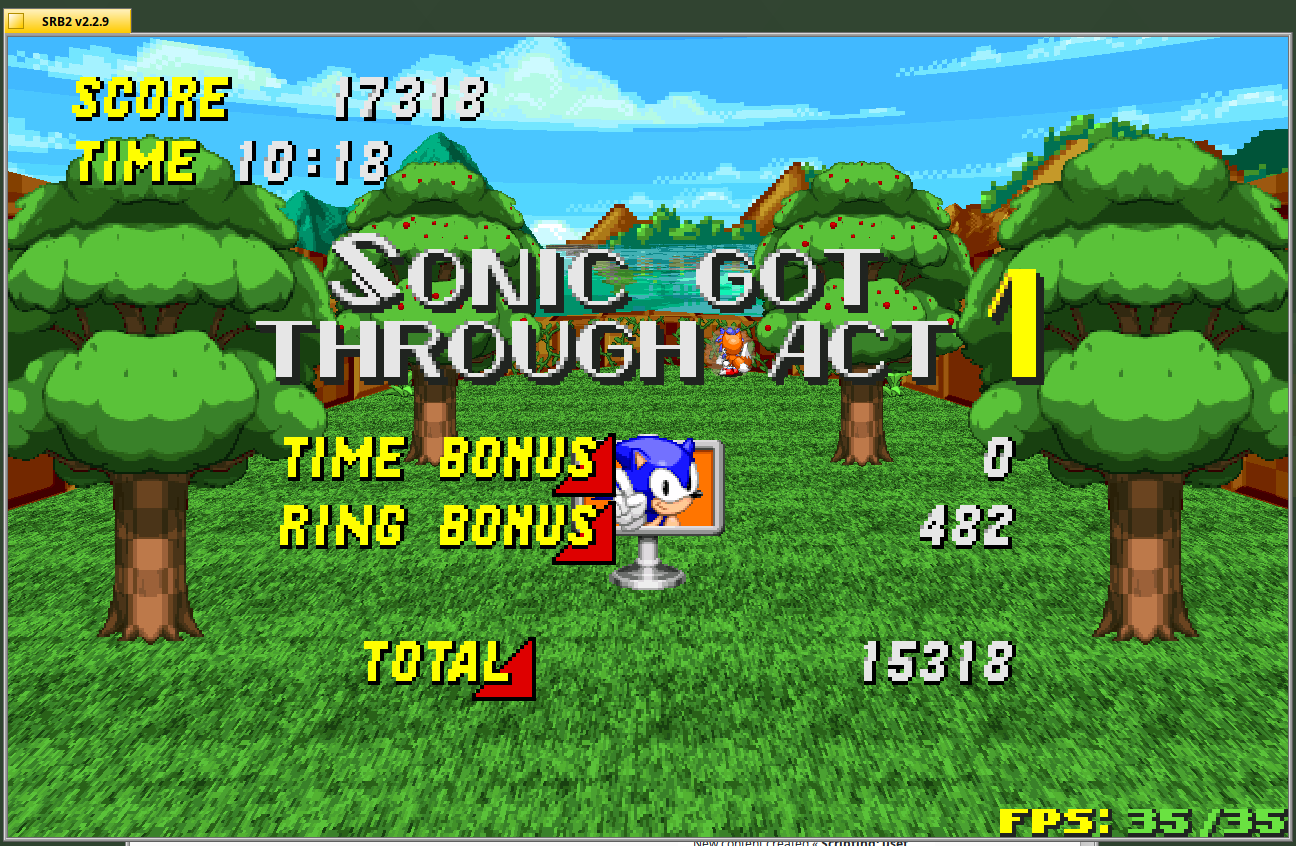
Act 1 completed:
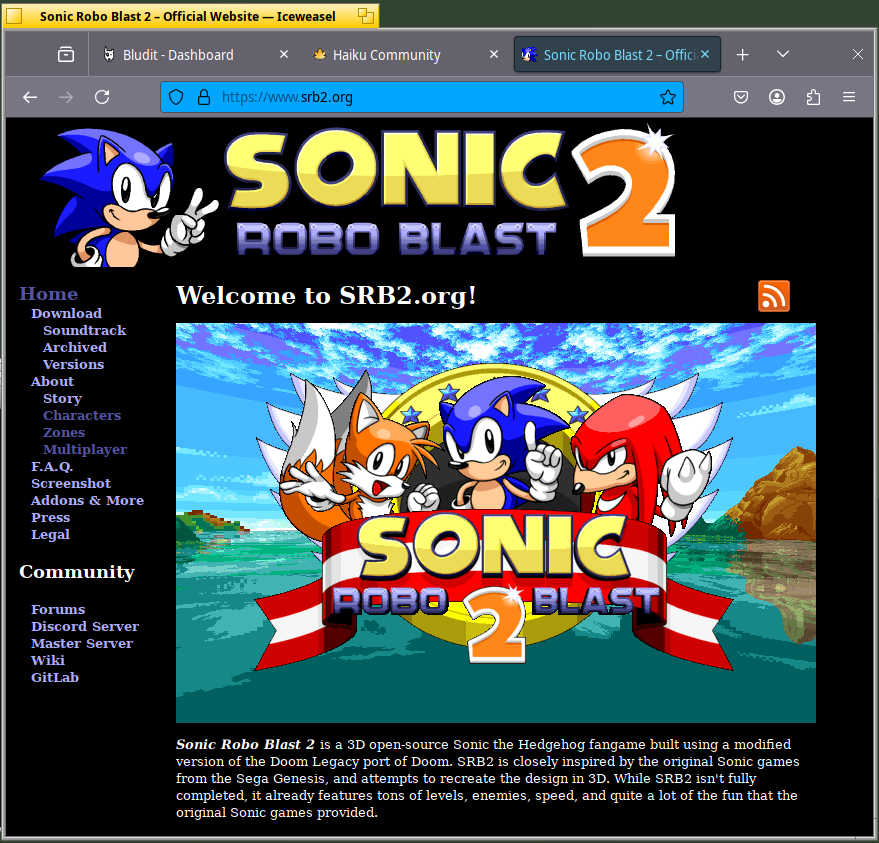
I case you would like to know more about the game, please check the URL : https://www.srb2.org/
Please note that last version of the game under Haiku is 2.2.9 meaning you can't play multiplayer games as the last released version is currently 2.2.15.
However, we might expect to have an update soon.
Stay tuned:)