
USB WiFi dongle
 DigitalBox
- Hardware
- September 28, 2026
On some machines, Haiku recognizes the Ethernet port but not the internal WiFi card.
That's the case on my Asus TUF Gaming laptop: with an RJ45 cable the network works, but the built-in WiFi card isn't detected.
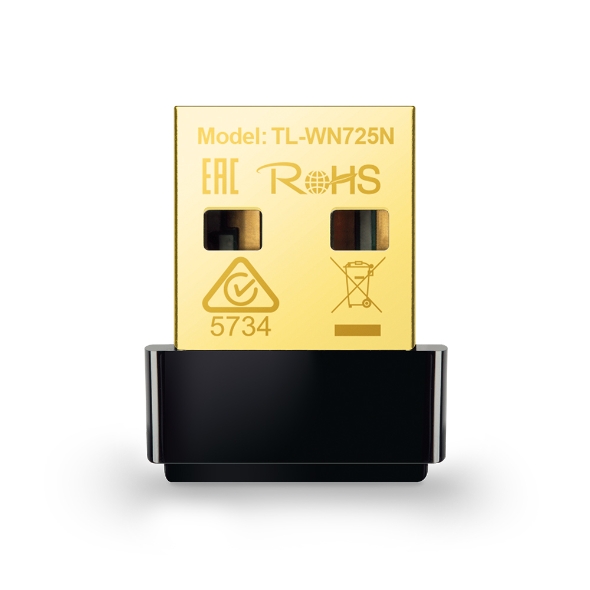
The solution is a tiny USB dongle: the TP-Link TL-WN725N.
A bit of background
USB WiFi adapter support was merged in the realtekwifi driver and it's been in Haiku for a while now.
One community member reported that the TL-WN725N, which uses a Realtek RTL8188EUS chipset, worked perfectly without installing any extra driver. That matches my own experience.
Check your hardware revision
TP-Link has released several hardware revisions of this dongle, and they don't all use the same chipset.
Manufacturers sometimes switch chipsets without changing the model number, and one user reported that his TL-WN725N with an RTL8188EU inside was not detected.
So before buying, check the revision on the box or on the sticker of the dongle, if it's available.
The details of this dongle are available on this page.
Plug it in
Plug the dongle into a free USB port and start your machine.
Check that it's recognized.
For that, open a Terminal and type:
listusb
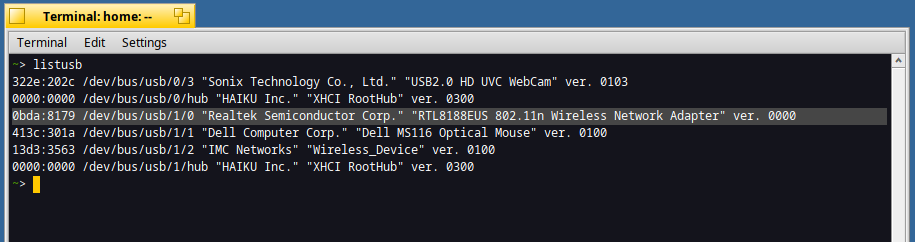
The dongle shows up as:
"RTL8188EUS 802.11n Wireless Network Adapter"
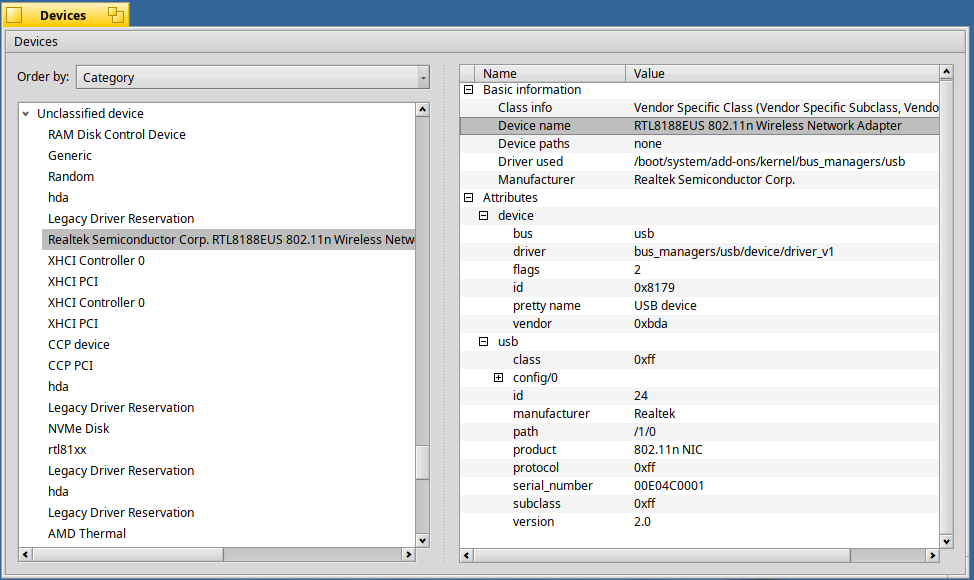
You can also open the Devices application.
Under "Unclassified device", you should find the corresponding Realtek Wireless Network Adapter:
Connect to your WiFi
Click on the network icon in the Deskbar, choose your network in the list and enter your password to establish the connection.
If you open the Preferences>Network, you should see the WiFi connection with the name "realtekwifi/0":
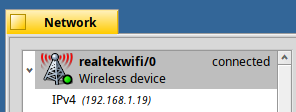
Or directly in the Deskbar like below:

That's it!
Tested with
Laptop: Asus TUF Gaming A17
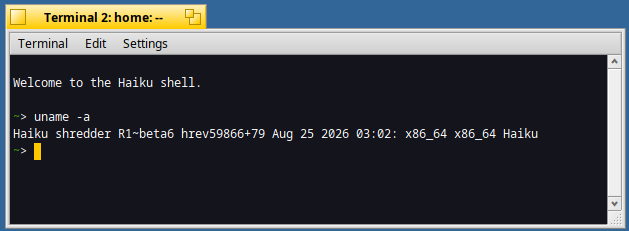
Haiku: hrev59866
It has been a while since the last addition of an article in the hardware category.
In case you have some other compatible wireless network adapters to share, you can submit your entry in the corresponding forum discussion.
I hope you have found this article useful :)