
Use ArtPaint
 DigitalBox
- Native
- June 4, 2025
Native applications on Haiku do not represent the vast majority of the software available.
That's why HaikuInsider website is proposing a dedicated "native" category.
Let's review this week ArtPaint, a painting application which comes from the time of BeOS :)
In 2022, a member from the Haiku community, dsizzle, put some efforts in it until last year.
Various improvements were provided until the latest 2.7.1 release.
Installation
ArtPaint is part of the "Featured packages".
To install it, select the "Graphics" category and click on the ArtPaint entry:
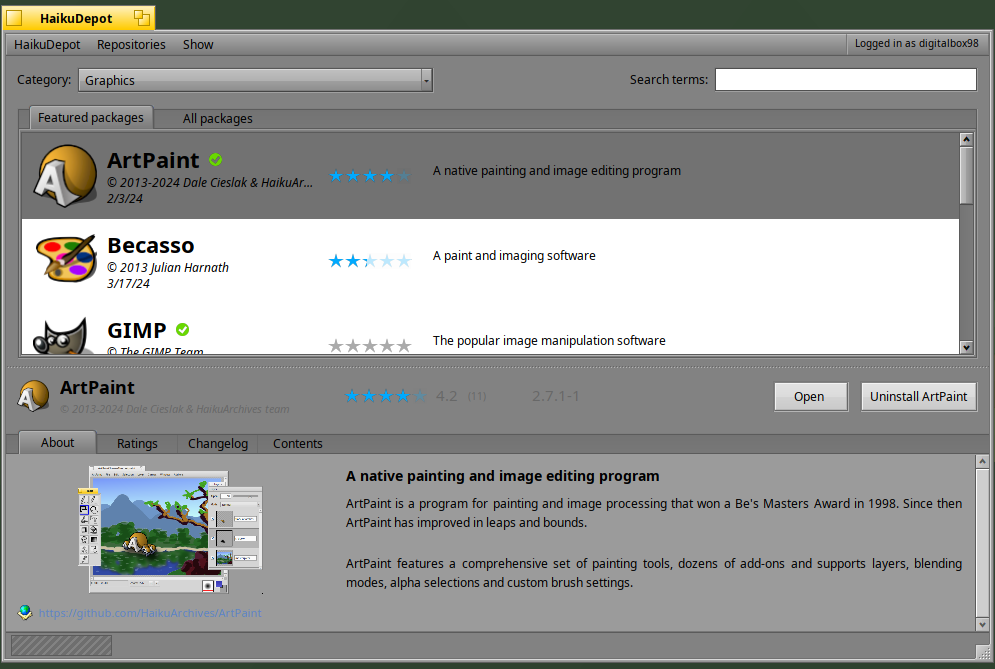
Then proceed with the installation.
Usage
The first time you open ArtPaint, a simple window like below is displayed:
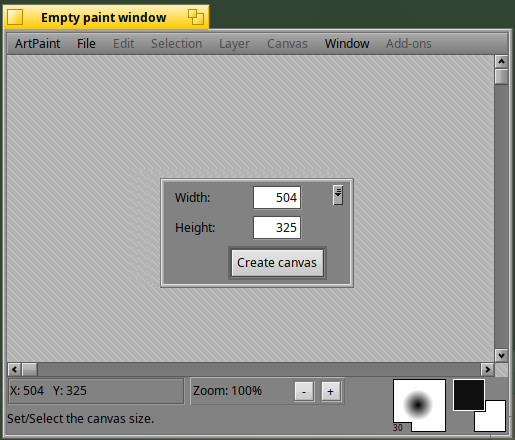
As it's a native application, it would be great to have a splash screen instead if this - at least the first time :)
You can select the width and height of the image you would like to create.
Then confirm with "Create canvas".
What is a bit disturbing the first time it that the tools, colors, brushes and layers windows are not displayed by default.
In case you need to change that behavior, select "Window>Tools" or any other window you would like to have when launching the application:
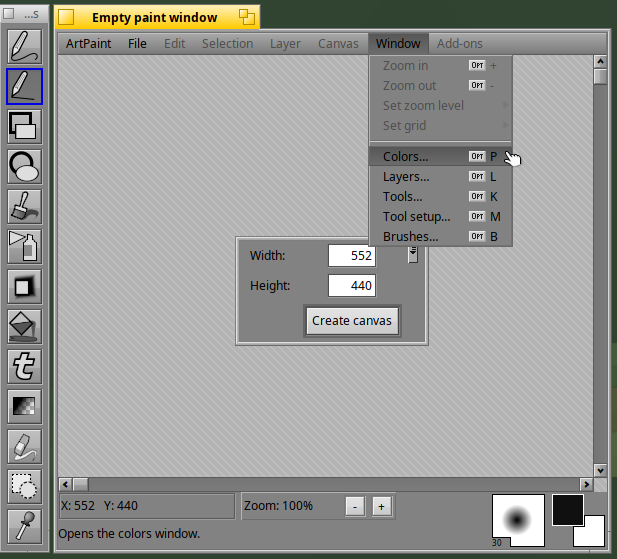 Xxx
You can also use Alt+move window to stick the "Layers" window on the right of ArtPaint main window:
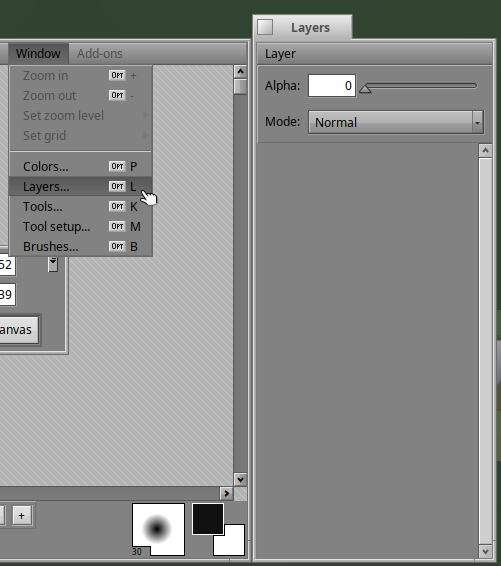
You can also put Layers, Brushes and Colors as part of the same window by Alt+dragging each window on the title of the "Layers" window:
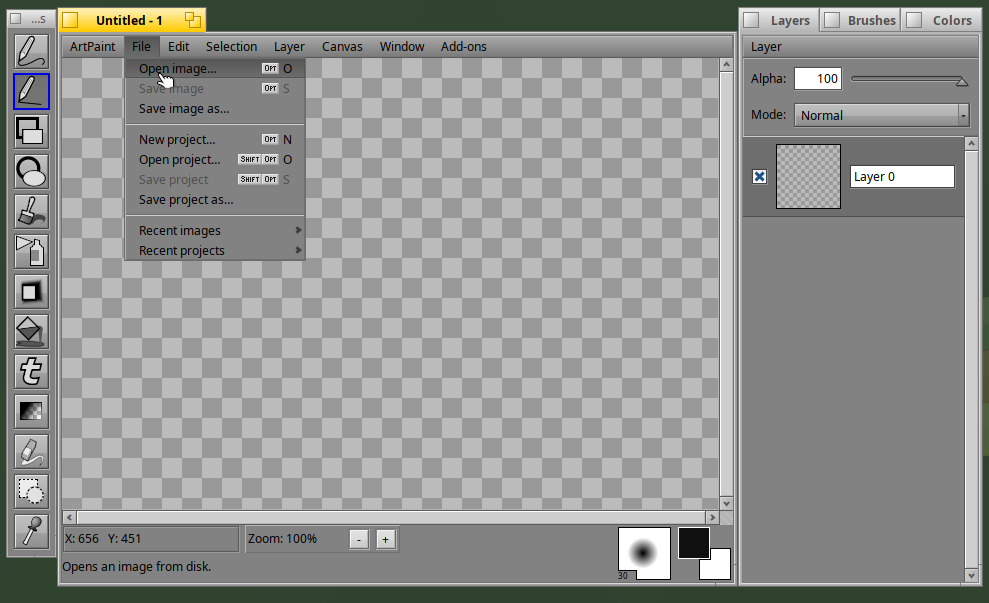
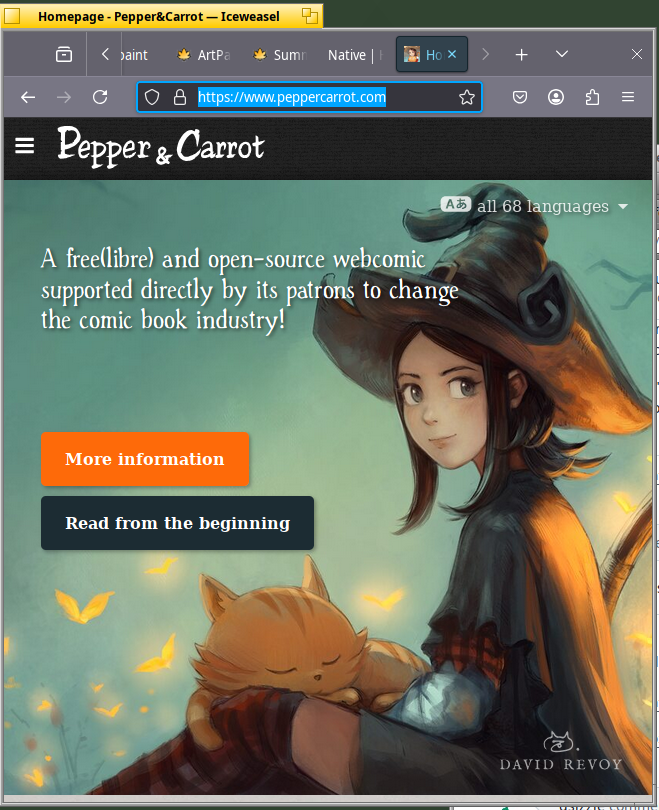
Let's open a jpeg image from Pepper & Carrot website.
If you don't know what it is, I advice you to have a look:
The below cartoon image has been loaded in ArtPaint for show case the various feature of the software.
I have put the windows like this:
- Tools window is on the left
- Layers, Brushes and Colors windows are on the right
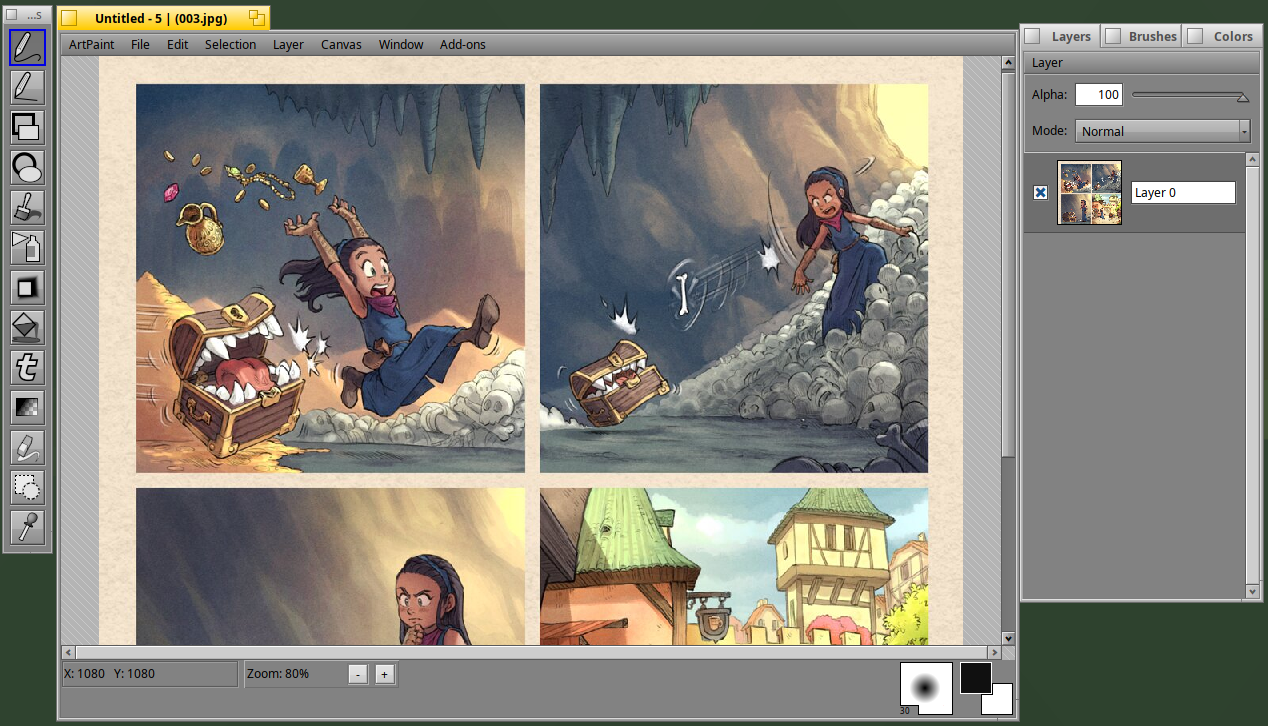
Let's start by selecting the freehand tool:

In the Brushes, select the size of your brush
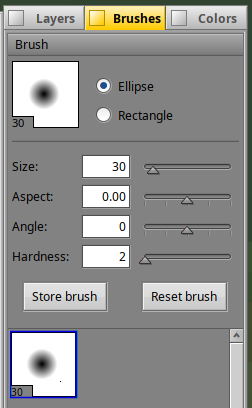
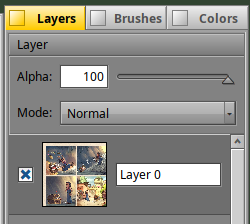
We will only use the default Layer 0 for the moment:
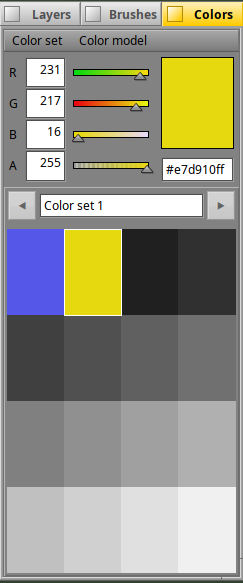
Select a color of your choice - like yellow below:
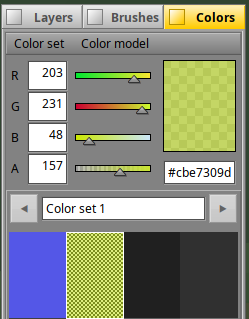
You can also indicate transparency:
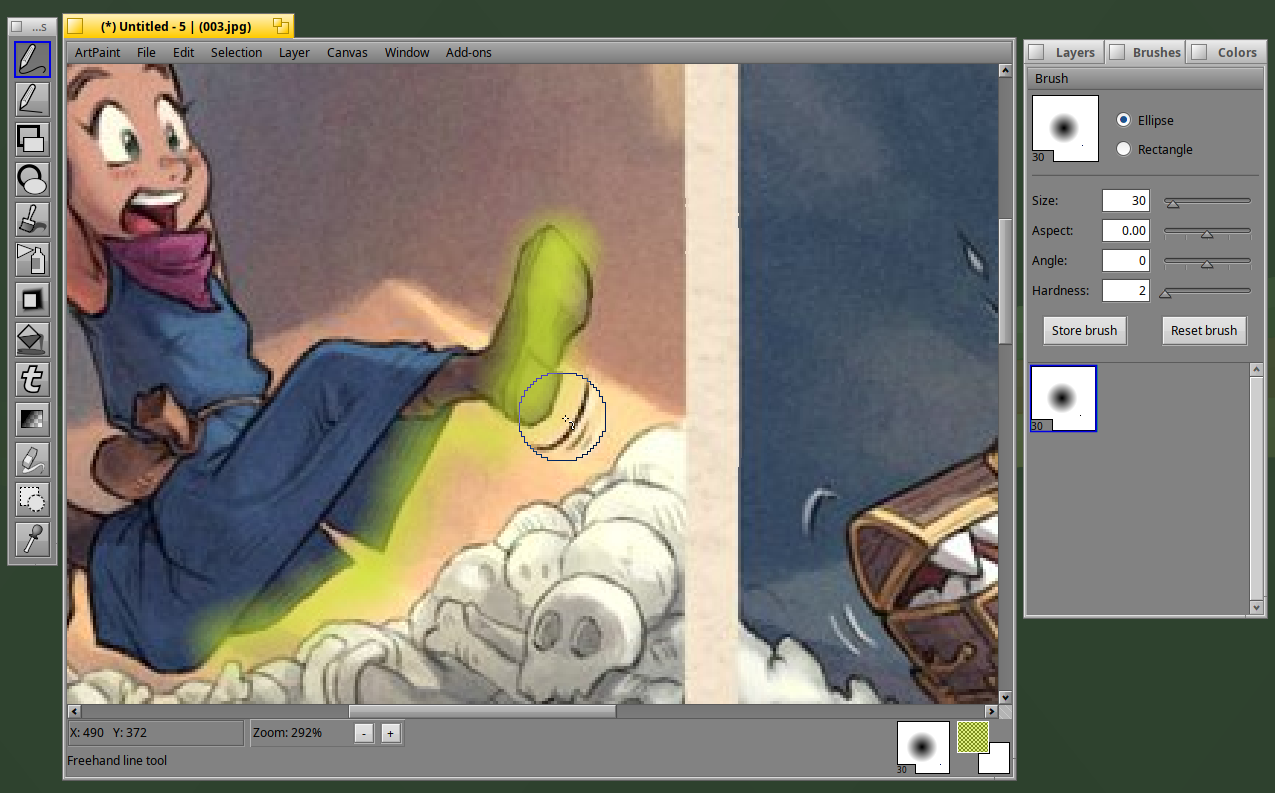
If you draw on the picture with a pen tablet or your mouse, you will see a smooth drawing on top of the current cartoon:
You can also decide to draw lines with the line tool:
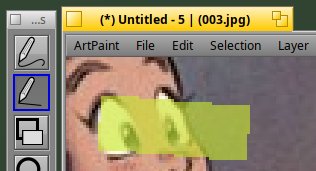
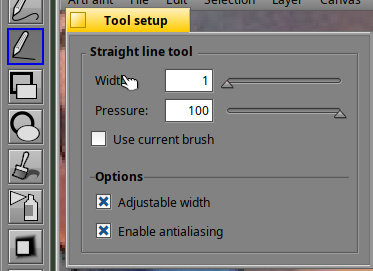
In case of "adjustable width", at the end of the drawing, you can adjust the thickness.
If this option is not ticked, then the default width will apply (1 pixel below):
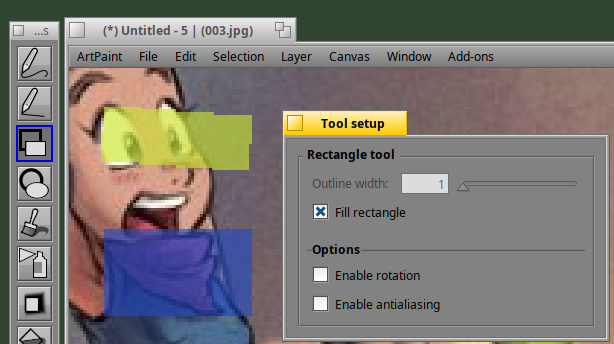
You an also draw rectangles which can be filled:
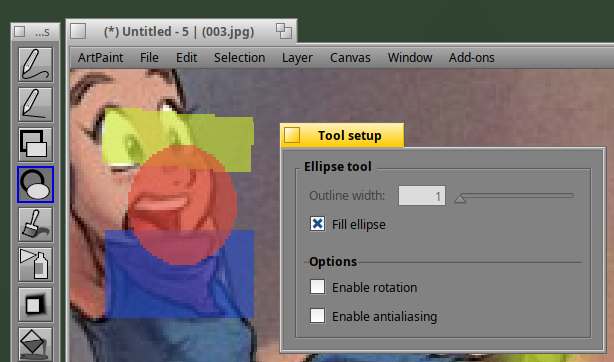
Or ellipses too:
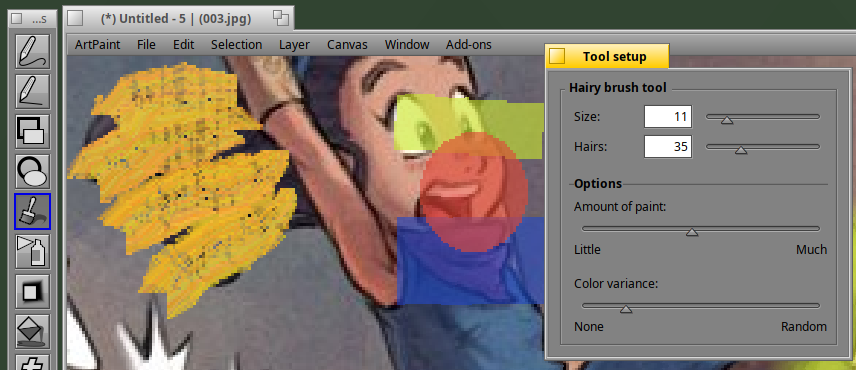
In case you need an hairy effect in your drawing, you can select the hairy brush like below:
Another possibility is to use the airbrush tool:
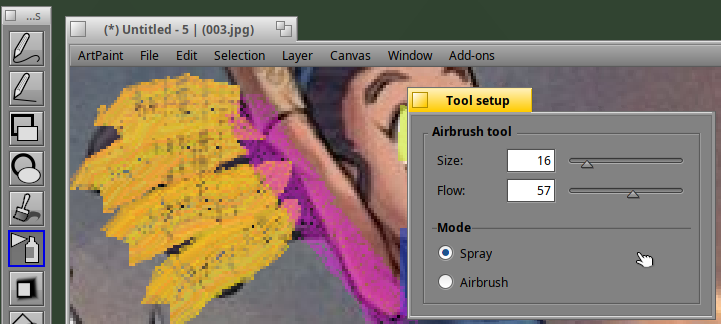
You can adjust the various parameters depending on the desired effect.
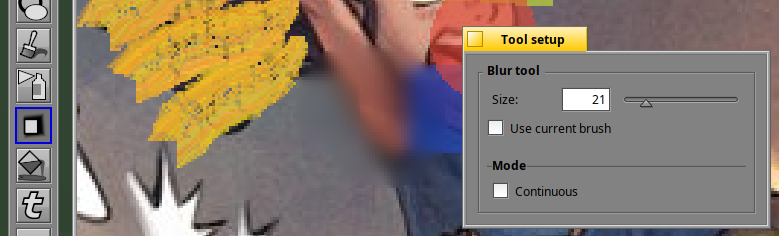
There's also a nice blur tool, in case you want to draw a blur in the picture:
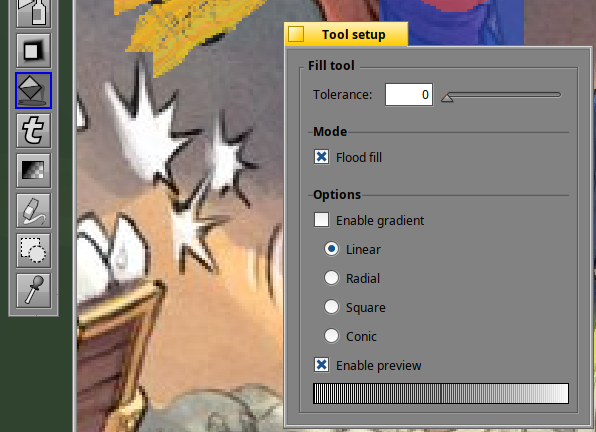
Of course, there's also a fill functionality - which can use a gradient if ticked:
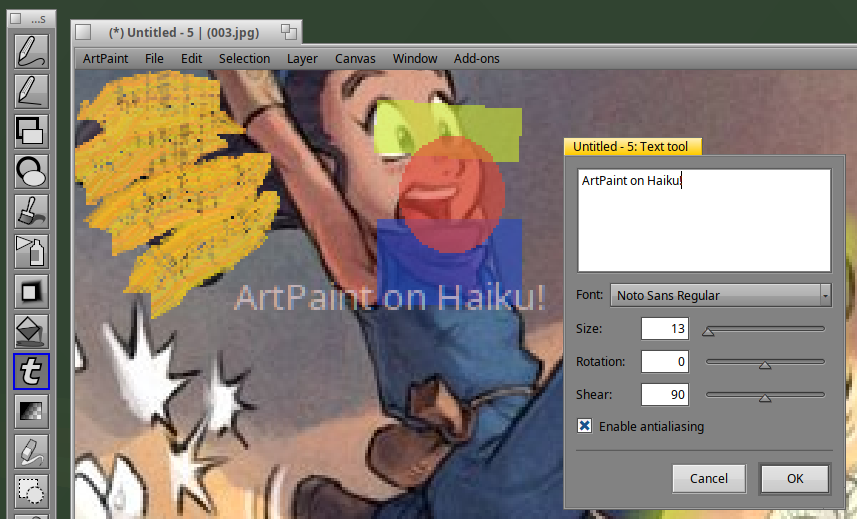
The text tool allow you to enter the text of your choice with a specific font and size:
If you need to erase part of the picture, the eraser tool is also available:
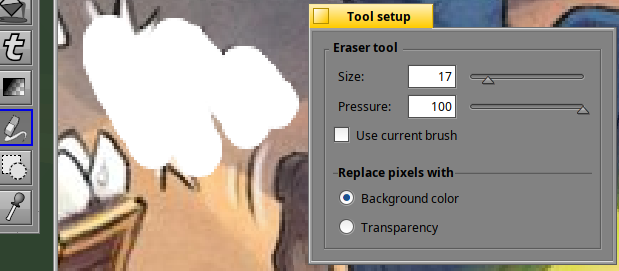
You can adjust the "pressure" parameter if you don't want the eraser to be too strong.
The selection tool is also very useful:
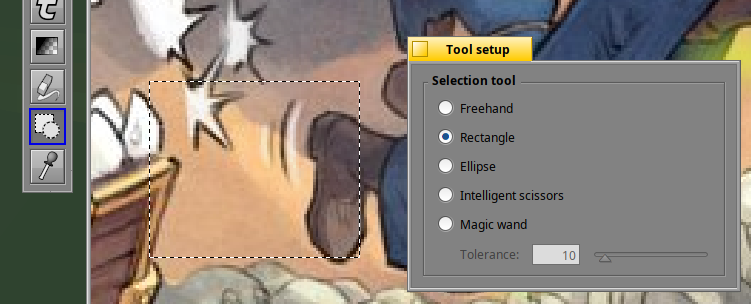
It can be a rectangle, a freehand, an ellipse, scissors or a magic wand:)
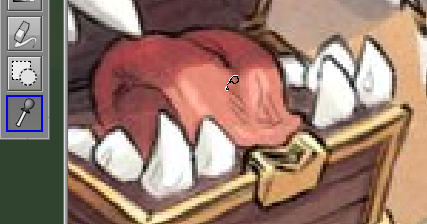
Last feature in the tool bar, the color selection:
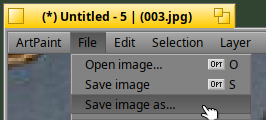
In case you need to save your changes, use the "File>Save image as":
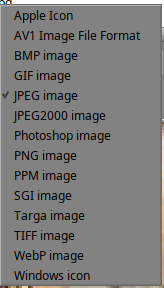
A lot of image formats are recognized:
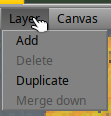
In case you are working a lot with layers, this feature is available, and you can add a new layer via the "Layer> Add" menu:
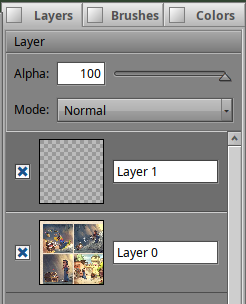
The layer id will be incremented, but you can change its name if needed:
Now the cool part: add-ons!
There are a lot of nice effects available via the "Add-ons" menu:
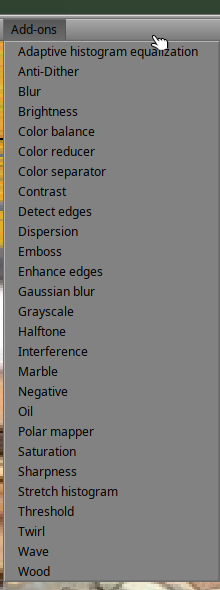
Let's review a few of them.
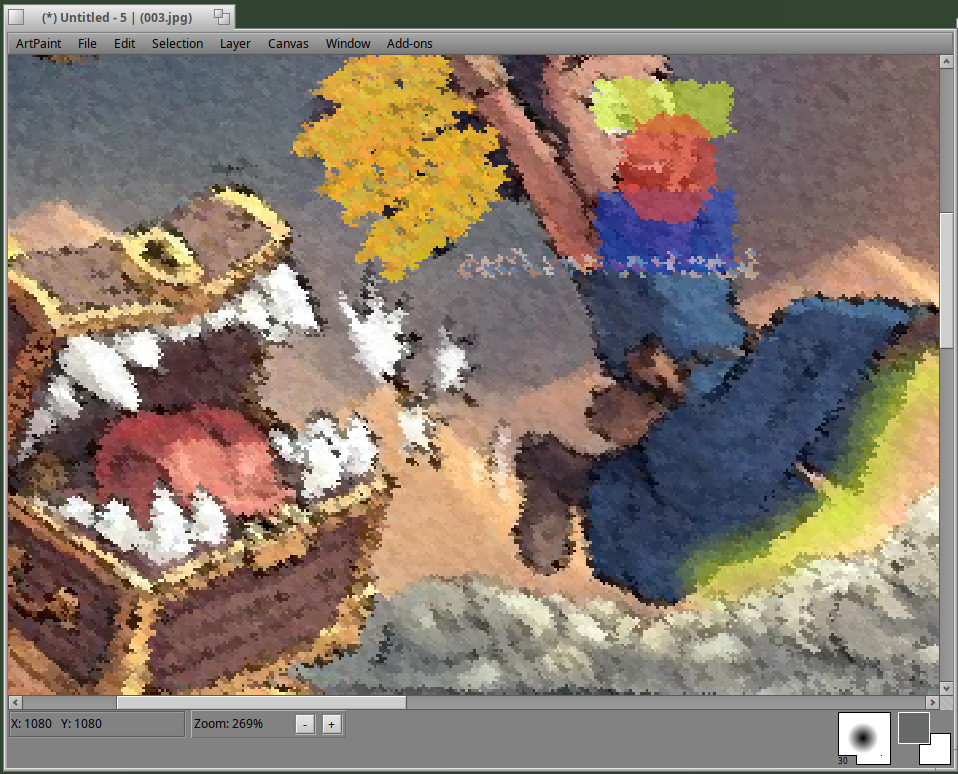
What about an oil effect on the cartoon ?
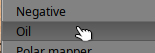
The result is as per below:
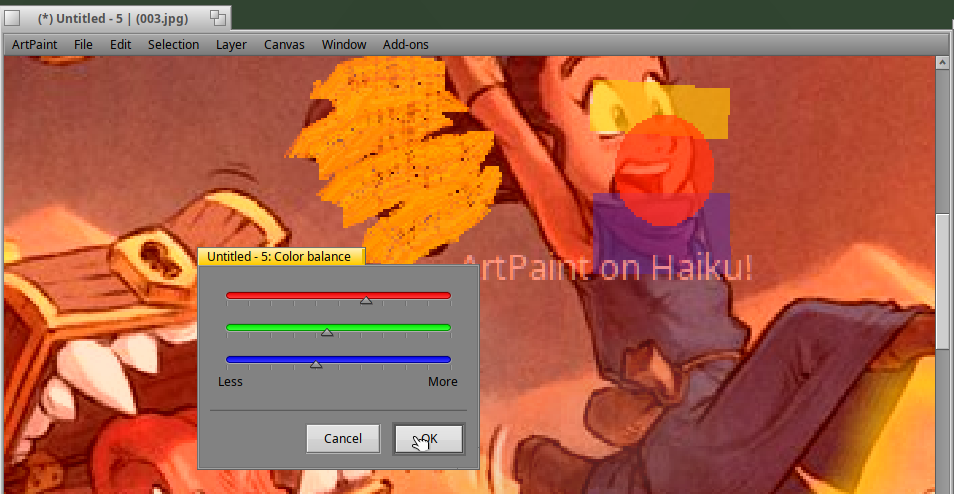
You can also apply of color balance effect of your choice:
Or a gaussian blur effect where the blur size can be changed:
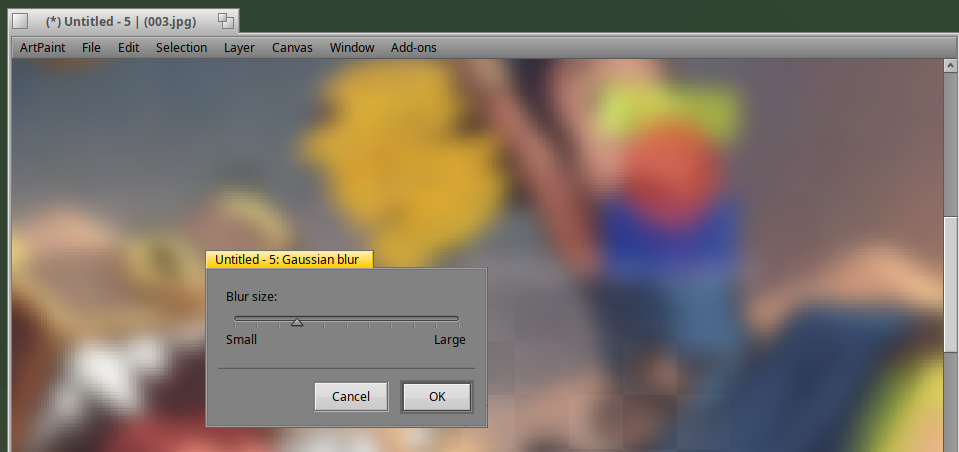
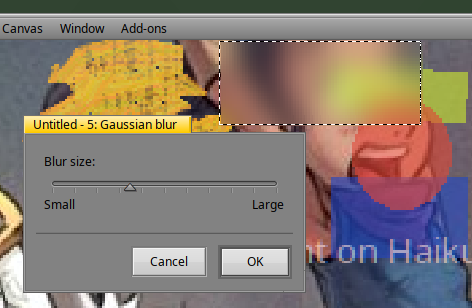
You can mix the select tool with the add-on, meaning bluring only part of the picture:
Hence you can de-saturate part of the picture like below:
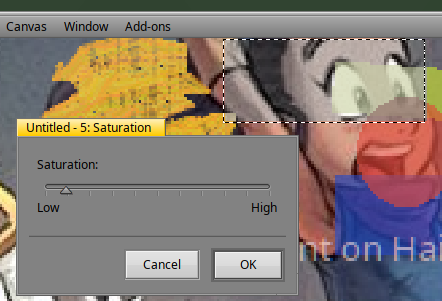
Nice, isn't it ?
Moving forward
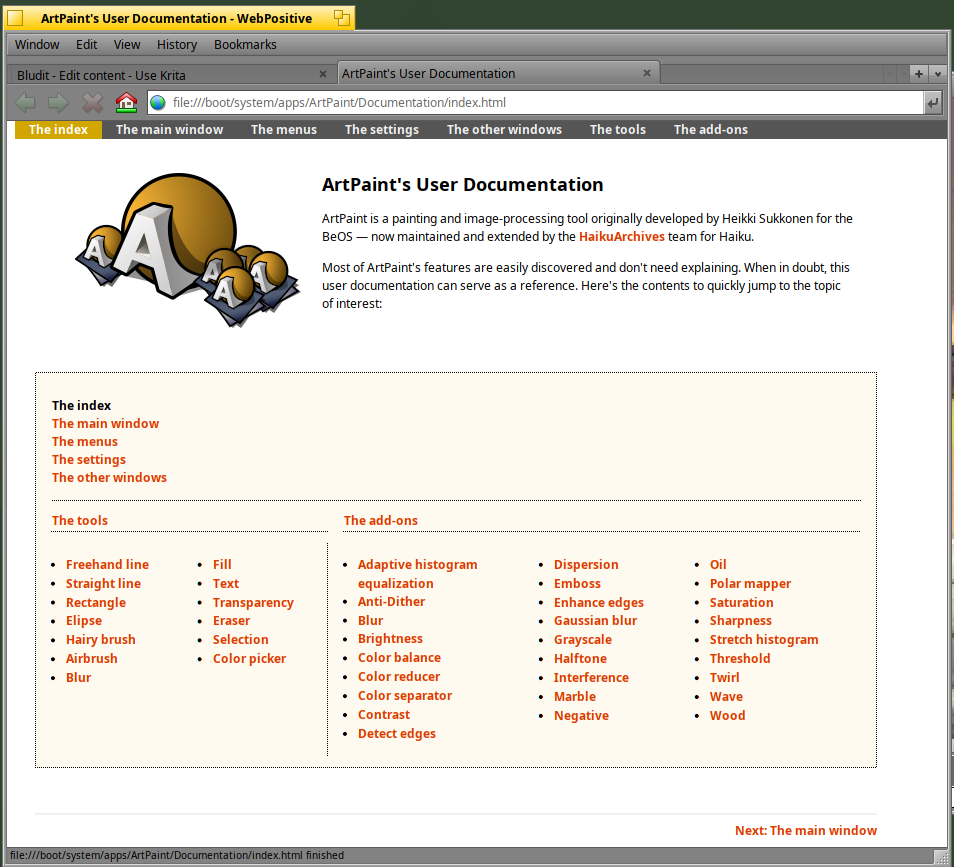
In case you want to know more about ArtPaint, you can check its documentation via the "ArtPaint> User manual" menu:
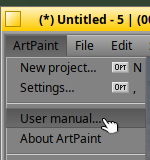
The documentation is nicely written, so don't hesitate!
Last year, dsizzle stopped to work on new features and that's why there's a free space for contributors and volunteers.
If you are interested, you can check this thread : get involved in ArtPaint development
Happy painting under Haiku!