
Use Calendar
 DigitalBox
- Native
- June 10, 2025
Calendar is a native application to visualize a calendar but also to handle events during the year.
This article will give a kick overview on how to install and use it.
Installation
Like any other standard application, you just need to open HaikuDepot.
Then search for "calendar" in the All packages tab:
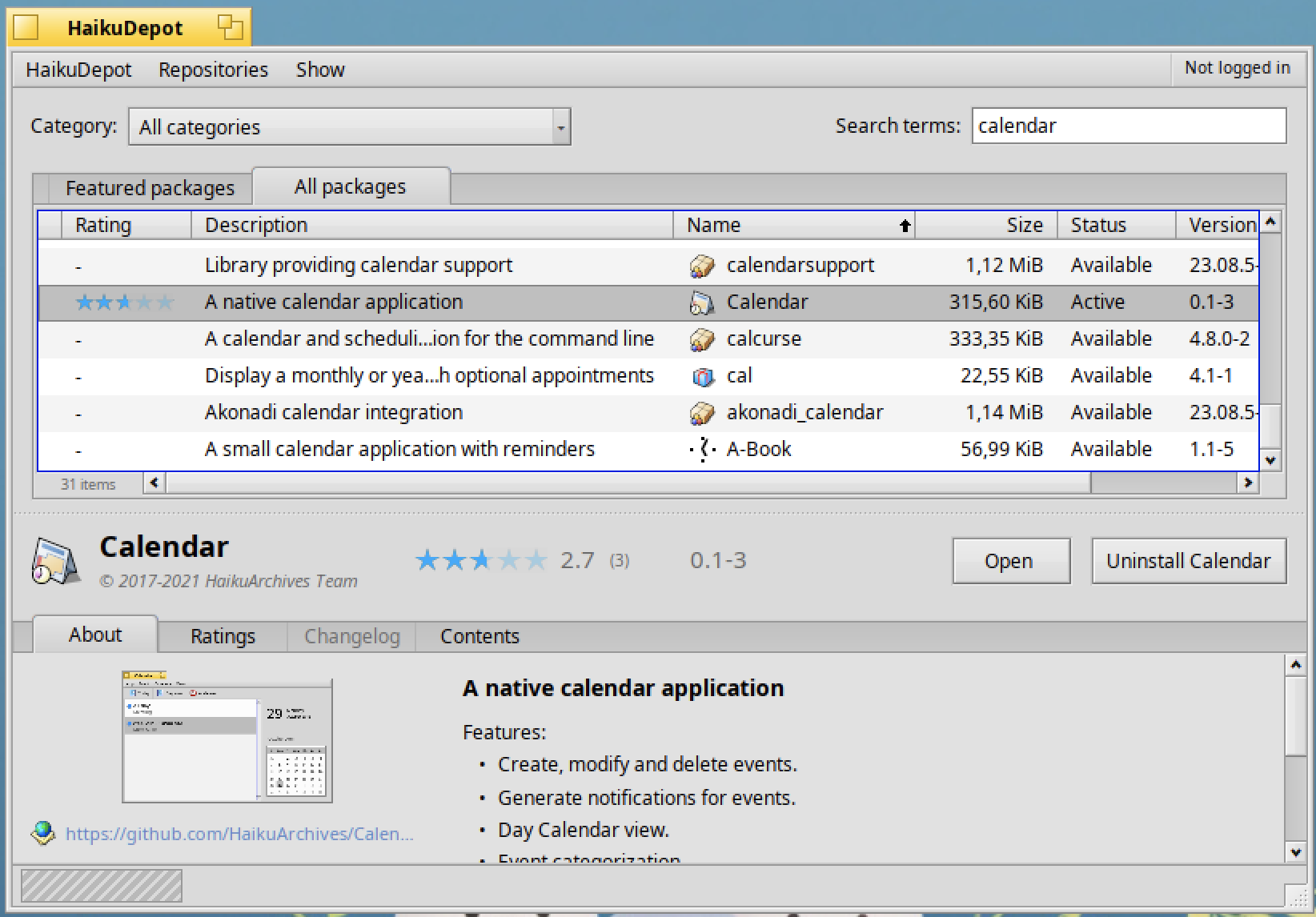
Select the Calendar application, and proceed with the installation.
Usage
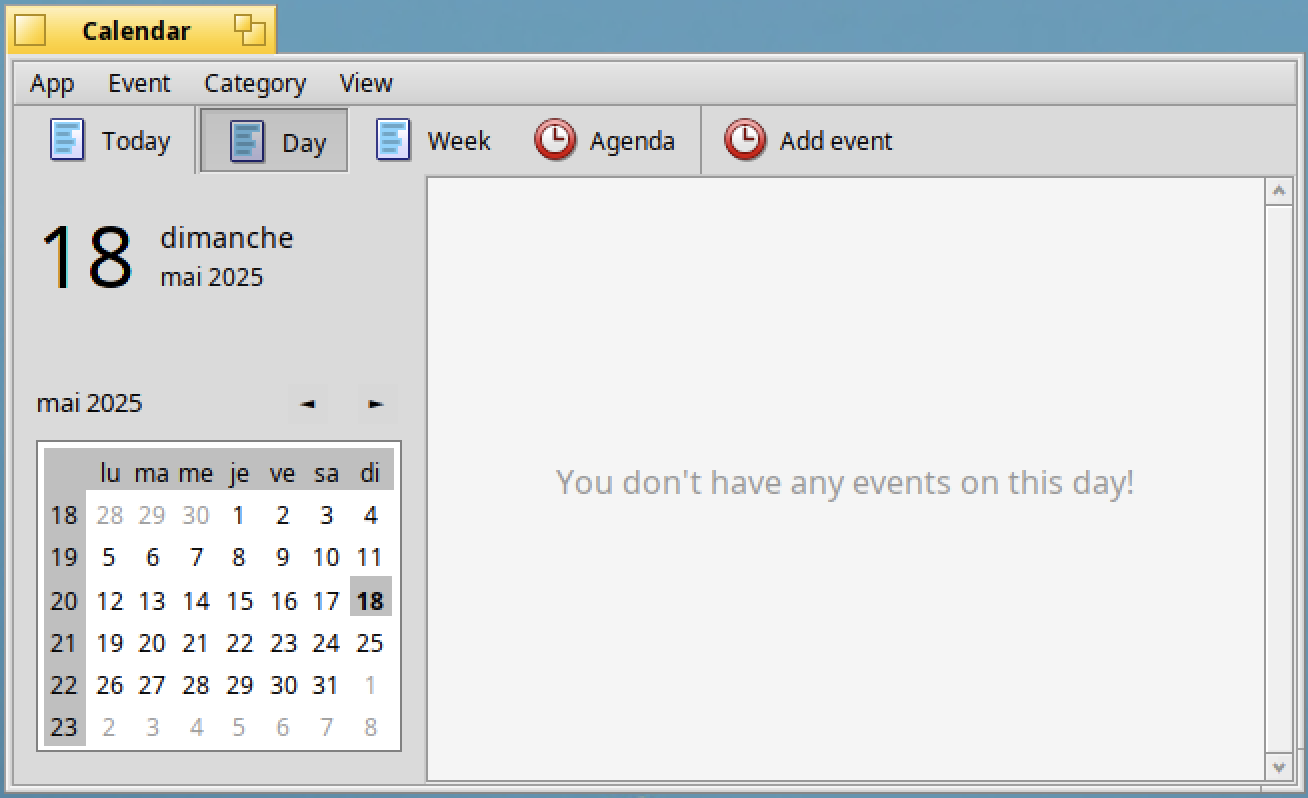
When you open the Calendar application for the first time, it will display a monthly view with no event:
In case you would like to display the week number in the calendar, go to the Preferences window:
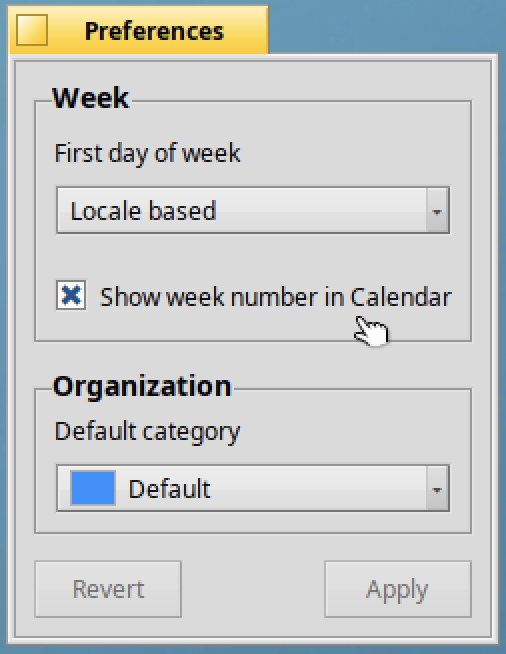
Then tick the option "Show week number in Calendar".
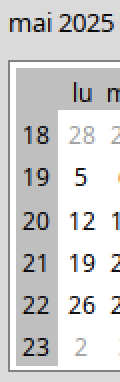
The below numbers will be visible for each week of the current month:
What about adding a new event to your current calendar?
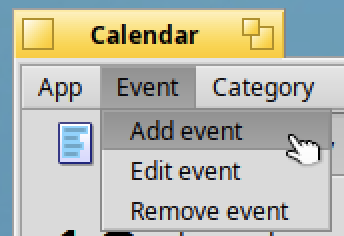
Open the "Event> Add event" menu:
Then you can indicate:
- The name of the event
- Its place
- Its description
- The start date/time
- The end date/time
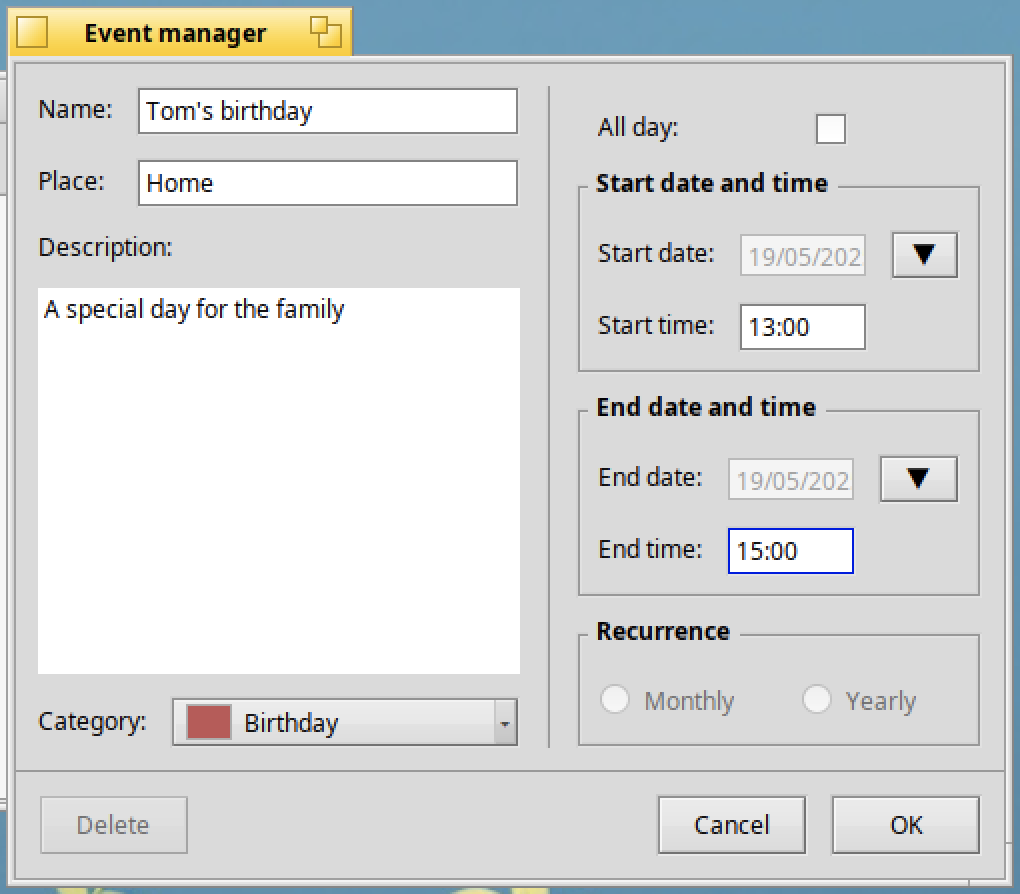
The recurrence option is not yet implemented.
Validate by "Ok".
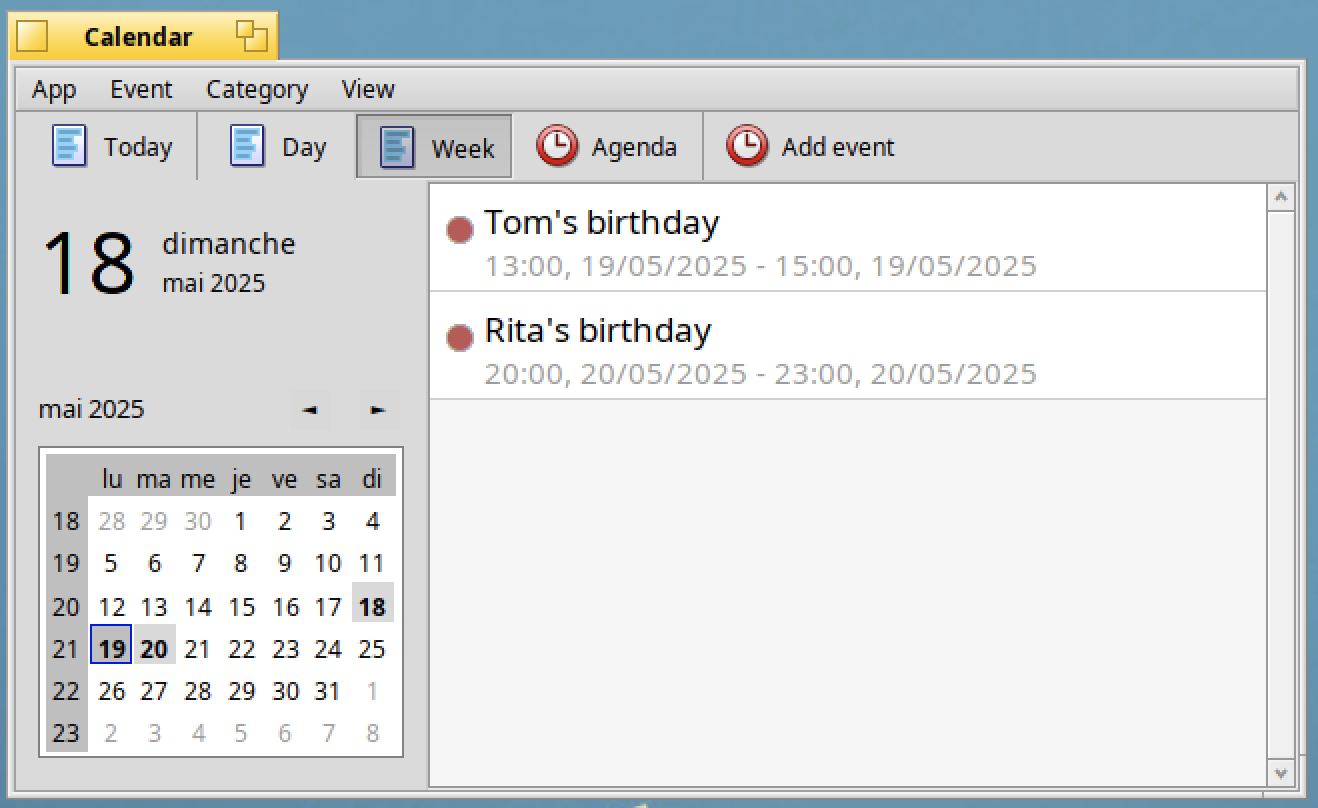
Once you have several events in your calendar, if you click on the "Week" view, all the events on the selected week will be visible:
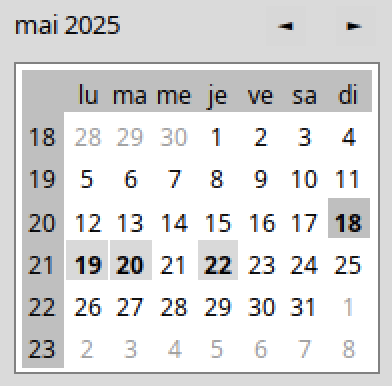
In the overview of the month, each day with an event will be displayed in bold with a grey background color:
Now if you go to specific event and double click on it, the details will be available:
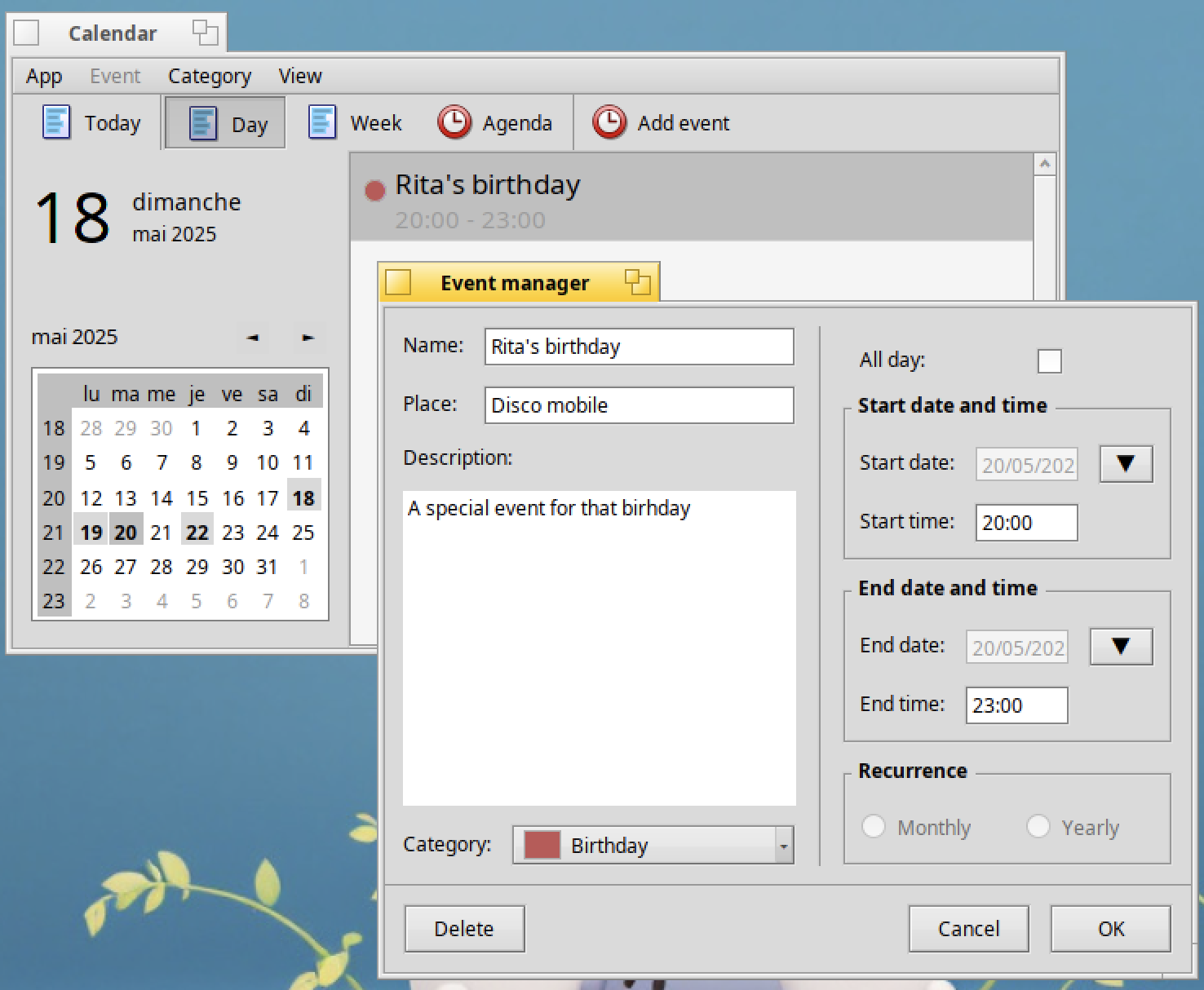
You can edit these details and validate the changes with the "Ok" button.
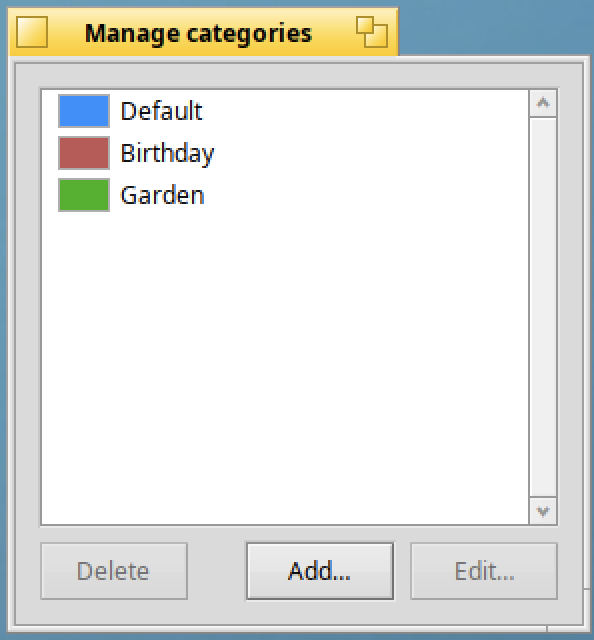
You can also customize the calendar event's categories, each having a specific color:
There's also a Google Calendar Sync feature available:
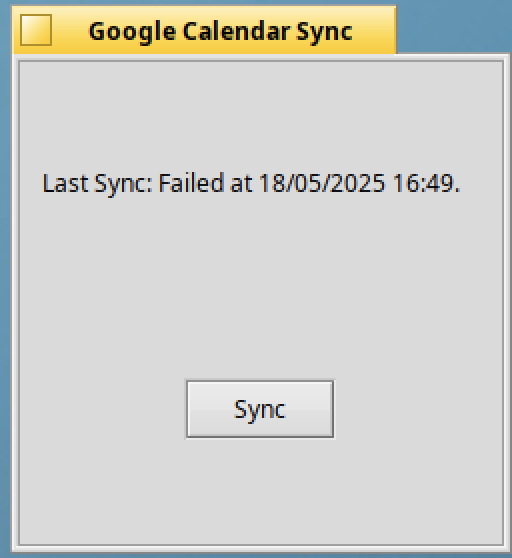
Unfortunately this is currently not working fine.
Moving forward
The Calendar application is giving the basic features of a calendar application, but it's quite limited today.
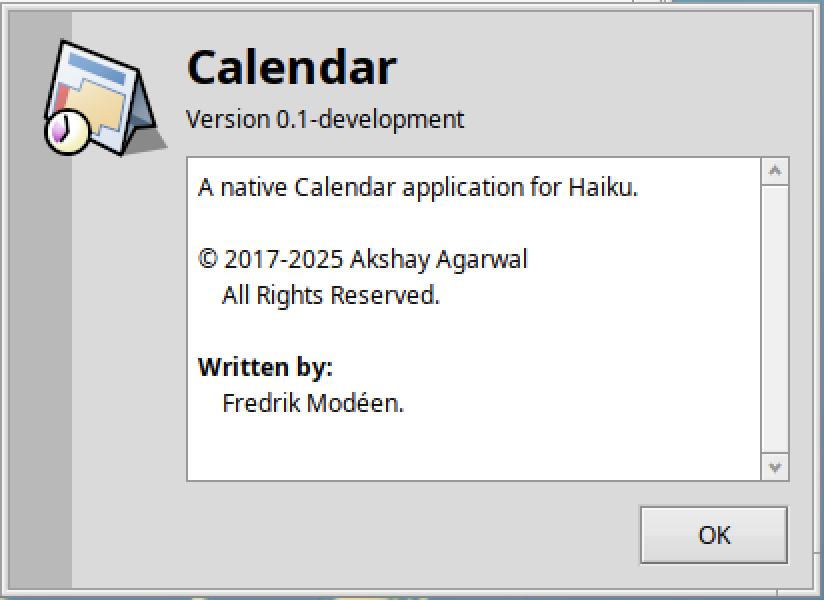
Looking at the version number, it's an early development version.
It might explain why there are missing features like:
- Synchronizing the calendar with other calendars (Google or iCloud Calendar)
- Missing system notification when an event is reached
The good news is that - like many other native applications - the source code is available.
You can have a look at it, and, if you are comfortable with C++ development, why not trying to bring new features to the Haiku community ?
More information is available on the corresponding Github repo : https://github.com/HaikuArchives/Calendar