
Use clipboard command
 DigitalBox
- Tips
- June 23, 2025
When doing a copy / paste of text between applications, the clipboard is used to store the information.
Did you know that a "clipboard" command exists under Haiku?
The aim of this command is to manipulate the clipboard data through the Terminal.
We will review in this article how to do.
Usage
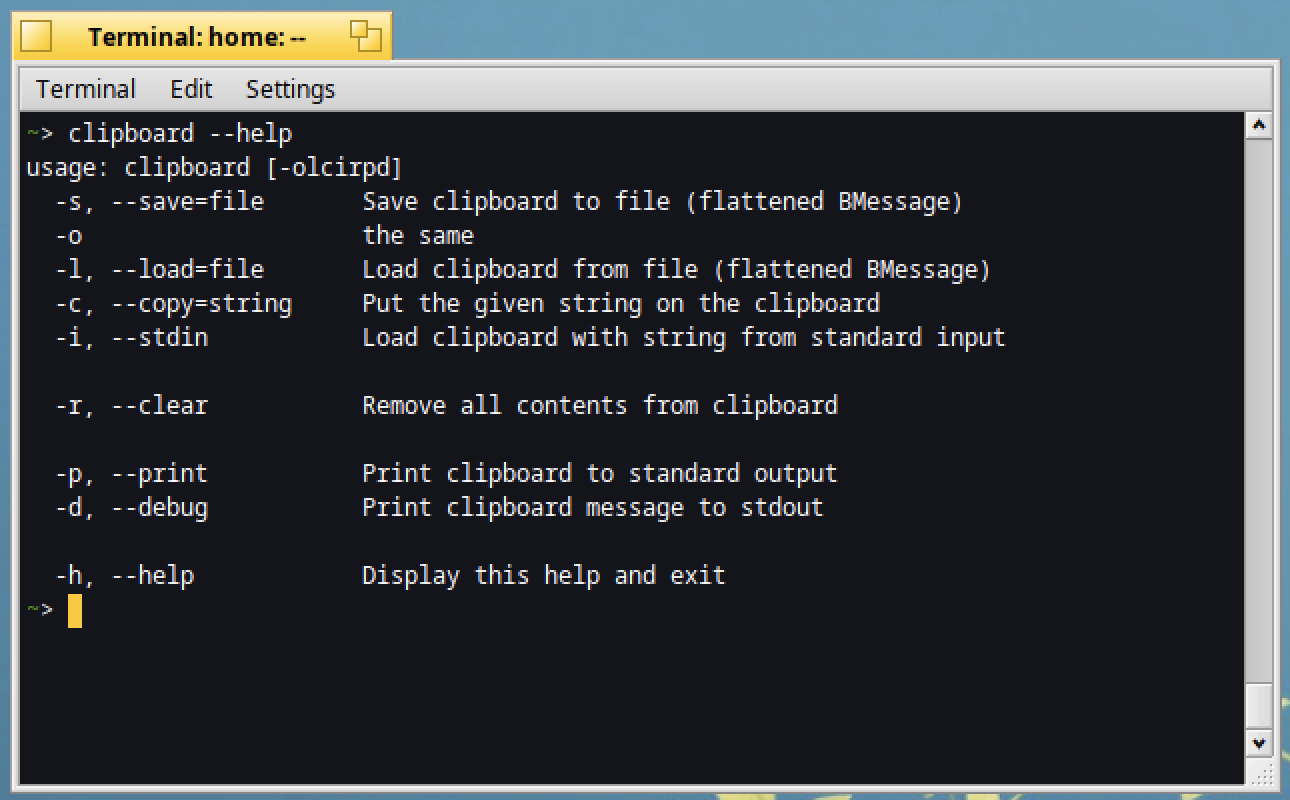
To review the features of the clipboard command, open a Terminal and type:
clipboard --help
Now imagine that -for any reason- you can't display the "@" character.
How to bypass this problem?
One possibility is to copy that character into the clipboard like below:
clipboard -c @
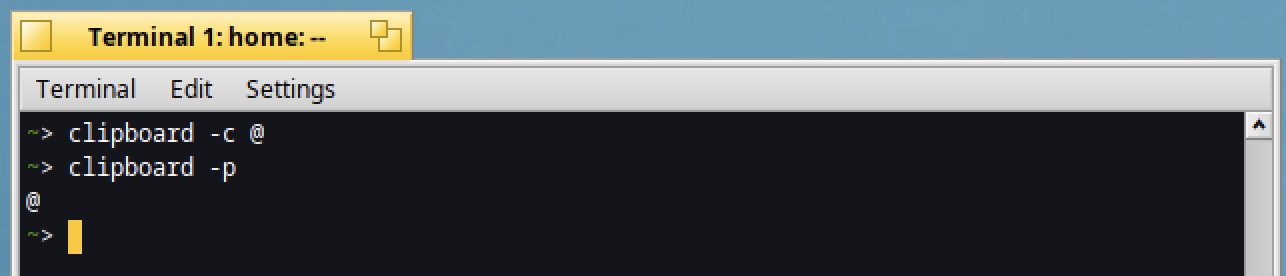
The "-p" option is used to print the clipboard data.
Now that the clipboard contains the "@" character, you can retrieve it with the standard "Opt+V" key combination.
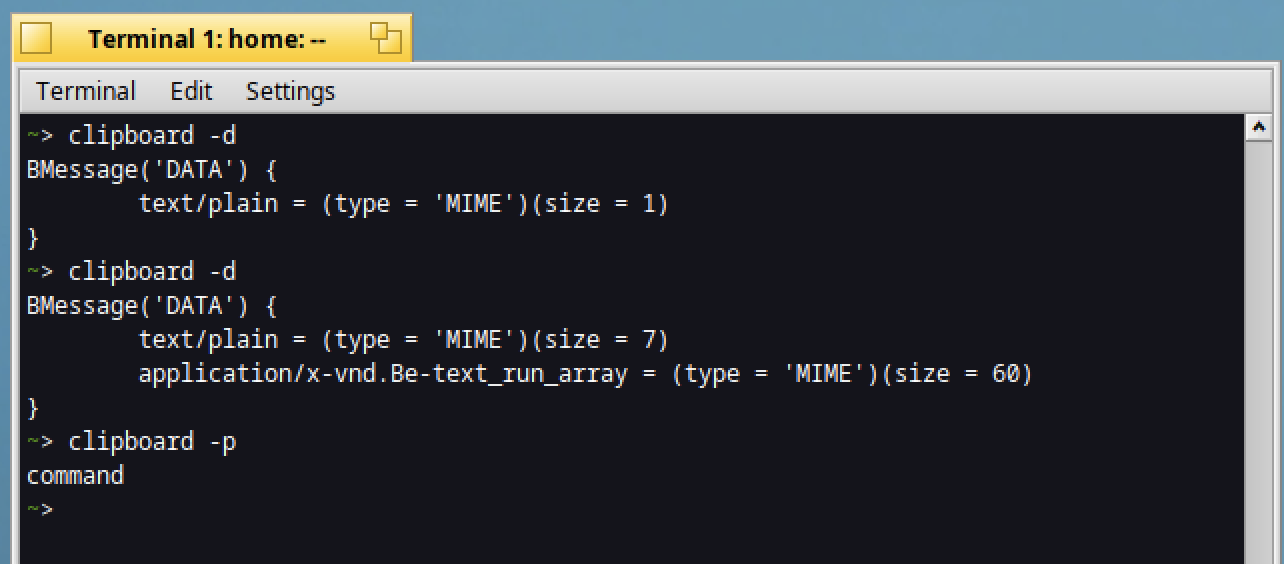
Let's take another example where the text "command" is copied into the clipboard with the "Opt+C" key combination:

You can debug the content of the clipboard as below:
clipboard -d
Or you can print the content to verify that the copy action has been performed:
clipboard -p
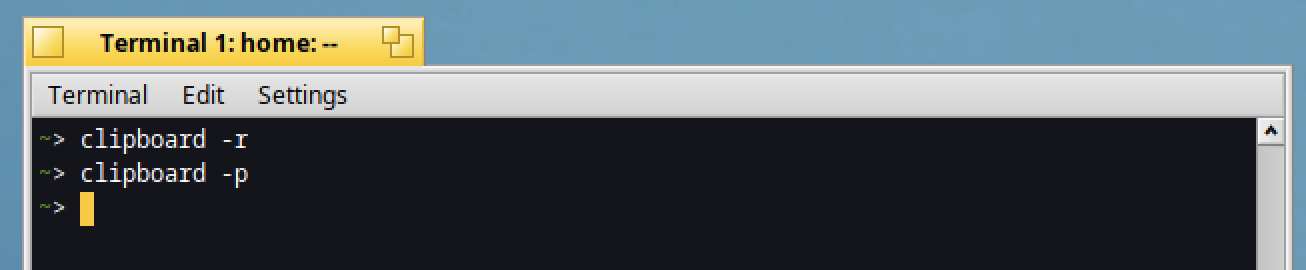
If you need to remove the content of the clipboard, you can use:
clipboard -r
Another possibility is to mix the usage of the "clipboard" command with the Shortcuts preferences application to make a shortcut of your preferred clipboard command:)