
Use DockBert
 DigitalBox
- Native
- February 15, 2025
If you use LaunchBox to have a quick access to your favorite applications, another alternative is to use the native application named DockBert.
To install it, open HaikuDepot and type "dock" in the search field :
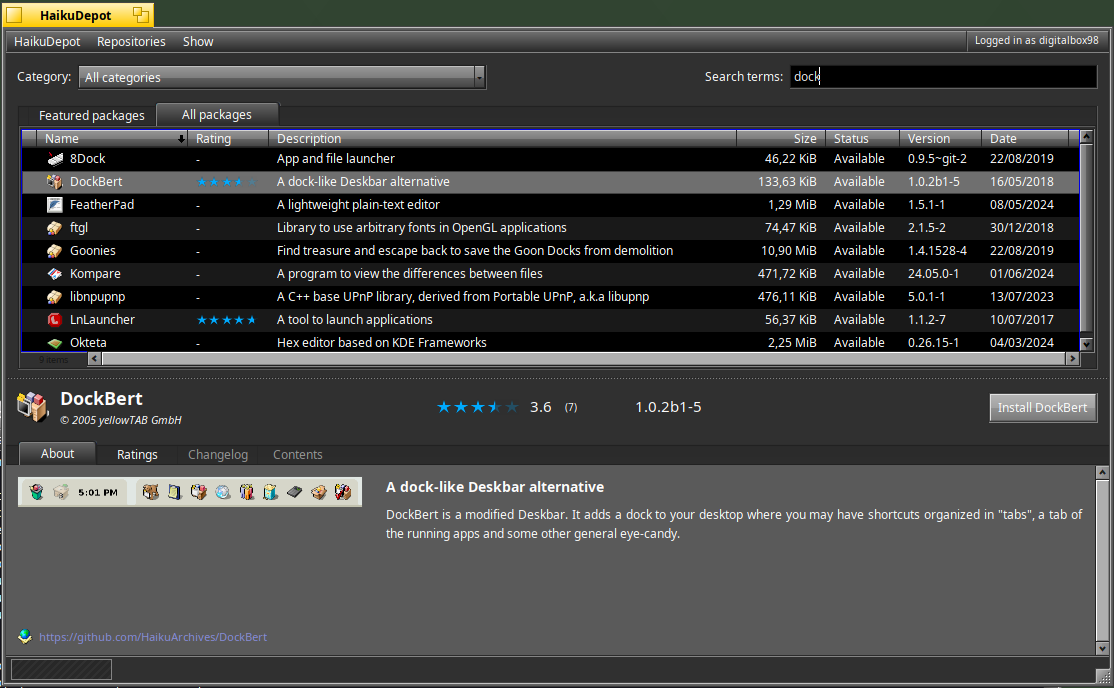
Select DockBert and proceed with the installation.
The first time DockBert is launched, the below help message is displayed:
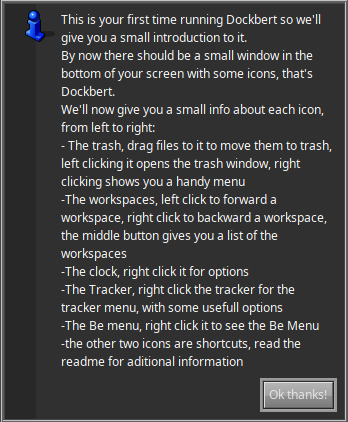
It means the below features are available :
- A quick access to the trash which is really a nice feature
- An access to the workspaces
- The display of the clock
- Your favorite items which are blank by default
- An access to the opened applications
These features are reflected from left to right :

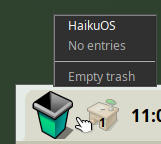
You can use right-click on the icons available and in case of the trash, you can decide to empty it :
When the trash can be emptied, its icon aspect is changing :

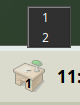
For the workspaces, if you do a middle-click on the dock, you can select to which workspace number you want to go to :
And of course, you can add favorite shortcuts to your applications like Genio, QtCreator and Pe below :

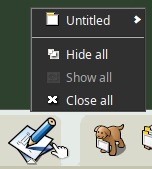
The right-click on the applications' shortcut is providing the same kind of menu than the deskbar.
It means you can decide to hide all the windows of a specific application:
Last but not least, DockBert is a dock, meaning it's always visible, except if you want to hide it :
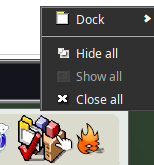
It means that when using the MinimizeAll native application, it will not be hidden!
This is the kind of feature which - I think - is missing in LaunchBox:)
Do you use DockBert under Haiku ?
Let know by putting a comment below.