
Use Shanty
 DigitalBox
- Native
- June 12, 2025
Shanty is the equivalent of Zenity from the Linux world.
It's used to create the various types of simple dialog like calendar, file selection, message, progress, colors selcection, etc.
In this article we will review how to install and use Shanty under Haiku.
Installation
To install Shanty, open a Terminal and type:
pkgman install shanty
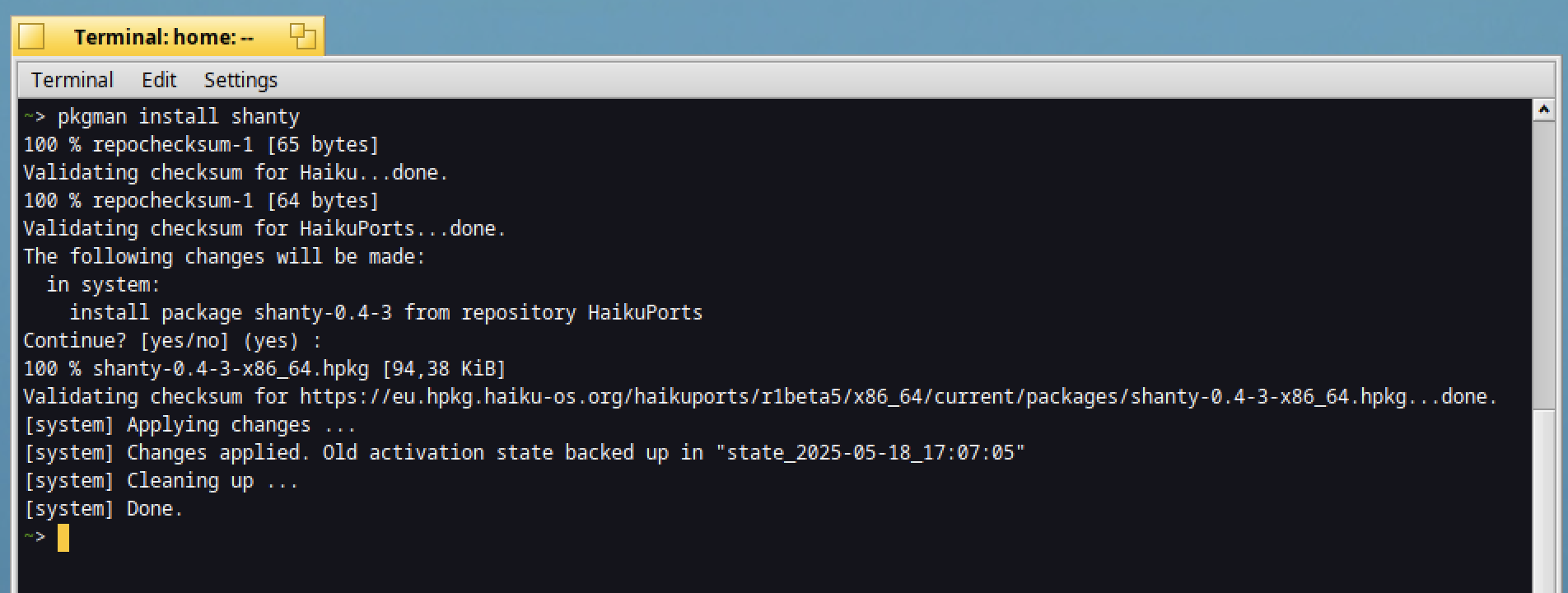
Verify that shanty command is now available:
which shanty
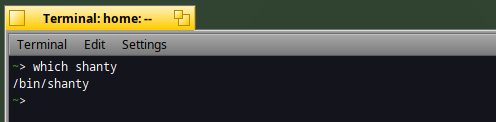
Ok fine:)
Usage
Let's start using shanty by displaying a simple informative message to the user:
shanty --info --text 'Warning, Haiku is really nice!'
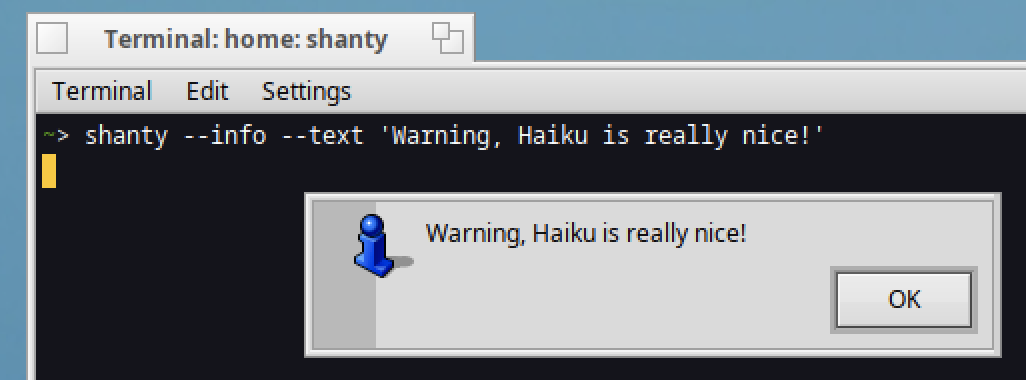
This is the most basic usage of shanty.
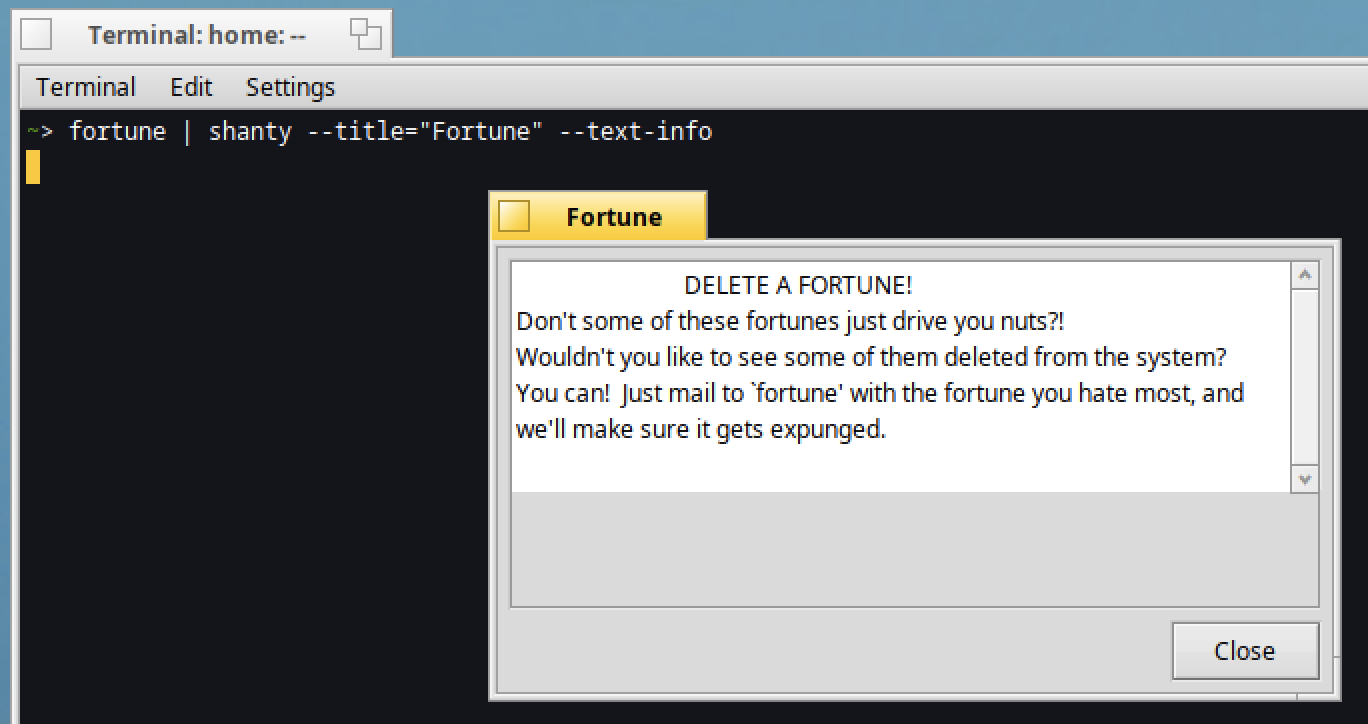
You can also use shanty to display a message retrieved from another application like the fortune command below:
fortune | shanty --title="Fortune" --text-info
In some situation, you might need to interact with the user and ask him for a choice.
For that use the "--question" option:
if shanty --question --text "Do you like Haiku?"; then echo "ok fine!"; else echo "that's your choice"; fi
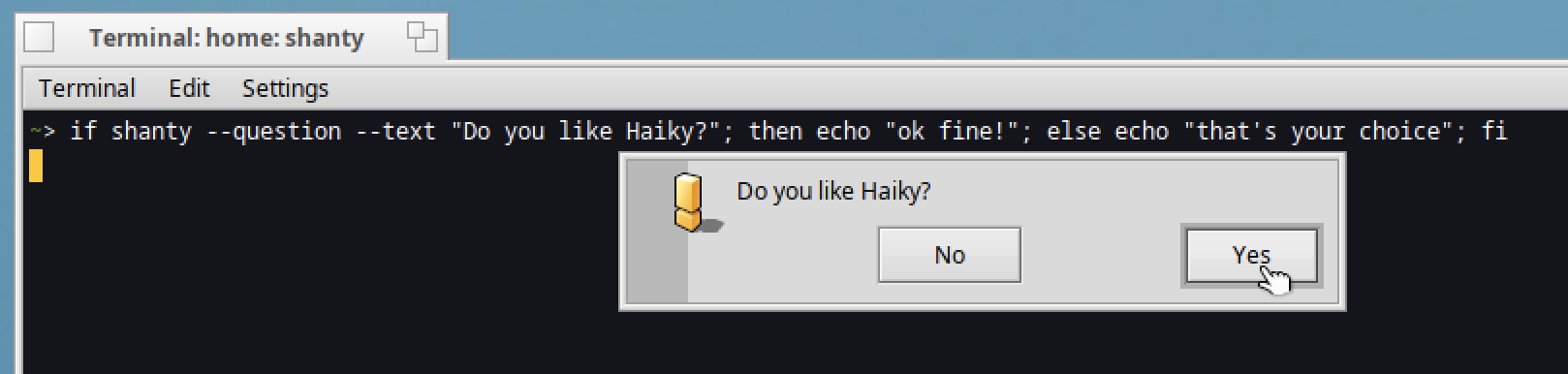
If the user clicks on the Yes button, the script will answer by the below message:
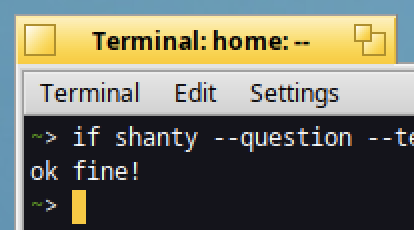
If you launch the command again:
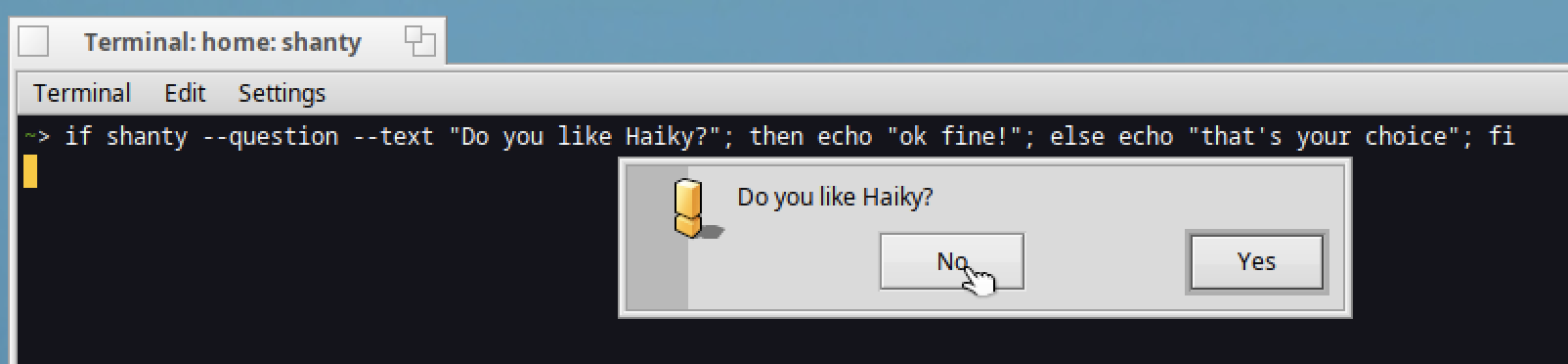
And if the user clicks on the No button, the script will answer by the other message:
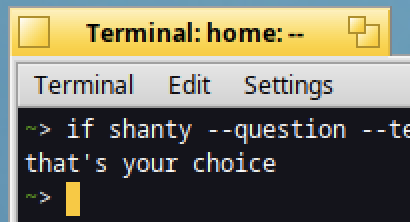
Nice ?
In case you need to ask the user for an authentication where the input must not be displayed, you can use the "--hide-text" option:
shanty --entry --title="Authenticate" --text="Enter password:" --hide-text
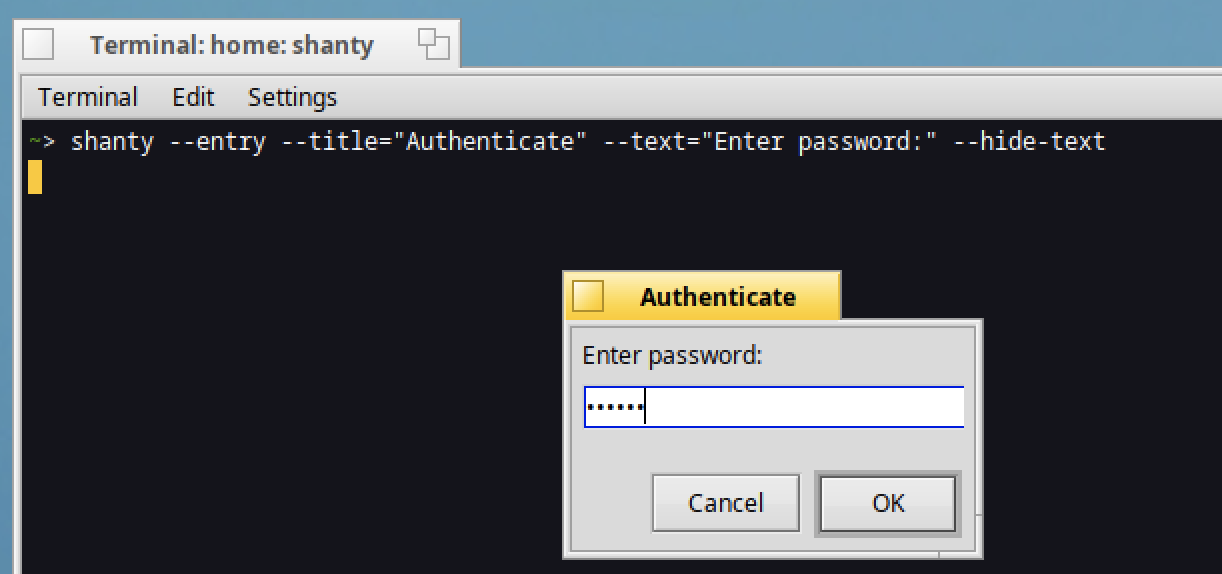
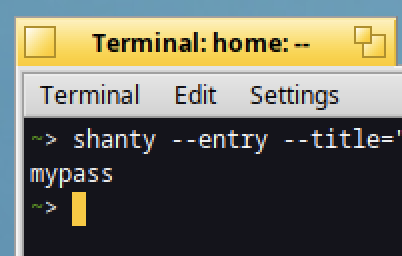
You can then retrieve the password in your script for a further usage:
What about asking for a date selection to the user ?
For that you can use the "--calendar" option:
shanty --calendar --text="Select your day"
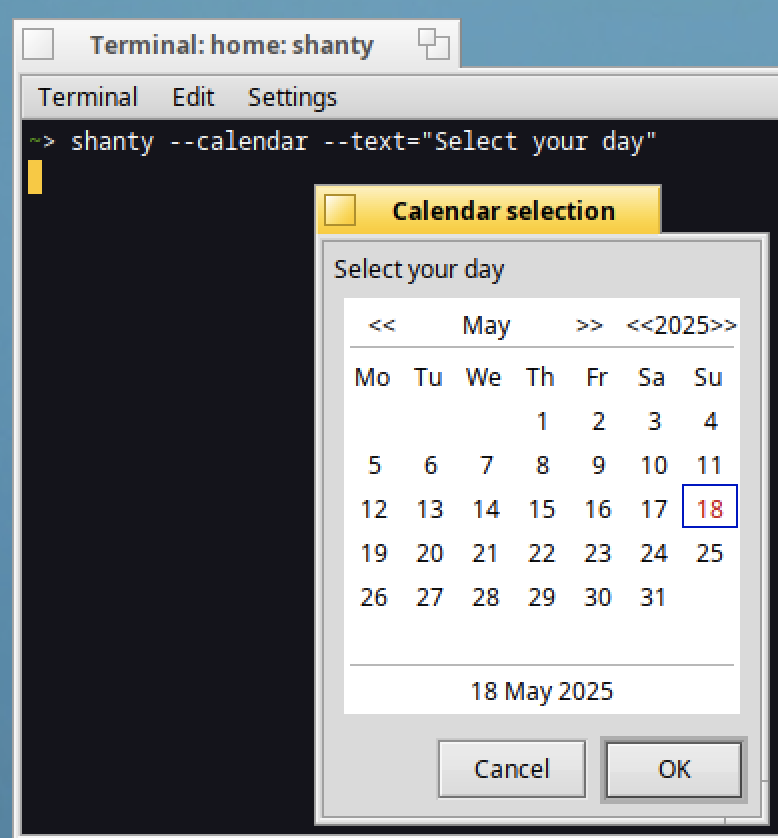
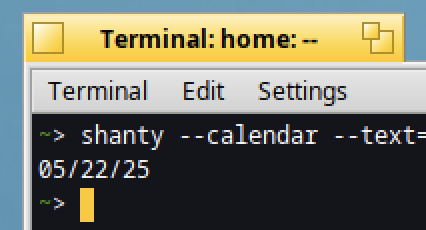
Once the date has been confirmed with the "Ok" button, it can be retrieved in your script in the below format:
Another usage is to retrieve a color selection.
For that type the below command with the "--color-selection" option:
shanty --color-selection
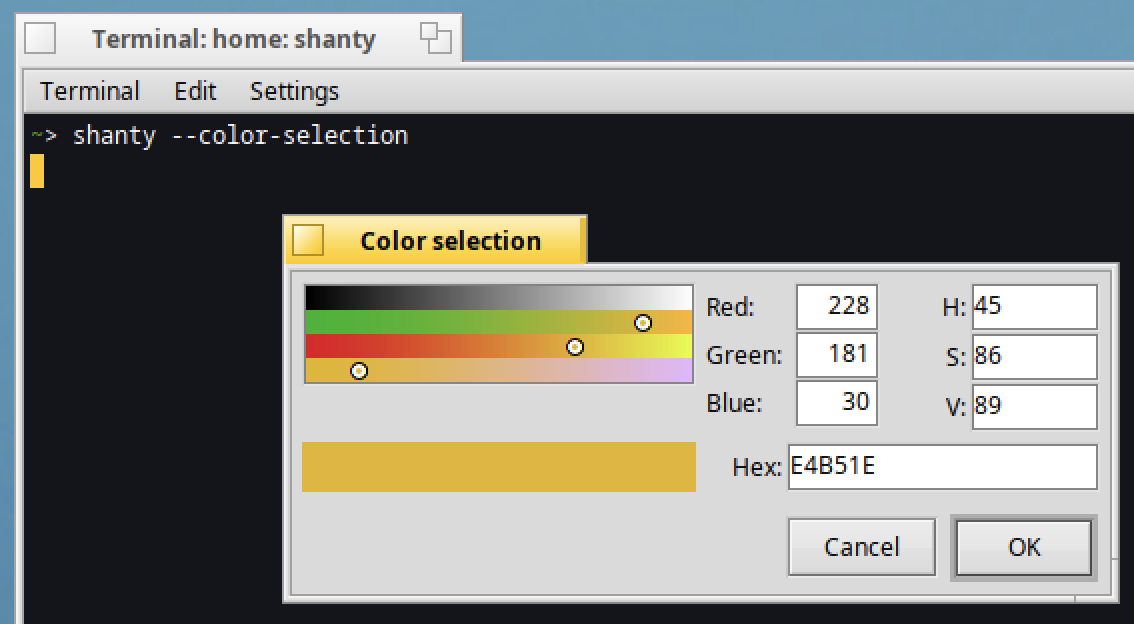
And the below color format will be available to be used:
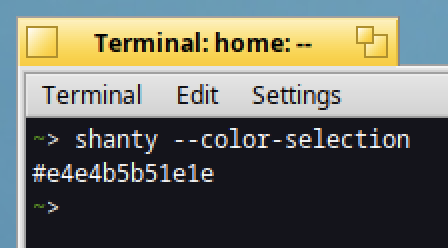
What about asking for a file ?
The "--file-selection" option is the way to go:
shanty --file-selection
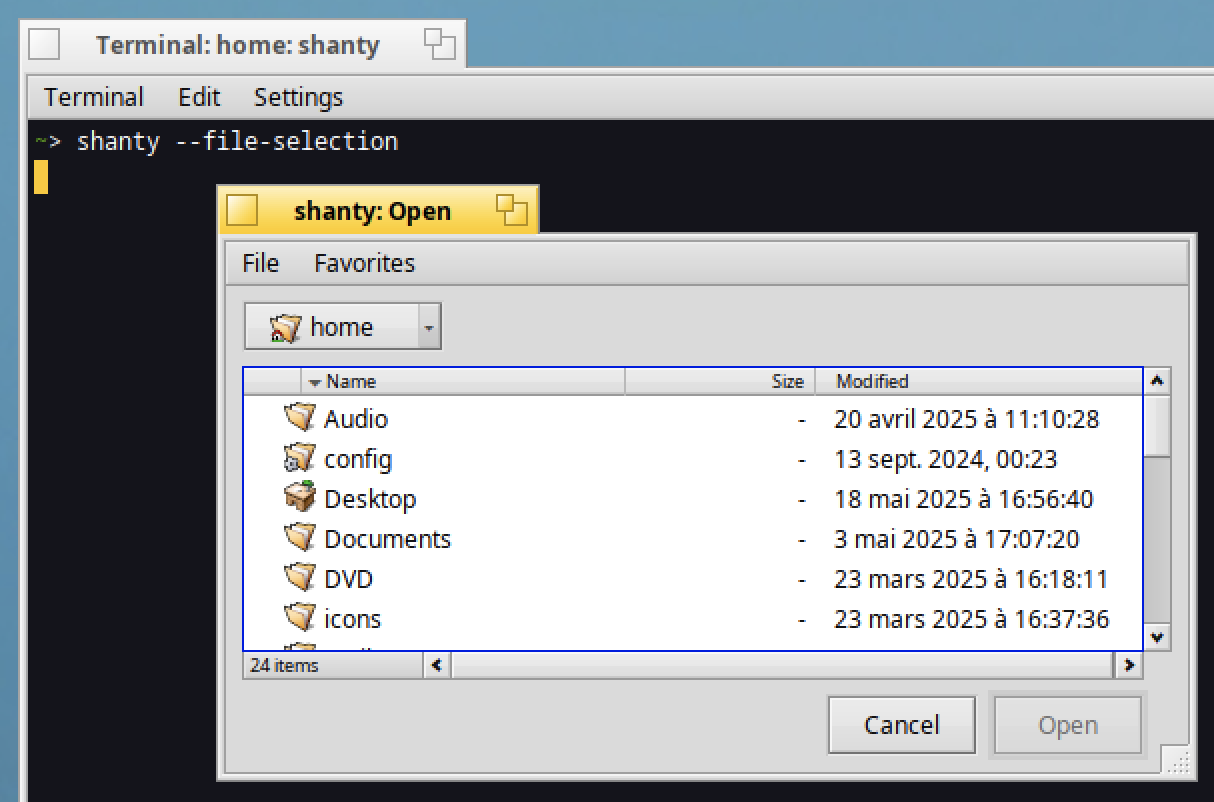
The filename will be retrieved with its full path:
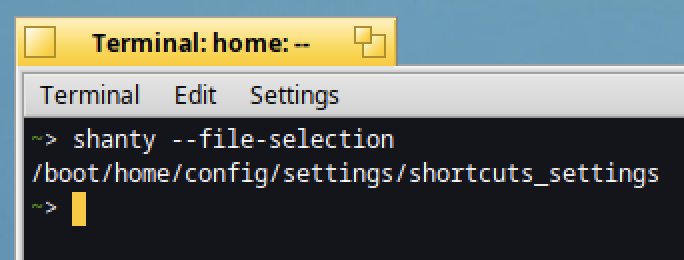
Please note in case of multiple files selection, the "--multiple" option must be used.
There's also a nice feature in Shanty to display a progress bar.
The below command must be used:
( echo "50"; sleep 1; echo "# updating logs"; sleep 1; echo "100"; sleep 1; echo "# updating system", sleep 1; ) | shanty --progress
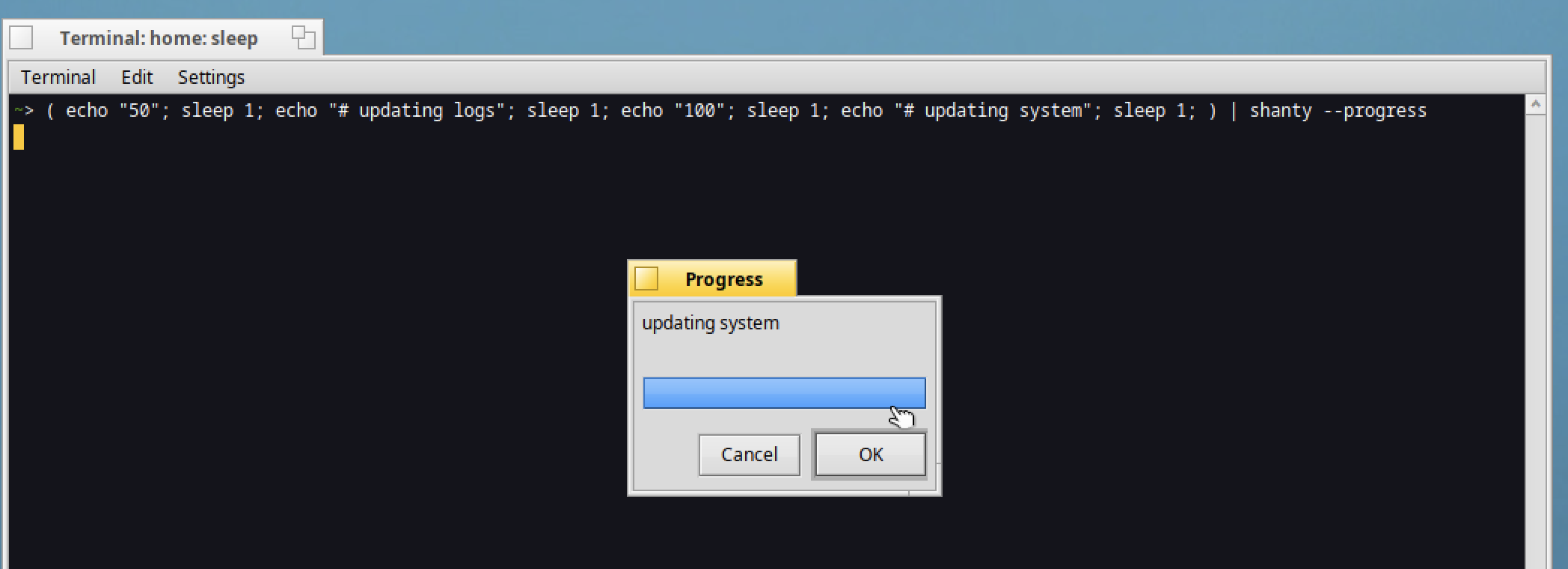
The formalism is as below:
- Echoing a number indicates the progress (value between 0 to 100)
- Echoing a comment start with # will display a message on top of the status bar
Last feature: the possibility to ask the user for a scale value.
For that you must use the "--scale" option:
shanty --scale --max-value=200
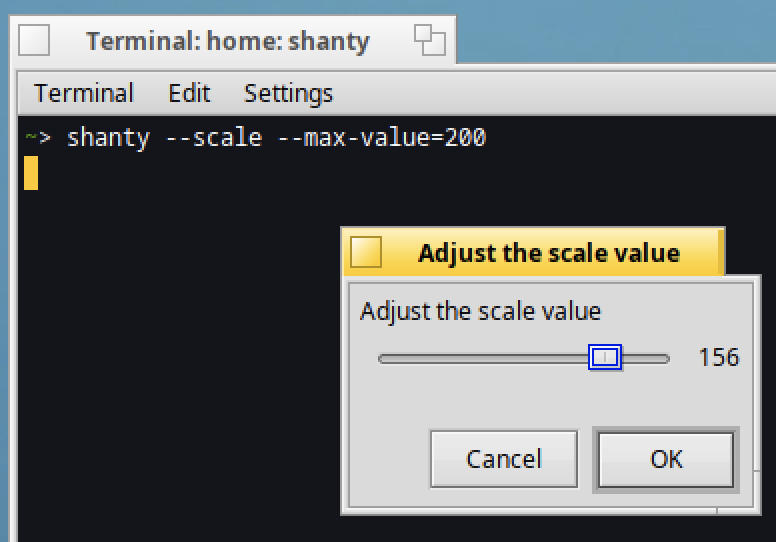
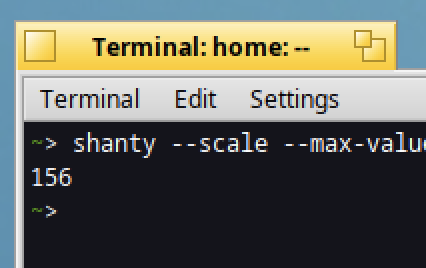
Once the user has confirmed the scale value by the "Ok" button, it will be available for your script as below:
Moving forward
In case you would like more information regarding Shanty, you can check the github page: https://github.com/peja/shanty
Please note this is a very old repo which has not been updated since many years, but why not giving it a try ?
In case you would like to enhance Shanty, a good source of inspiration is Zenity which is available on this gitlab page: https://gitlab.gnome.org/GNOME/zenity
You can also check for the Zenity documentation there: https://help.gnome.org/users/zenity/3.32/index.html.en