
Writing a device driver
 DigitalBox
- Dev
- July 14, 2025
In this article, I will give information on how to enhance an existing device driver for Haiku.
I own a Wacom Intuos4S tablet, and I've been able to enhance the current driver to make this model recognized:)
Starting point
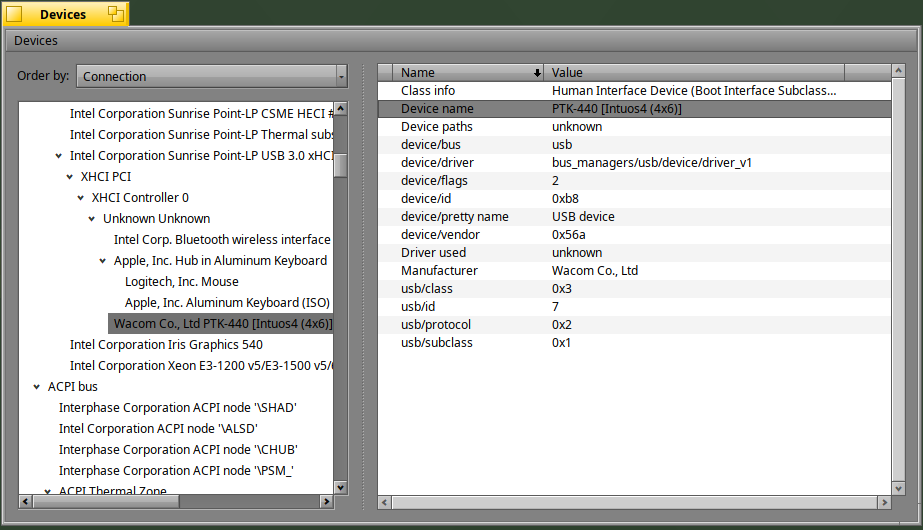
Before the driver was enhanced, the Wacom tablet was identified in the Devices application as per below:
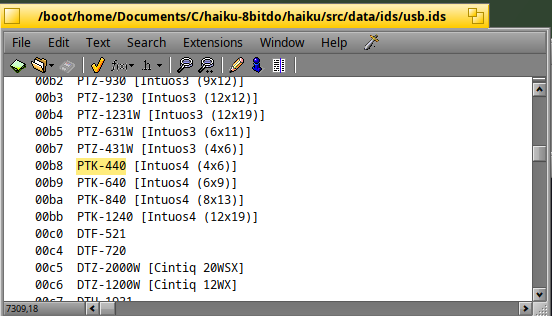
Indeed the ID of the tablet is present in the USB ids file:
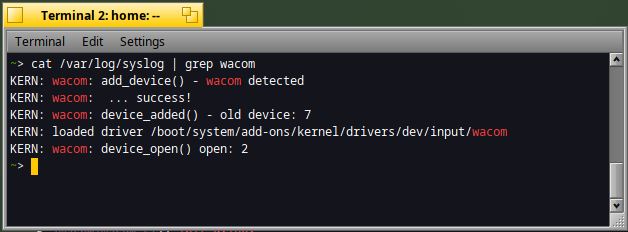
The good news: the Wacom tablet was already detected in the system logs:
cat /var/log/syslog | grep wacom
The bad news: the tablet was not handled by the driver.
Let's review the details.
Kernel driver
The low level part of the Wacom driver is the kernel part located in "add-ons/kernel/drivers/input/wacom".
The content is as per below:
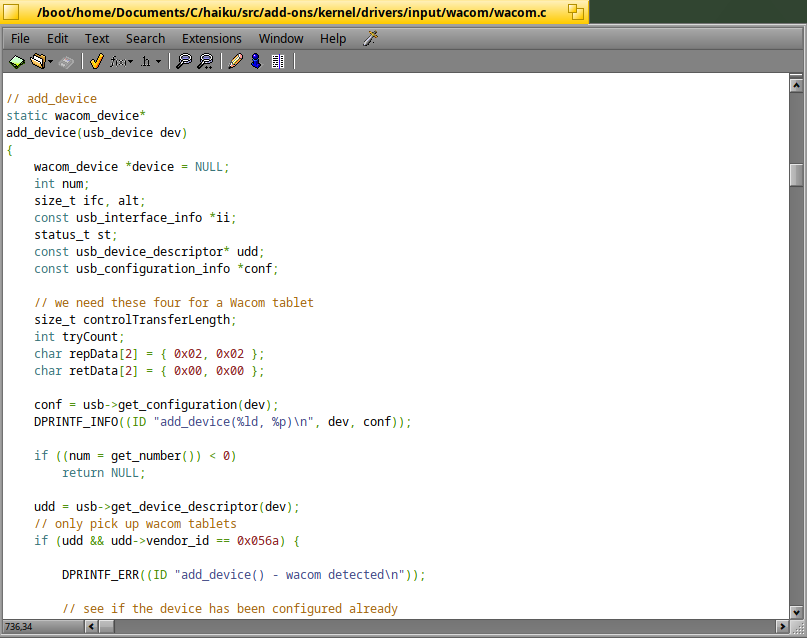
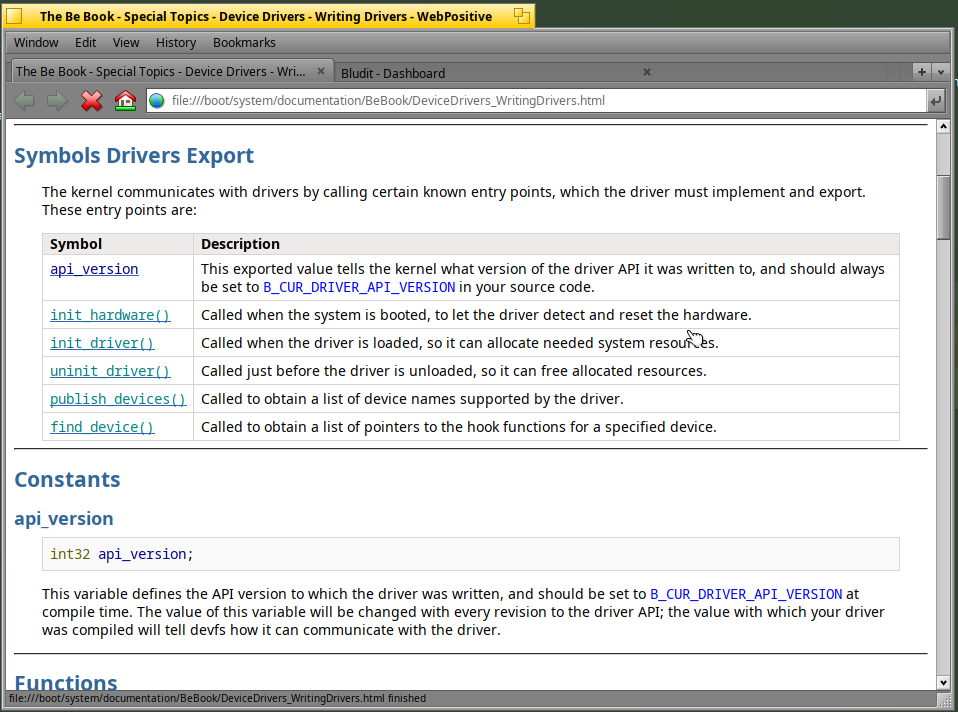
It's implementing the entry points described in the official documentation: https://www.haiku-os.org/legacy-docs/bebook/DeviceDrivers_WritingDrivers.html
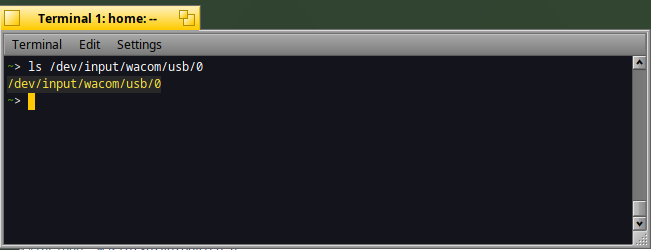
It makes the device available as per below:
ls /dev/input/wacom/usb/0
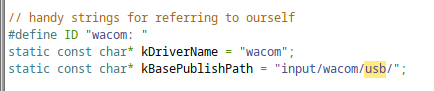
In the source code, this path is defined via the kBasePublishPath variable:
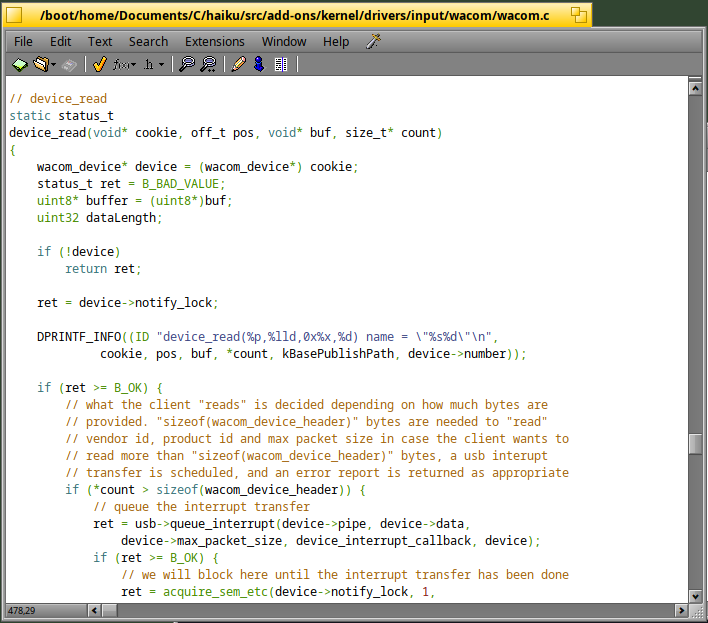
And the device_read() method is responsible to read the tablet's data:
The low level part of the driver is working fine and there's nothing to change here.
Userland driver
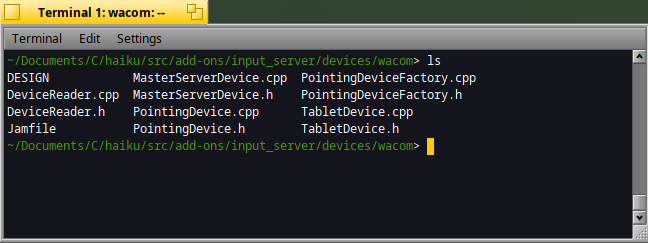
The high level part of the Wacom driver is the userland part located in "add-ons/input_server/devices/wacom".
The content of the folder is as per below:
A few months ago, I've noticed that an update regarding the Wacom CINTIQ model was published:
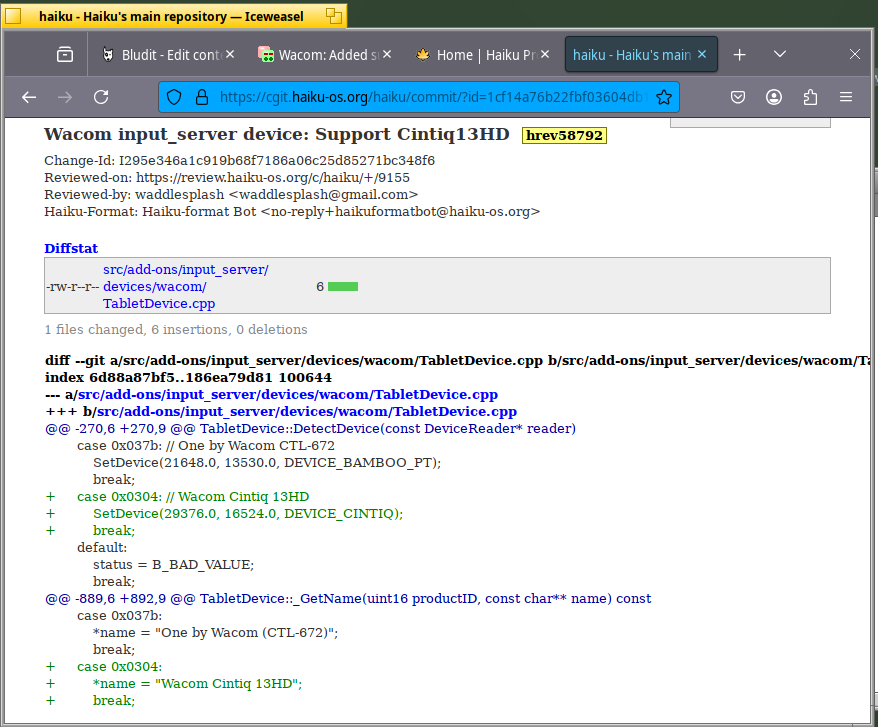
As you can see, the changes done were quite straightforward, so why not applying this for the Intuos4S?
Let's check what the product ID of the tablet is:
listusb
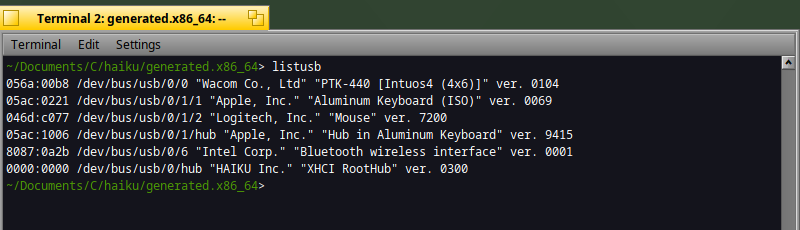
The value for the Intuos4S model is "00b8"
Let's check the source code now:
lpe TabletDevice.cpp
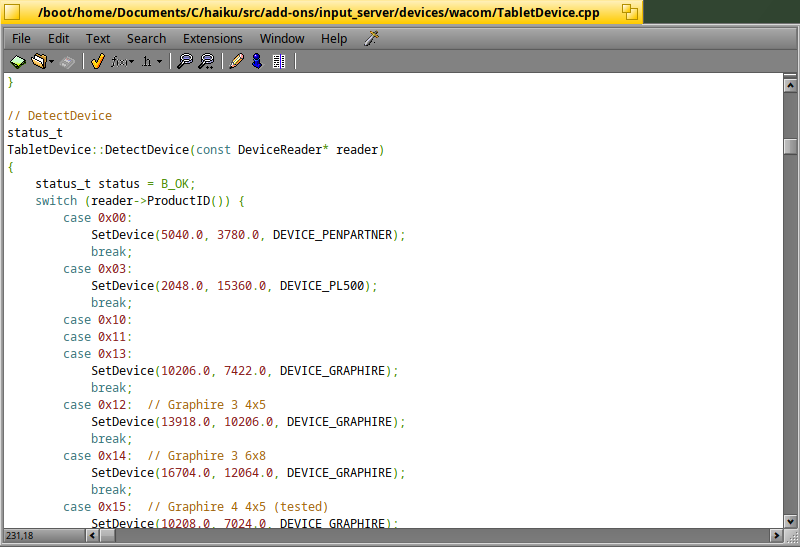
This code is used to detect the model of the Wacom tablet.
Let's add the various Intuos4 models as per below:
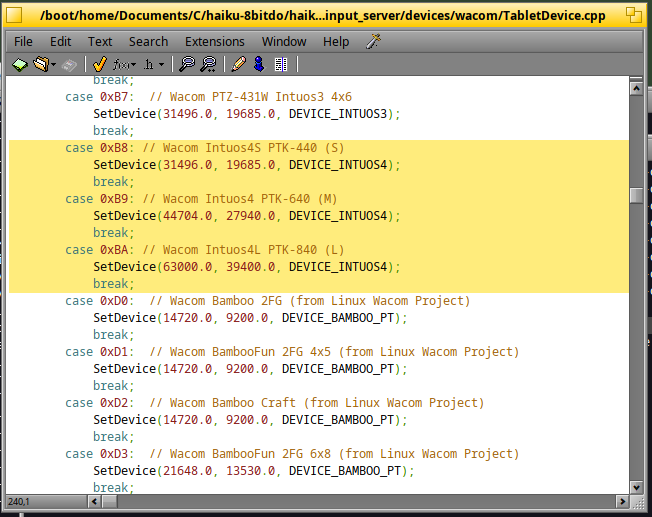
The device dimensions can be retrieved from the Linux wacom driver (available at https://github.com/linuxwacom/input-wacom/blob/master/4.18/wacom_wac.c):

Let's add the INTUOS4 device handling at the below levels:
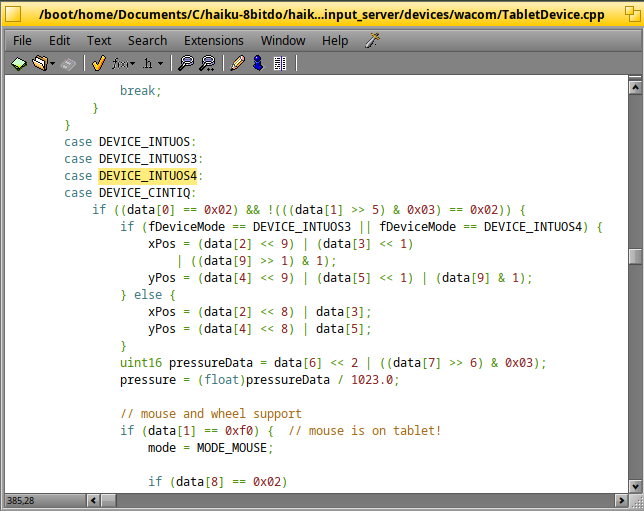
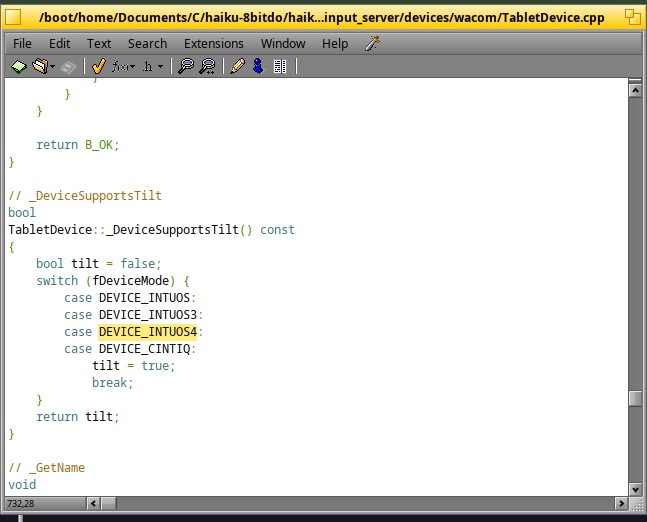
It's time to go to the next step:)
Testing the driver
Let's compile the driver : we only need to compile the input_server add-on part.
The jam file indicates "<input>wacom", so let's do the compilation:
jam -q "<input>wacom"
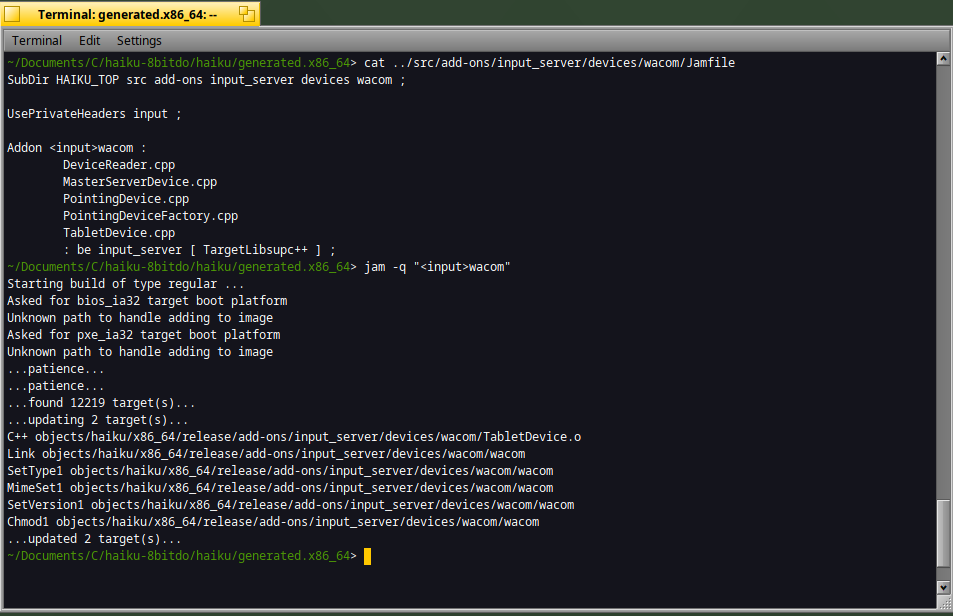
Let's check the driver has been built:
ls objects/haiku/x86_64/release/add-ons/input_server/devices/wacom

Copy the driver into the "non-packaged" system add-ons:
cp objects/haiku/x86_64/release/add-ons/input_server/devices/wacom/wacom /boot/system/non-packaged/add-ons/input_server/devices

Restart the system:
shutdown -r
Then I've opened the Krita application:
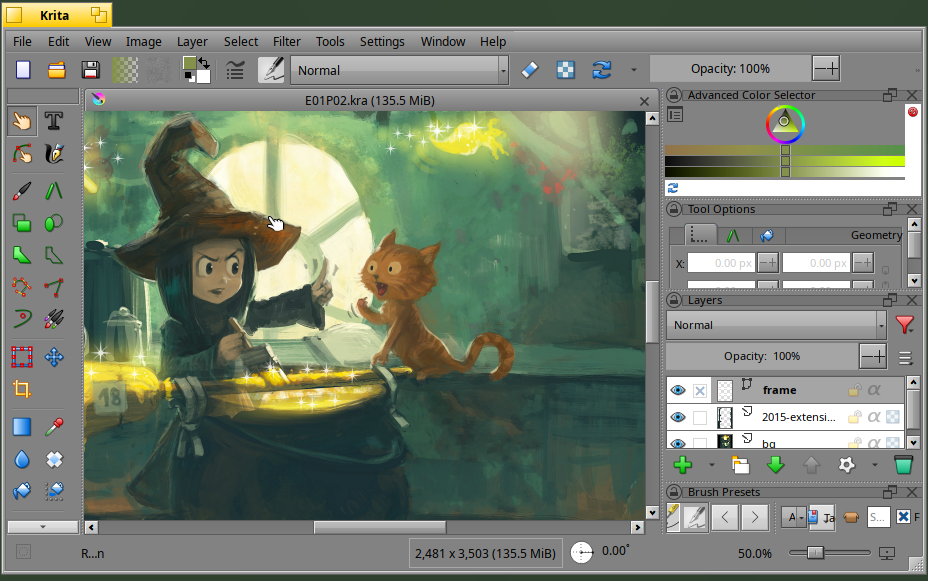
The tablet is now recognized!
Logging information
What about logging information about this enhanced version?
You can use for that the syslog() method:
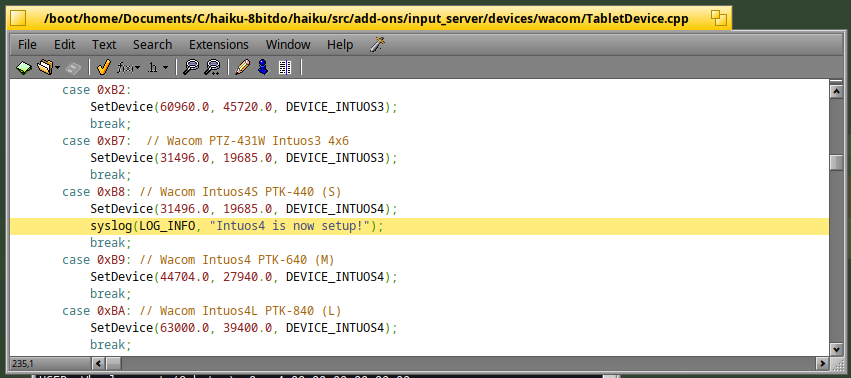
Compile again the driver:
jam -q "<input>wacom"
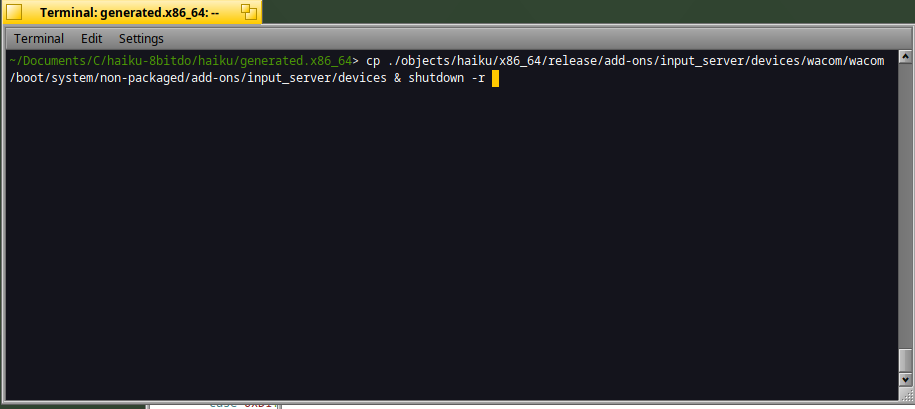
And copy the file + reboot your system:
cp objects/haiku/x86_64/release/add-ons/input_server/devices/wacom/wacom /boot/system/non-packaged/add-ons/input_server/devices & shutdown -r
When the system restart has been completed, check the syslog:
cat /var/log/syslog | grep Intuos
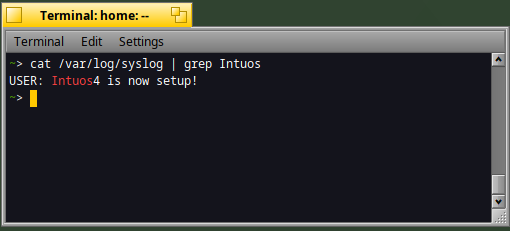
As you can see, we can log easily information about the new driver:)
Moving forward
What about handling additional parts like the wheel pad available on Intuos4 models?
Let's create LogDataReport() to help log the raw data generated by the tablet:
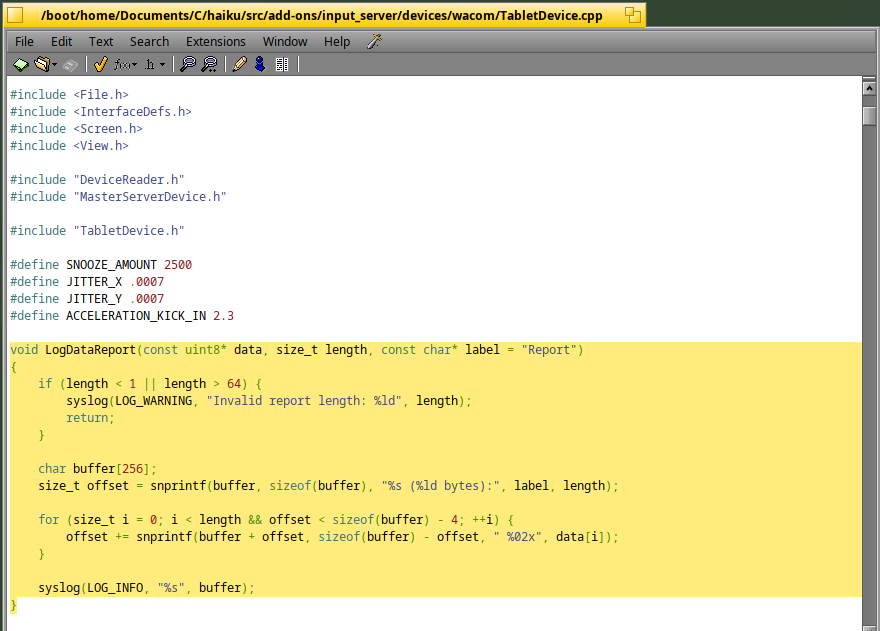
And let's log the data of the tablet:
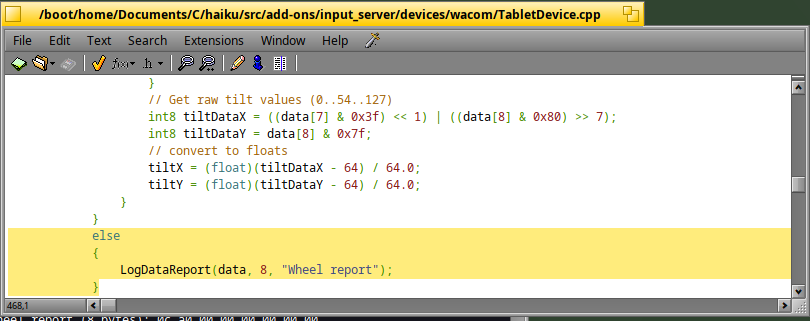
We need to rebuild the driver and restart the system as done previously.
Now display the content of the syslog:
tail -f /var/log/syslog
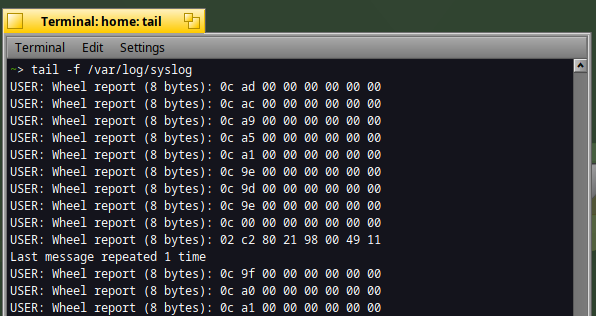
When manipulating the wheel pad, I noticed that the "0c" code is used.
Bingo!
The next step was to add the handling of the "0x0c" event.
I will not give the details regarding the corresponding source code changes, but you get the idea.
Once the driver was built and installed again, the below documentation in WebPositive is now scrolling up/down depending on how I manipulate the wheel pad on the Intuos4S:
I hope you have found this "simple" enhancement of a device driver for Haiku useful.
If you would like to provide any comment, you can put it below.